Turn on flashing LED notification for wireless coverage,259
Turn off or turn on the Bluetooth connection notification,324
Icons
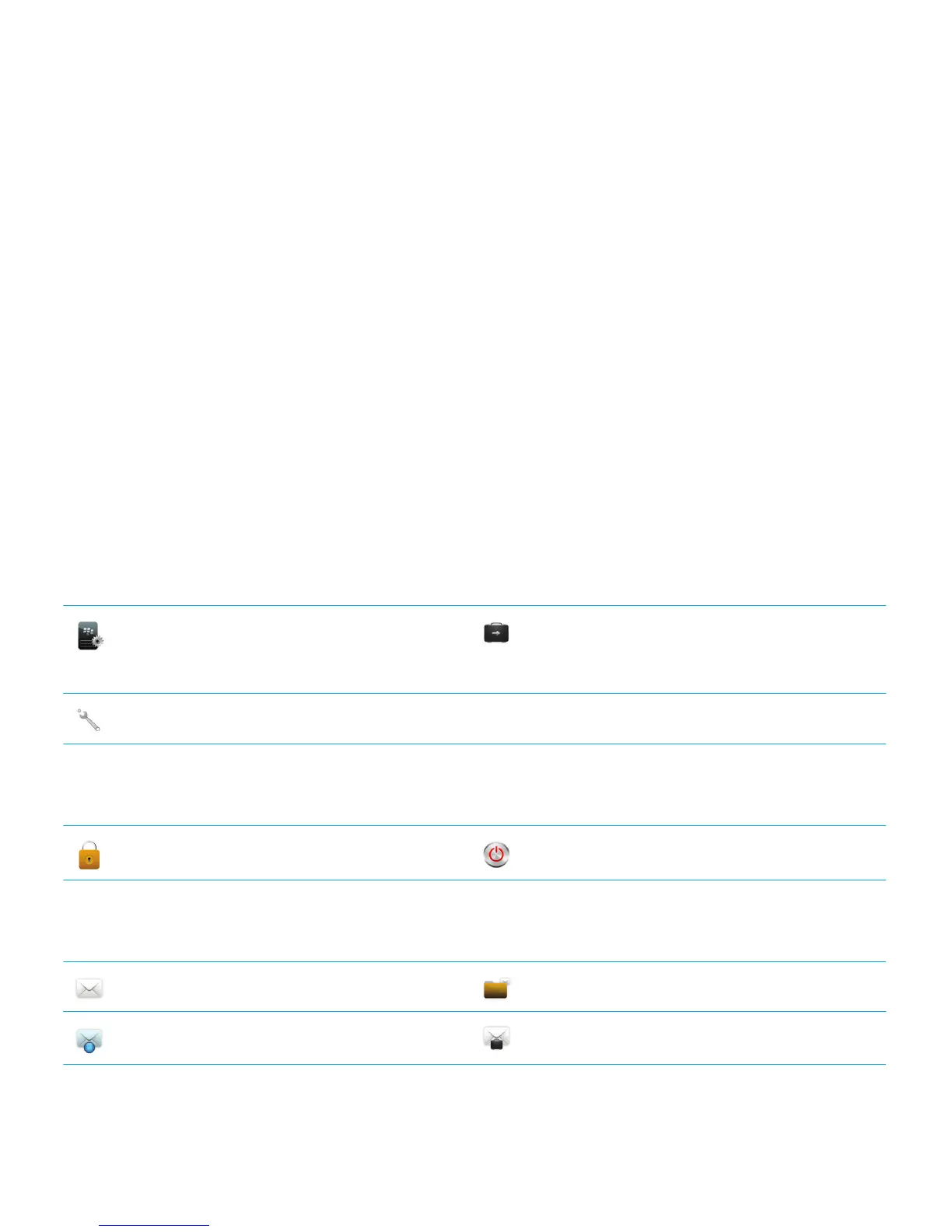
Application icons
You can access your applications by clicking the icons on the home screen and in folders on the home screen. The initial
view of the home screen displays icons for only some of the available applications. To view more application icons on the
home screen, click
All.
Depending on your BlackBerry smartphone model, administrator, and wireless service provider, some applications might
not be available. You might be able to download some applications from the BlackBerry World storefront (previously known
as BlackBerry App World).
To see a full icon guide, go to www.blackberry.com/docs/smartphones. Click your smartphone model, then click the Icon
Guide.
Setup
Setup Enterprise Activation
Activate a work email account using the
BlackBerry Enterprise Server.
Options
Power and lock
Password Lock Power Off
Messages
Messages Saved Messages
Added email address Added work email address
User Guide Quick Help
18



 To Next Page