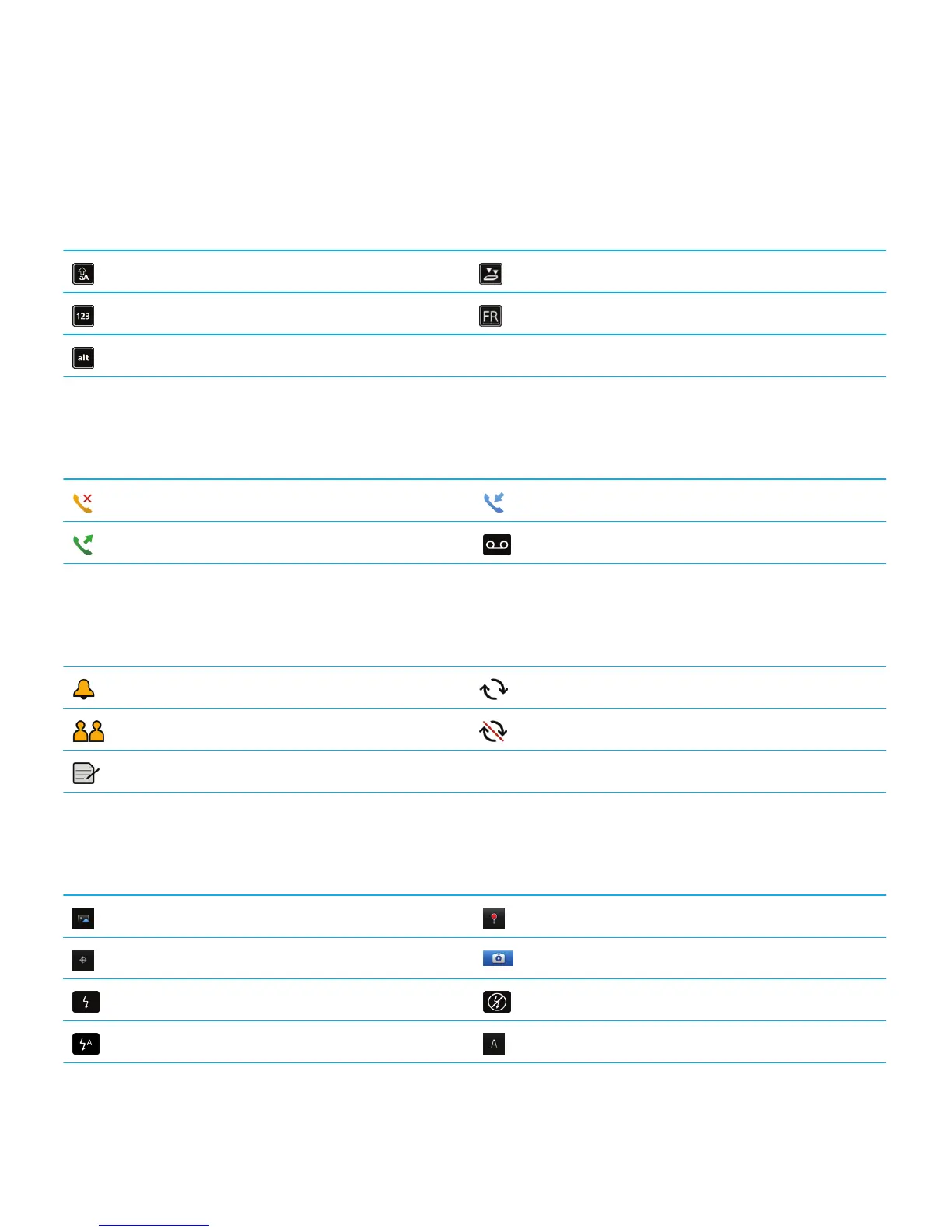
Typing icons
These icons appear in the upper-right corner of the screen when you type.
CAP lock (capital letter lock) Multi-tap mode
NUM lock (number lock) Current input language
Alt mode
Phone icons
These icons appear at the top of the home screen and in the Phone application.
Missed call Received call
Placed call Voice mail message
Calendar icons
These icons appear when you highlight a calendar entry.
Event reminder Recurring appointment
Meeting reminder Exception for recurring appointment
Notes
Camera icons
These icons appear at the bottom of the screen in the camera. You can click these icons.
View pictures Geotagging is turned on
Geotagging is turned off Take another picture
Flash is turned on Flash is turned off
Automatic flash mode Scene mode
User Guide Quick Help
23















 To Next Page