59
Electrical System
6.3 Ignition Switch Panel
Ignition switch panels are unique to each engine
manufacturer and the engine control options se-
lected. Your dealer will provide you with the proper
starting procedure for your boat at the time of
delivery. Additional information for the ignition
switch system installed in your boat is located in
the engine and control system operating manuals
included in your information packet.
The following is an overview of key activated igni-
tion switch panels commonly installed on Blackn
boats. Your boat may be dierent depending on
the options selected.
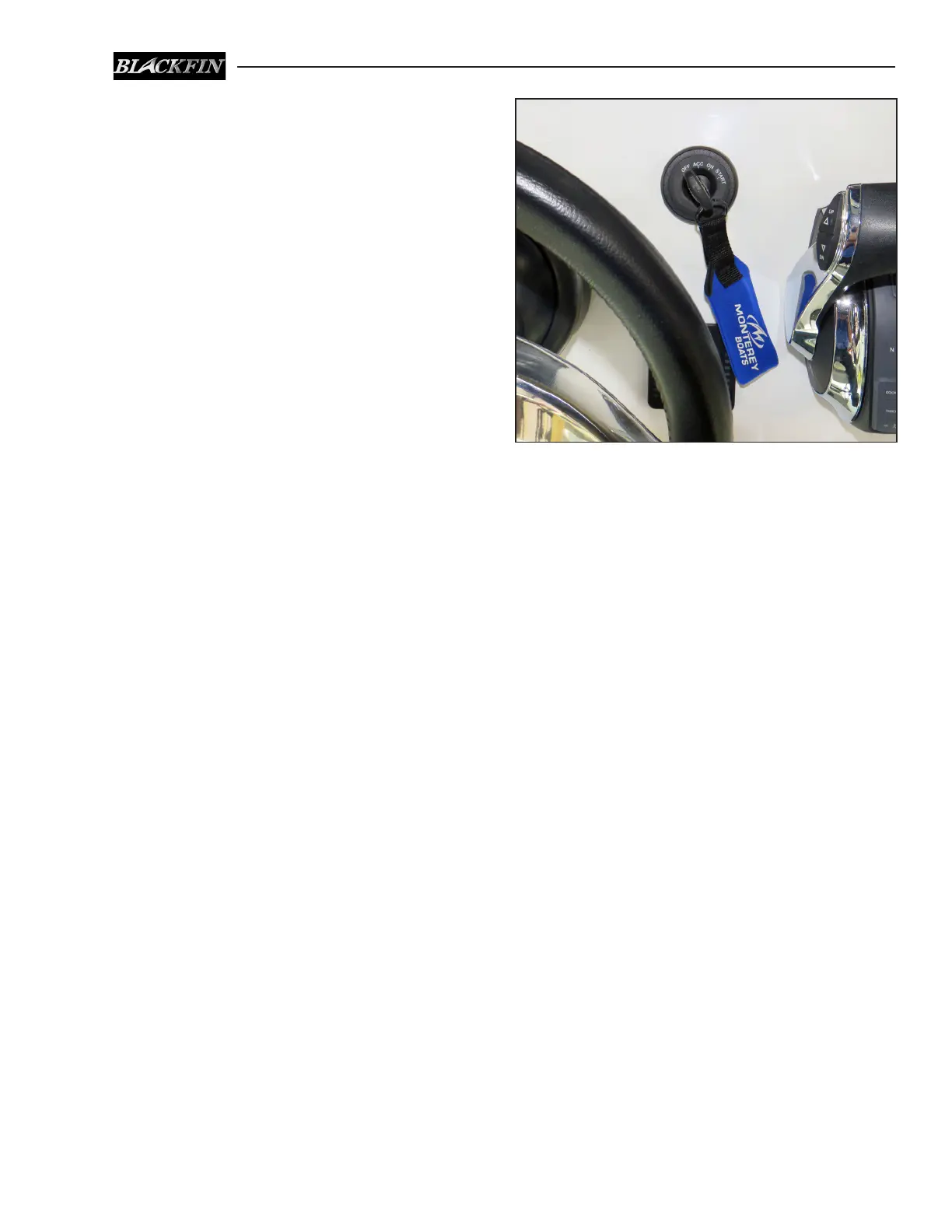
Standard Ignition Switch
The ignition switch is a key activated switch, usu-
ally located near the steering wheel which starts
and stops the engine. Most switches have OFF-ON
and momentary START positions. Some switches
also have an ACC position to activate selected
12 volt equipment without energizing the engine
ignition circuits.
To start the engine, make sure it is tilted down
and your hand is on the engine control handle in
the neutral position. Turn the ignition key to the
START position briey, then release the key. The
computer will automatically check all engine systems
and start the engine. Stop the engine by turning the
key switch to the OFF position.
The ignition circuit is protected by a circuit breaker
located in the battery switch panel and/or fuses
located on the engine.
Typical Mercury Key Switch


 To Next Page