Using ATEM Software Control
34
Setting the Switcher Video Standard
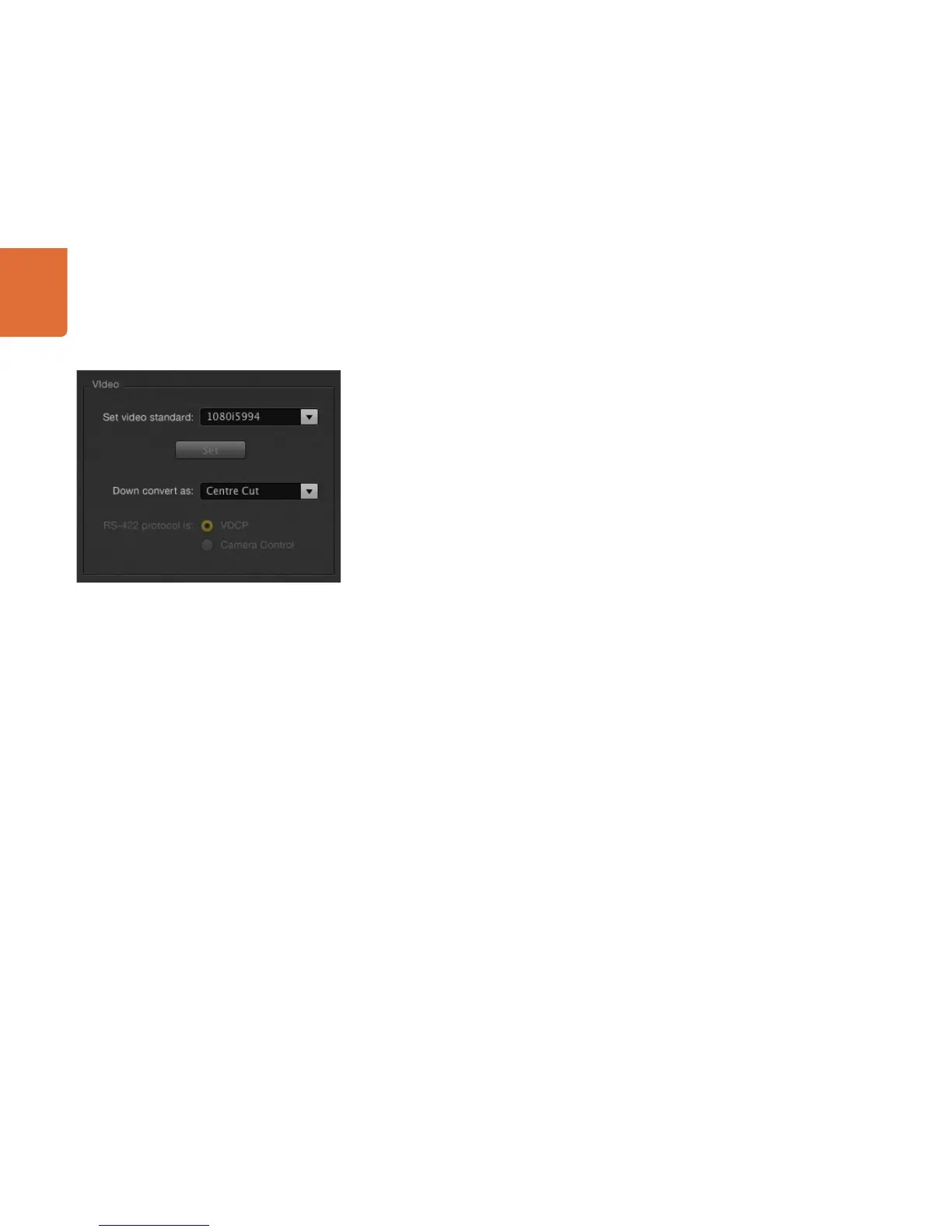
The video setting is used to select the operating video standard of the ATEM switcher, and this must
be set to the same video standard as the video sources you are plugging into the ATEM switcher. If they
don't match, the inputs won't appear correctly, and will most likely remain black. A good way to work out
the video standard you should use is to check your cameras, and then set the switcher video standard to
the same format.
ATEM currently supports the following video standards:
SD 525i/59.94 NTSC
SD 625i/50 PAL
HD 720p/50
HD 720p/59.94
HD 1080i/50
HD 1080i/59.94
To set the video standard, select the video standard from the menu, and then select the set button. Any time
the video standard is changed, it will erase any frames you have loaded into the media pool.
Set Video Standard



 To Next Page