Using ATEM Software Control
35
Setting the Down Converter Outputs
When running in high definition, permanently down-converted to standard definition outputs are available
on the ATEM 1 M/E and 2 M/E production switchers as SDI and composite video output connections. When
running the switcher in high definition, this output always outputs down converted standard definition for
connection to older devices. Down conversion is not available on the ATEM Television Studio model.
The list below shows the downconverter output format for each of the switcher's internally set video
standards:
720p/50 converts to 625i/50 PAL
720p/59.94 converts to 525i/59.94 NTSC
1080i/50 converts to 625i/50 PAL
1080i/59.94 converts to 525i/59.94 NTSC
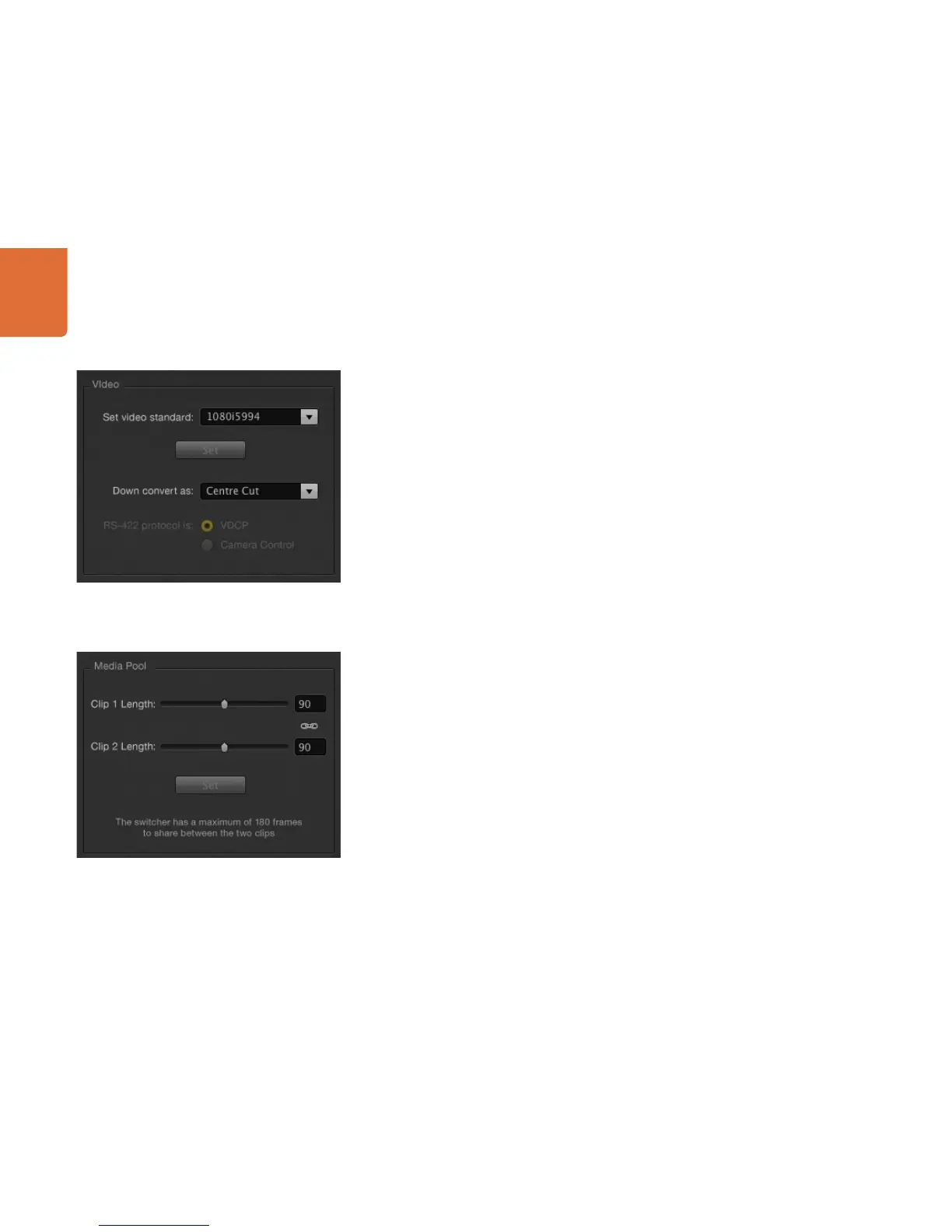
Down conversion can be selected to various scaling options, and these include center cut, letterbox
and anamorphic.
Centre Cut Crop left and right side making a 4:3 image.
Letterbox Scales the video down with black bars to top and bottom.
Anamorphic Horizontal scale (squeeze) to make 16:9 image fit 4:3. Requires an anamorphic or
16:9 monitor or television to correct the aspect ratio.
Setting the Serial Control Output
This option will allow camera control and server control from the ATEM 1 M/E and 2 M/E Production Switcher.
This is not currently supported in the current ATEM software and will be added in a future software update.
Adjusting the Media Pool Clip Length
On the ATEM 1 M/E and 2 M/E production switchers, the ATEM media pool has two clips that share the
same pool of memory. The maximum capacity for the number of frames for both clips is set by the amount
of physical memory in the switcher itself. If you need a clip to be longer than half the frames of memory
available, then you can adjust the balance of frames available for each clip here.
Lengthening one clip will steal frames from the other, and limit the other clip to shorter image sequences.
On the 1 M/E Production Switcher model when operated in 1080i video standards, there are 180 frames that
can be shared between the two clips. For 720p there are 360 frames that can be shared. When running in
standard definition there are 900 frames that can be shared.
Setting the Down Converter Style
Setting the Media Pool Clip Length



 To Next Page