EasyManua.ls Logo

Blanco CHOICE.All - User Manual

Blanco CHOICE.All
132 pages
Go to English
Print Icon
To Next Page IconTo Next Page
Loading...
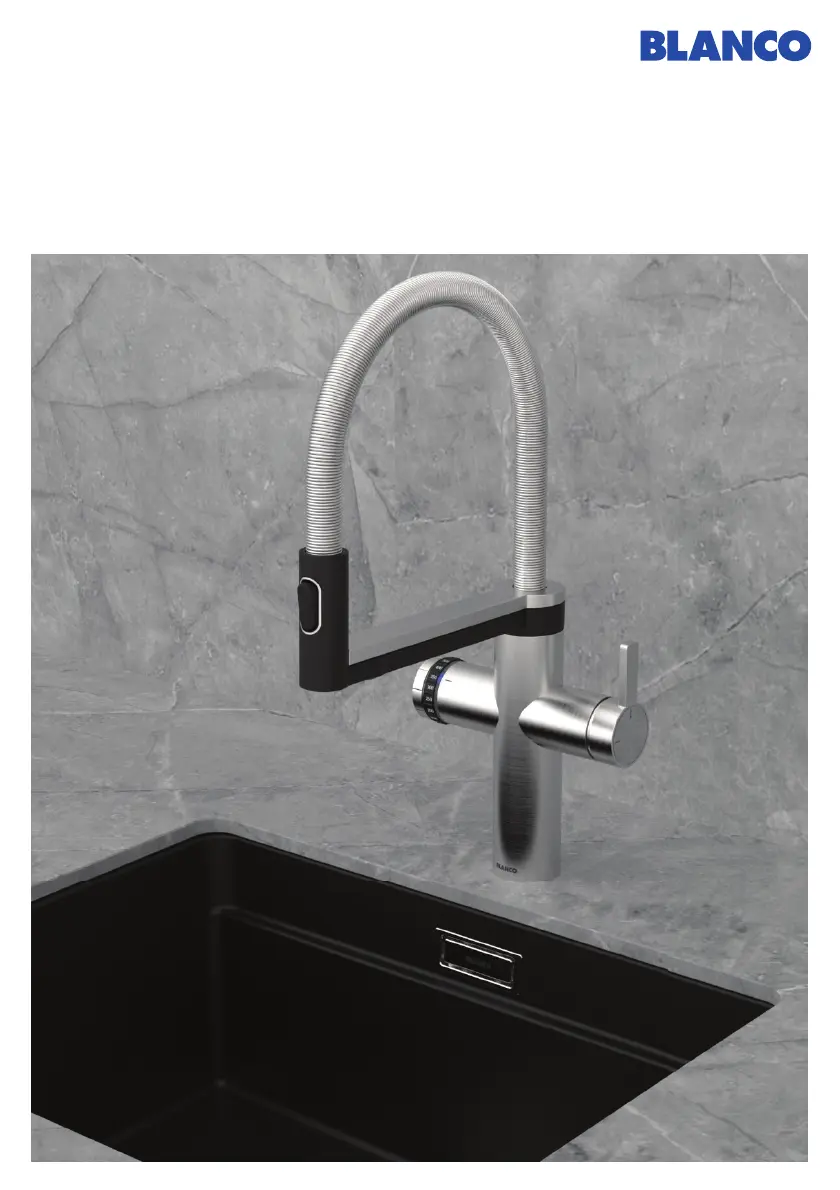
BLANCO CHOICE Icona -
BLANCO CHOICE.All
Bedienungsanleitung
User manual • Mode d’emploi • Manuale di istruzioni
blanco.com

Table of Contents

Other manuals for Blanco CHOICE.All

Questions and Answers

  • H
    Heather NguyenSep 1, 2025
    What to do if Blanco Plumbing Product shows Error 12 - no water in the boiler?
    • A
      Ann MoralesSep 1, 2025
      If you see Error 12, which indicates no water in the boiler, press 'OK' on the display to confirm the malfunction. Then, disconnect the power supply, wait 5 minutes, and reconnect it.
  • C
    Crystal MckinneySep 2, 2025
    What to do if Blanco CHOICE.All Plumbing Product shows Error 11 - system error (boiler control)?
    • L
      Lauren JacksonSep 2, 2025
      If Error 11 appears, which indicates a system error with the boiler control, disconnect the power supply, wait 5 minutes, and then reconnect it. If the problem persists, contact BLANCO Customer Service.
  • E
    Emily EverettSep 3, 2025
    What to do if Blanco Plumbing Product shows Error 13 - boiler heating time?
    • A
      Alexis ThomasSep 3, 2025
      If Error 13 appears, indicating a boiler heating time issue, press 'OK' on the display to confirm the malfunction. Disconnect the power supply, wait 5 minutes, and then reconnect it. If the problem continues, contact BLANCO Customer Service.
  • B
    Benjamin HortonSep 3, 2025
    What to do if Blanco CHOICE.All shows Error 17 - cooling inadequate?
    • J
      Janice WallaceSep 4, 2025
      If you encounter Error 17, indicating inadequate cooling, press 'OK' on the display to confirm the malfunction. Disconnect the power supply, wait 5 minutes, and reconnect it. If the issue persists, contact BLANCO Customer Service.
  • A
    Alicia JimenezSep 4, 2025
    What to do if Blanco CHOICE.All shows Error 7 - fan sensor?
    • M
      mcoxSep 5, 2025
      If Error 7 appears, indicating a fan sensor issue, press 'OK' on the display to confirm the malfunction. Disconnect the power supply, wait 5 minutes, and then reconnect it. If the problem continues, contact BLANCO Customer Service.
  • D
    dylan75Sep 5, 2025
    What to do if Blanco Plumbing Product shows Error 8 - cooling sensor?
    • J
      John GomezSep 5, 2025
      If Error 8 appears, indicating a cooling sensor problem, press 'OK' on the display to confirm the malfunction. Disconnect the power supply, wait 5 minutes, and then reconnect it. If the problem persists, contact BLANCO Customer Service.
  • C
    Christina GarciaSep 6, 2025
    What should I do if my Blanco CHOICE.All Plumbing Product displays Error 14 - boiler sensor 1?
    • J
      John WangSep 6, 2025
      If Error 14 appears, press 'OK' on the display to confirm the malfunction. Disconnect the power supply, wait 5 minutes, and then reconnect it. If the problem continues, contact BLANCO Customer Service.

Summary

Safety Guidelines and Precautions

CO₂ Cylinder Safety

Specific safety warnings and instructions related to handling CO₂ cylinders.

Water Conditioning Unit Details

System Operation and Dispensing

Dispensing Processed Water

Detailed instructions for dispensing cold, medium, sparkling, and hot water.

System Settings and Maintenance

Changing CO₂ Cylinders

Procedure for replacing the CO₂ cylinder, including notifications.

Cleaning and Filter Change

Steps for cleaning the system and replacing the filter, including necessary accessories.

Calibration and Technical Data

Troubleshooting and Error Resolution

System Error Messages

Explains common error indicators and their initial troubleshooting steps.

Blanco CHOICE.All Specifications

General IconGeneral
BrandBlanco
ModelCHOICE.All
CategoryPlumbing Product
LanguageEnglish

Related product manuals