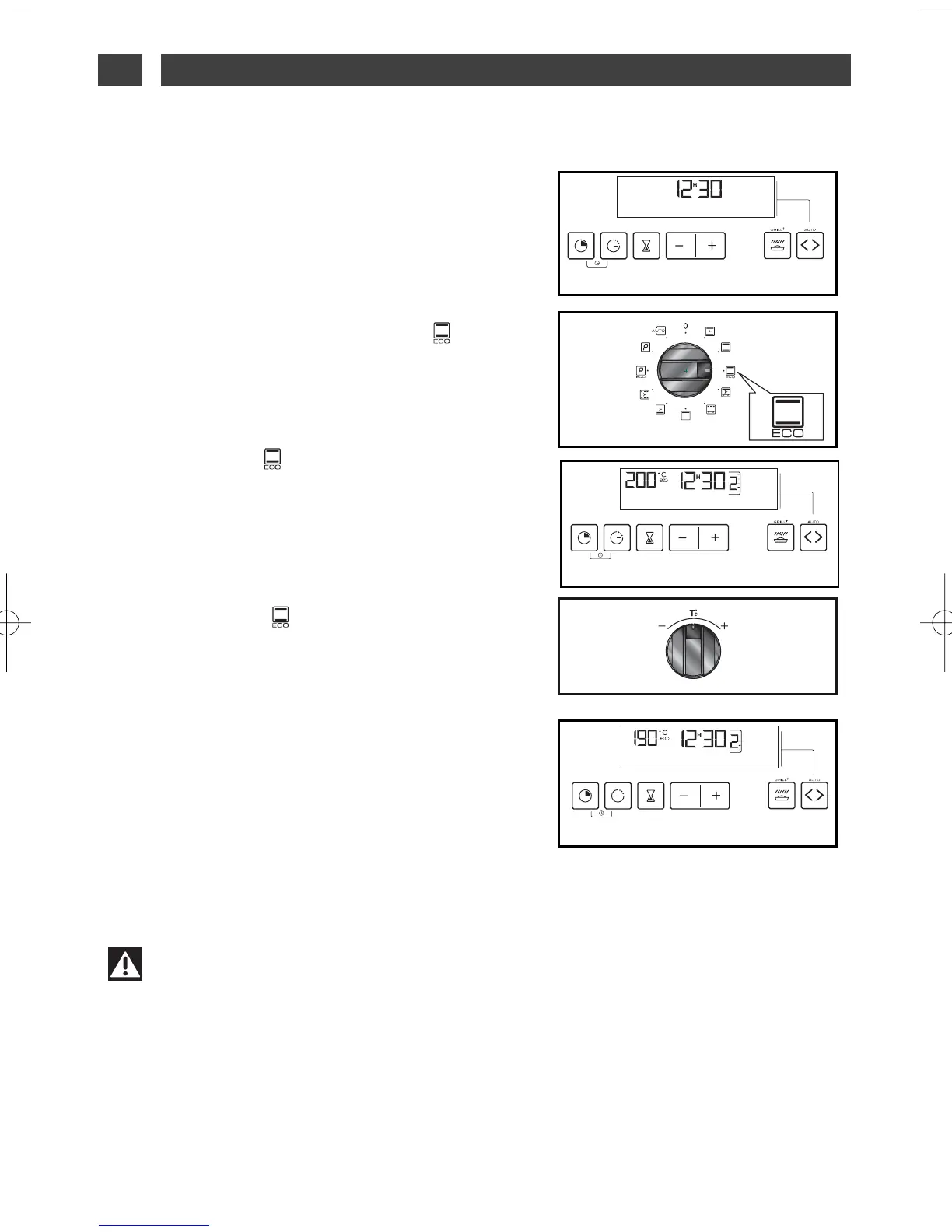
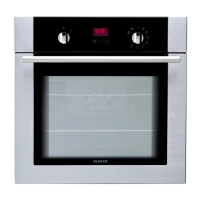
ECONOMIC * COOKING
••
— The analog programmer should display only
the time (fig.
1).
— Rotate the function selector to the “ ”
POSITION. L’The “ECO” indicator comes on on
the display (fig.
2).
— Place your plate in the oven as recommend-
ed on the display.
Example: position “ ”-> shelf 1 or 2 recom-
mended (fig.
3).
— Your oven recommends the optimal temper-
ature for the chosen cooking mode at 200°C.
But you can adjust it by moving the tempera-
ture selector to + or -(fig.
4).
Example: position “ ” adjusted to 190°C
(fig.
5).
The temperature indicator flashes. Three
beeps will indicate to you that the set tem-
perature has been reached.
*This position makes it possible to save
up to 20% energy while still offering iden-
tical cooking results.
The ECO position is used for energy
labelling.
Warning
After a cooking cycle, the cooling fan continues to operate for a period of time to guar-
antee good oven reliability.
fig.2
fig.5
fig.1
fig.4
fig.3
4 / USING YOUR APPLIANCEEN
16



 To Next Page