Step1: Plug the IoT cable into EP760 LINK PORT 1.
Step2: Turn on EP760, and the IoT controller starts up automatically.
Step3: Configure the controller in BLUETTI App.
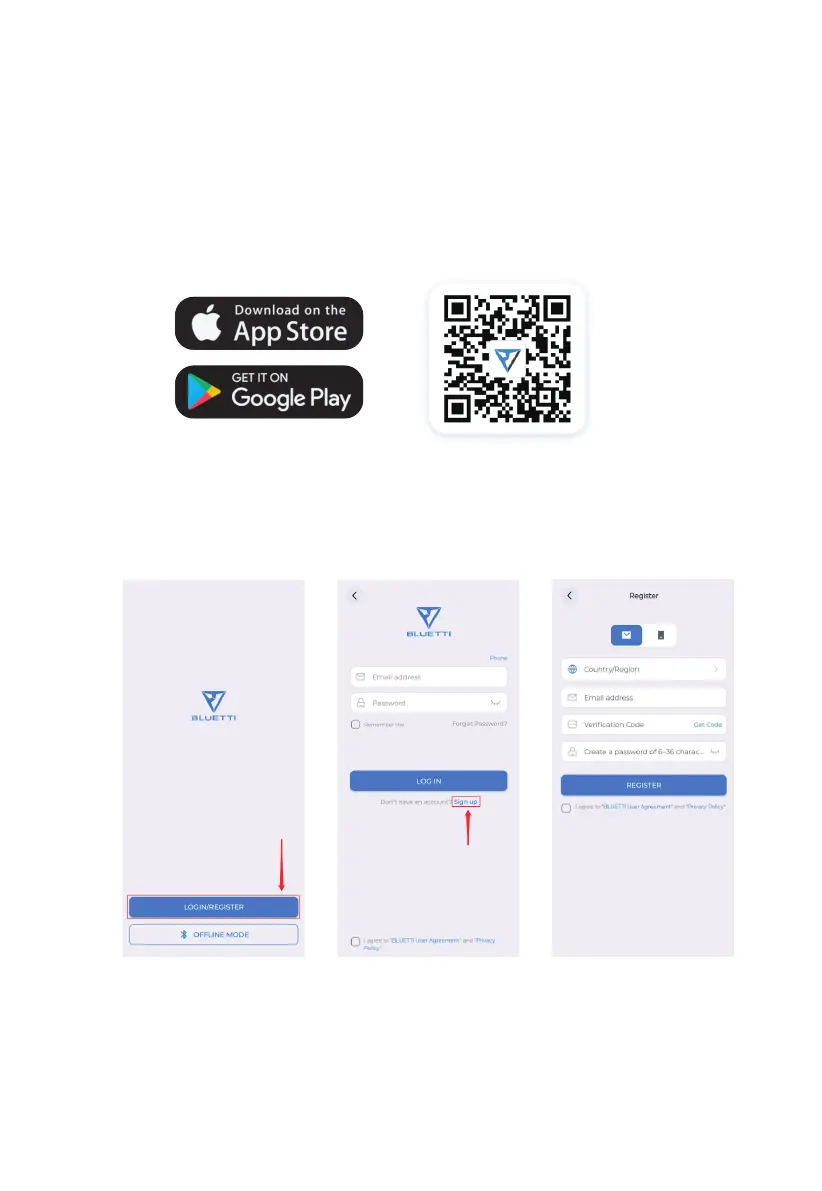
• Scan the QR code below to download the BLUETTI App, or search for “BLUETTI” in
the App Store/Google Play.
• The BLUETTI App connects to EP760 ESS via Bluetooth or WiFi. Tap “LOGIN/REGIS-
TER” and “Sign up” to register your BLUETTI account. Fill in the necessary informa-
tion to continue.
JUST POWER ON34



 To Next Page