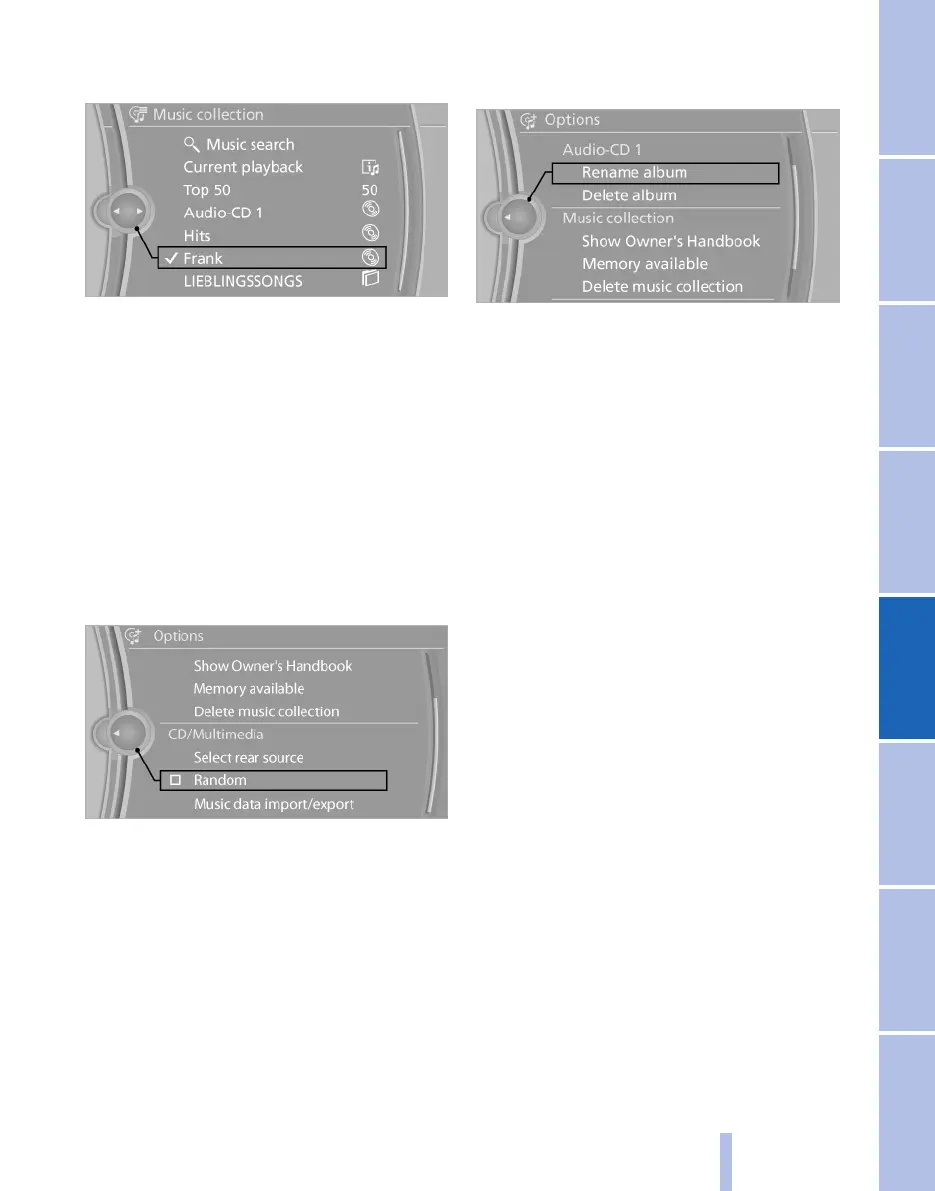
first track will be played automatically if pos‐
sible.
4. Change directories if necessary to select a
track.
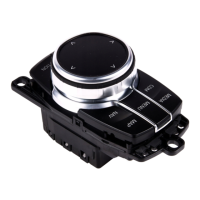
To change to a higher-level directory: tilt the
controller to the left.
Random playback
All the tracks in the selection are played in ran‐
dom order.
1.
"CD/Multimedia"
2. "Music collection"
3. Call up "Options".
4. "Random"
Managing music
Albums
Renaming album*
If applicable, the name of the album is entered
automatically during saving. If the name is un‐
known it can also be changed.
1.
"CD/Multimedia"
2. "Music collection"
3. Highlight the desired album.
4. Call up "Options".
5. "Rename album"
6. Select the letters individually.
Deleting album
It may not be possible to delete an album while
a track from that album is being played.
1.
"CD/Multimedia"
2. "Music collection"
3. Highlight the desired album.
4. Call up "Options".
5. "Delete album"
Deleting directory and track
It may not be possible to delete a track while it
is being played,
or to delete a directory while a track from that
directory is being played.
1.
"CD/Multimedia"
2. "Music collection"
3. Highlight the directory or track.
4. Call up "Options".
5. "Delete folder" or "Delete track"
Album information*
If no information was saved for audio CDs during
saving, it can be updated later via BMW Online
as required.
The update takes place for each individual al‐
bum.
Seite 175
175
Online Edition for Part no. 01 40 2 607 643 - 07 11 490
Reference Mobility Communication Entertainment Navigation Driving hints Controls Overview



 To Next Page