2. "DVD menu"
The DVD menu is displayed. The display de‐
pends on the contents of the DVD.
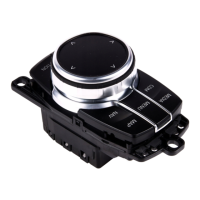
3. To select menu items: tilt and press the con‐
troller.
To change to the Video menu: turn and press the
controller.
Settings for DVD/VCD
For some DVDs, settings are only possible via
the DVD menu, see also information on your
DVD.
Selecting language*
The languages available depend on the DVD.
1.
Turn the controller while the DVD is playing.
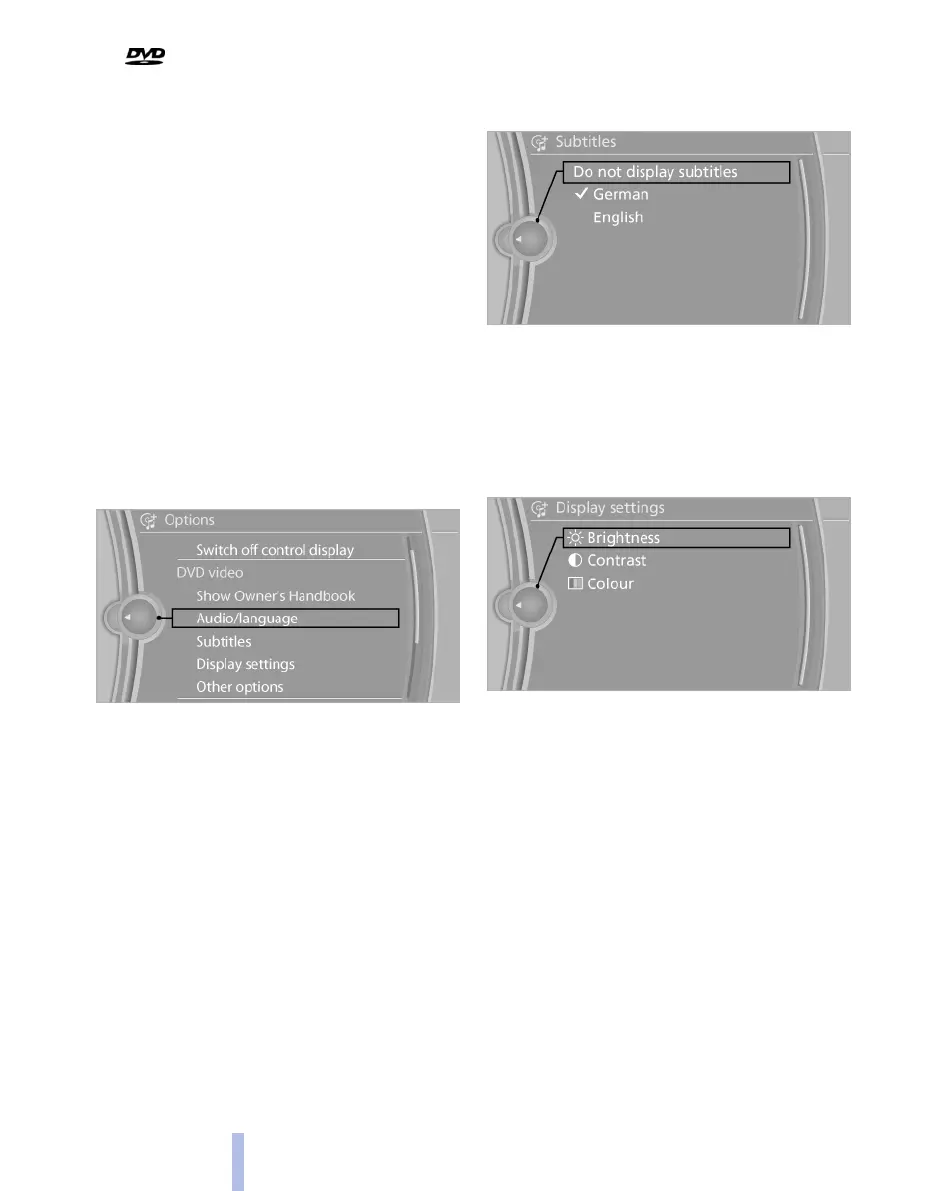
2. Call up "Options".
3. "Audio/language"
4. Select the desired language.
Selecting subtitles*
The available subtitles depend on the DVD.
1.
Turn the controller while the DVD is playing.
2. Call up "Options".
3. "Subtitles"
4. Select the desired language or "Do not
display subtitles".
Setting the brightness, contrast, colour
1.
Turn the controller while the DVD is playing.
2. Call up "Options".
3. "Display settings"
4. "Brightness", "Contrast" or "Colour"
5. Turn the controller until the desired setting
is reached and press the controller.
Selecting zoom
Display video picture over full screen.
1.
Turn the controller while the DVD is playing.
2. Call up "Options".
Seite 168
168
Online Edition for Part no. 01 40 2 607 643 - 07 11 490
CD/multimedia



 To Next Page