CD/multimedia
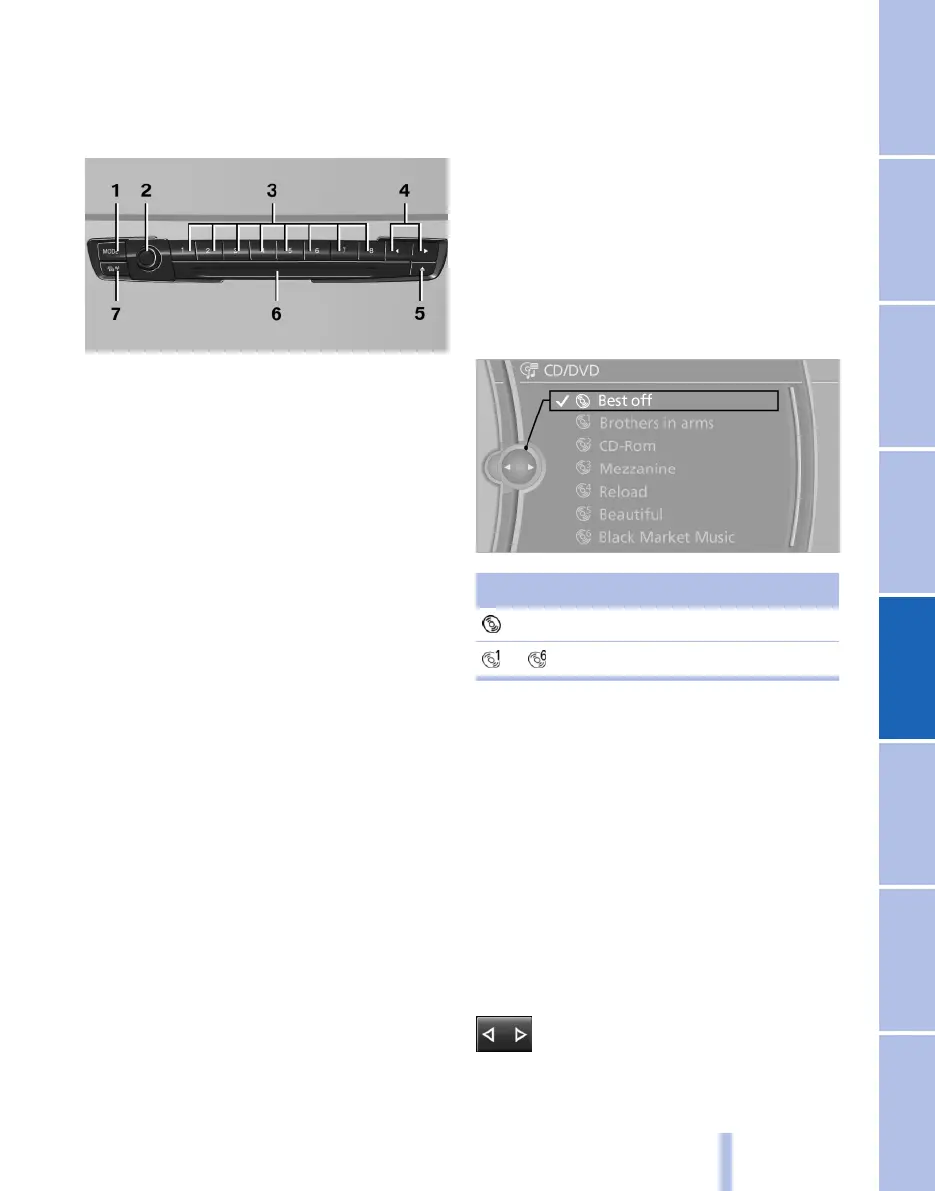
Controls
1 Switching entertainment sources
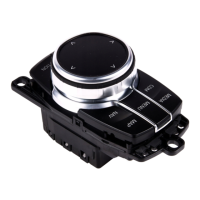
2 On/off, volume
3 With navigation system: favourite buttons*
Without navigation system: radio station
buttons
4 Changing station/track
5 Ejecting CD/DVD
6 CD/DVD* player
7 Traffic reports on/off
Sound output
Switching on/off
Press the on/off button on the radio when the
ignition is switched off.
Muting
Press the on/off button on the radio with the ig‐
nition switched on or engine running.
CD/ DVD*
Playback
Inserting a CD/ DVD*
Insert the CD/DVD with the label side upper‐
most.
The disk begins to play automatically.
It may take a few minutes to read compressed
audio files.
Starting play
A CD/DVD is in the CD/DVD player or the DVD
changer*.
1. "CD/Multimedia"
2. "CD/DVD"
3. Select the desired CD or DVD.
Symbol Meaning
CD/DVD* player
... DVD changer*
Formats that can be played
▷ DVD: DVD-ROM, DVD-R, DVD+R, DVD-
RW, DVD+RW, DVD-R DL, DVD+R DL,
DVD-Audio (only video system), DVD-
Video*.
▷ CD: CD-ROM, CD-R, CD-RW, CD-DA,
VCD*, SVCD*.
▷ Compressed audio files: MP3, WMA, AAC*,
M4A*.
Playing audio tracks
Selecting a track using button
Press button repeatedly until the de‐
sired track is played.
Seite 165
165
Online Edition for Part no. 01 40 2 607 643 - 07 11 490
Reference Mobility Communication Entertainment Navigation Driving hints Controls Overview



 To Next Page