5. Call up "Options".
6. "Configure device"
7. "Audio"
8. "OK"
Connecting a device
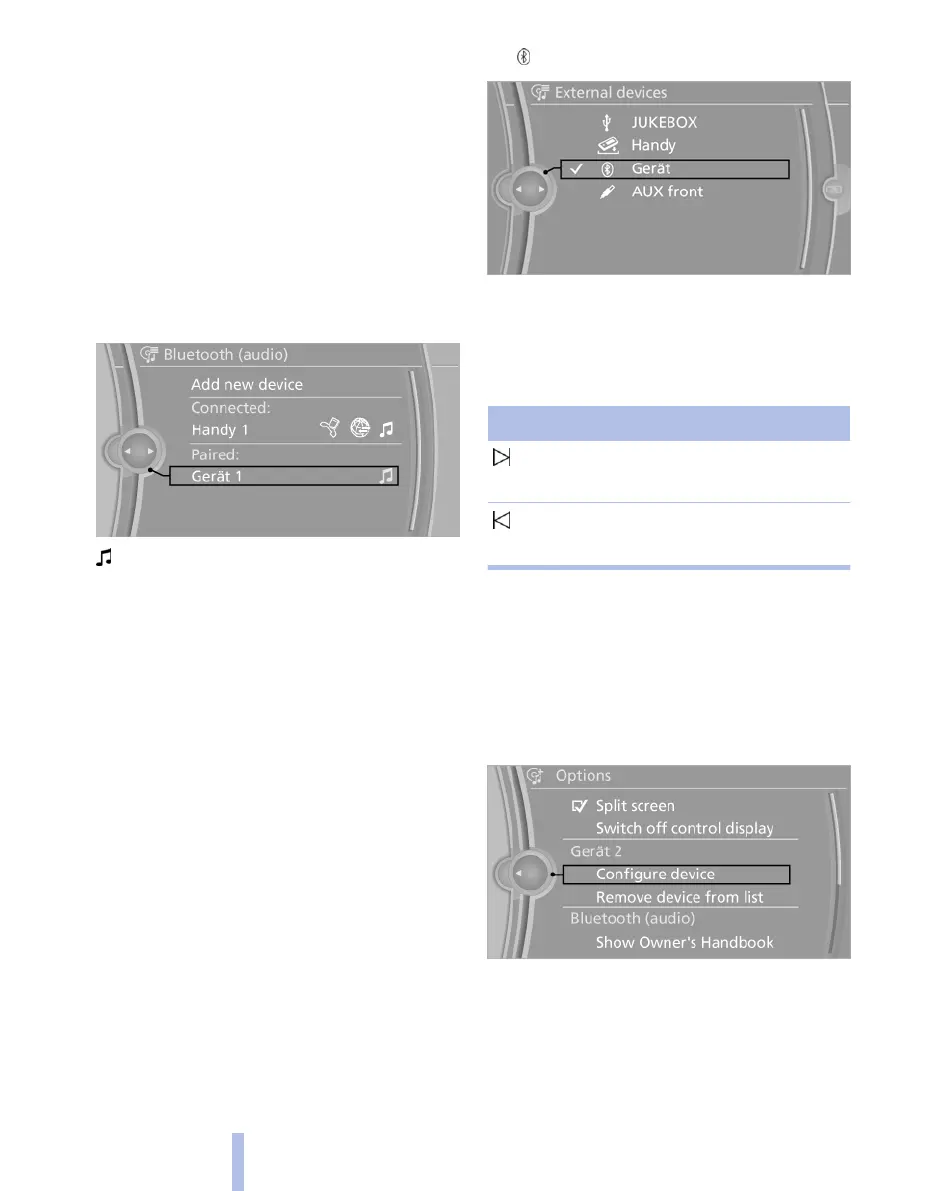
1. "CD/Multimedia"
2. "Bluetooth (audio)"
3. If applicable, "Bluetooth audio"
4. Select desired device from list of registered
devices.
White symbol: device active as audio source.
Playback
General
▷ Displaying title information depends on the
device.
▷ Can be operated using the device or iDrive.
▷ Playback is interrupted if data is exchanged
using a mobile phone equipped with Blue‐
tooth.
Starting play
1.
Connecting a device.
2. "CD/Multimedia"
3. "External devices"
4. Select the symbol.
5. Select the desired track from the list.
Playback menu*
Not all functions may be available, depending on
the device.
Symbol Function
Next track
Fast forward: keep symbol pressed.
Previous title
Rewind: keep symbol pressed.
Disconnecting audio connection
1.
"CD/Multimedia"
2. "Bluetooth (audio)"
3. Highlight the desired device.
4. Call up "Options".
5. "Configure device"
6. "Audio"
7. "OK"
Seite 182
182
Online Edition for Part no. 01 40 2 607 643 - 07 11 490
CD/multimedia



 To Next Page