Units of measure
Setting the units of measure
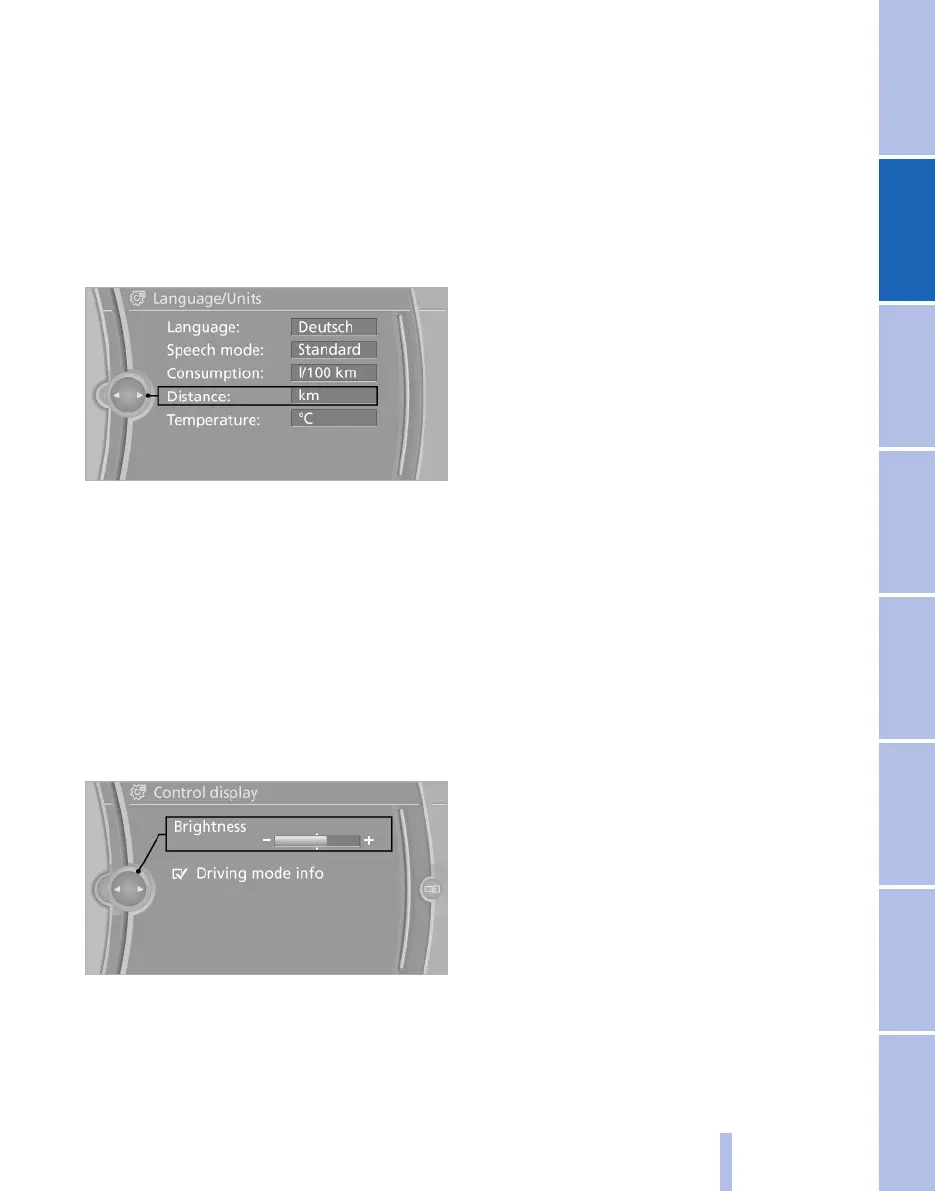
To set the units of measure for fuel consump‐
tion, distance covered/remaining range, and
temperature:
1. "Settings"
2. "Language/Units"
3. Select the desired menu item.
4. Select the desired unit.
The setting is saved for the remote control cur‐
rently in use.
Brightness
Adjusting brightness
Adjusting brightness of control display:
1.
"Settings"
2. "Control display"
3. "Brightness"
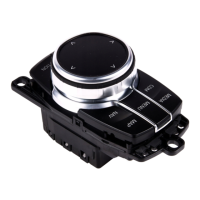
4. Turn the controller until the desired bright‐
ness is obtained.
5. Press the controller.
The setting is saved for the remote control cur‐
rently in use.
Depending on the lighting conditions, bright‐
ness control might not be immediately recog‐
nisable.
Seite 77
77
Online Edition for Part no. 01 40 2 607 643 - 07 11 490
Reference Mobility Communication Entertainment Navigation Driving hints Controls Overview



 To Next Page