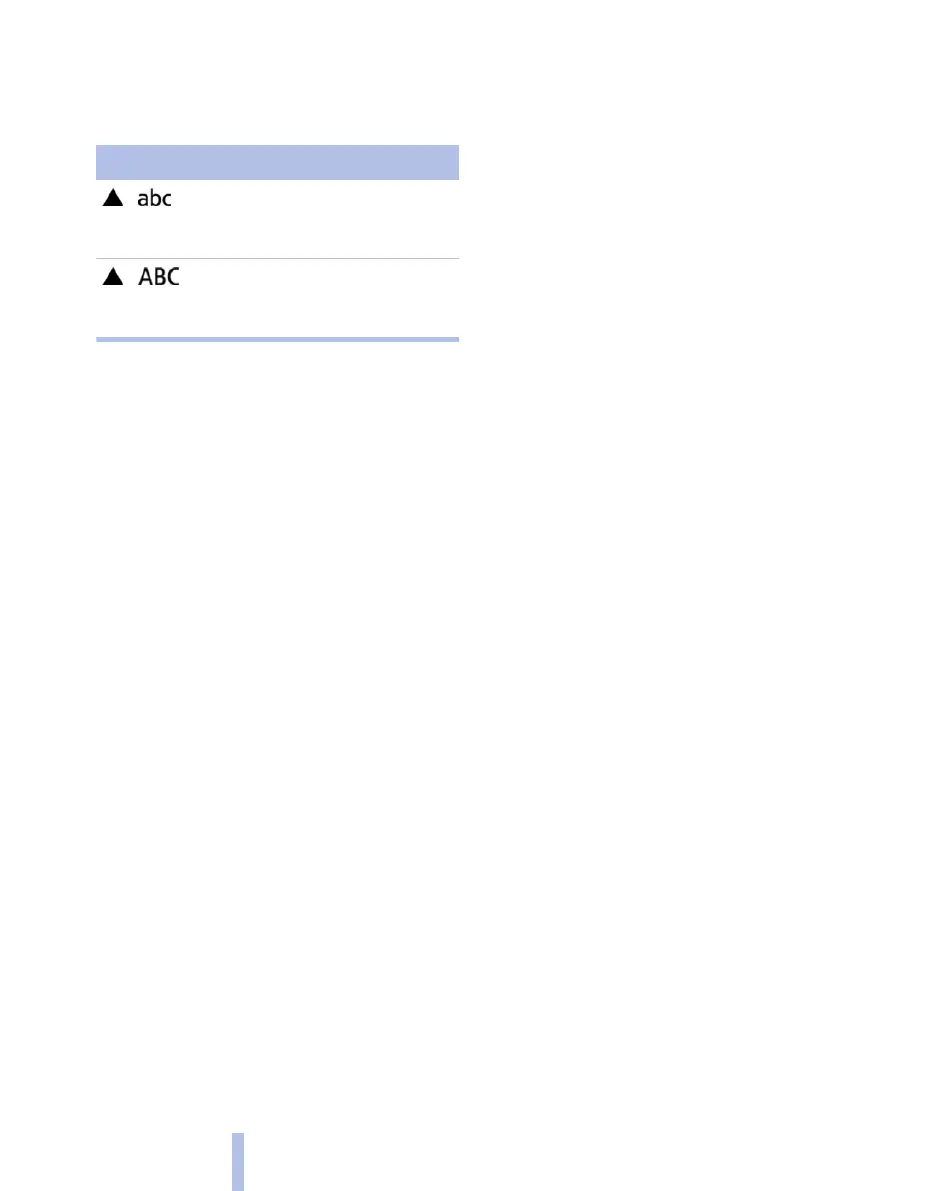
Change between lower and upper case
Depending on the menu, you can switch be‐
tween the input of lower case or upper case let‐
ters:
Symbol Function
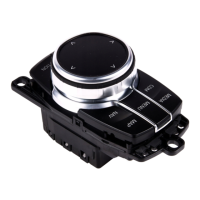
Jog the controller to the top:
switching from lower case to up‐
per case letters.
Jog the controller to the top:
switching from lower case to up‐
per case letters.
Entry comparison
Input of names and addresses: the selection is
gradually narrowed down and possibly supple‐
mented with every subsequent letter that you
enter.
Inputs are continuously compared with the data
saved in the vehicle.
▷ Only letters that are present in the data are
offered for entry.
▷ Destination search: place names can be en‐
tered in the writing of any language available
on the control display.
Seite 20
20
Online Edition for Part no. 01 40 2 607 643 - 07 11 490
iDrive



 To Next Page