Settings on the control
display
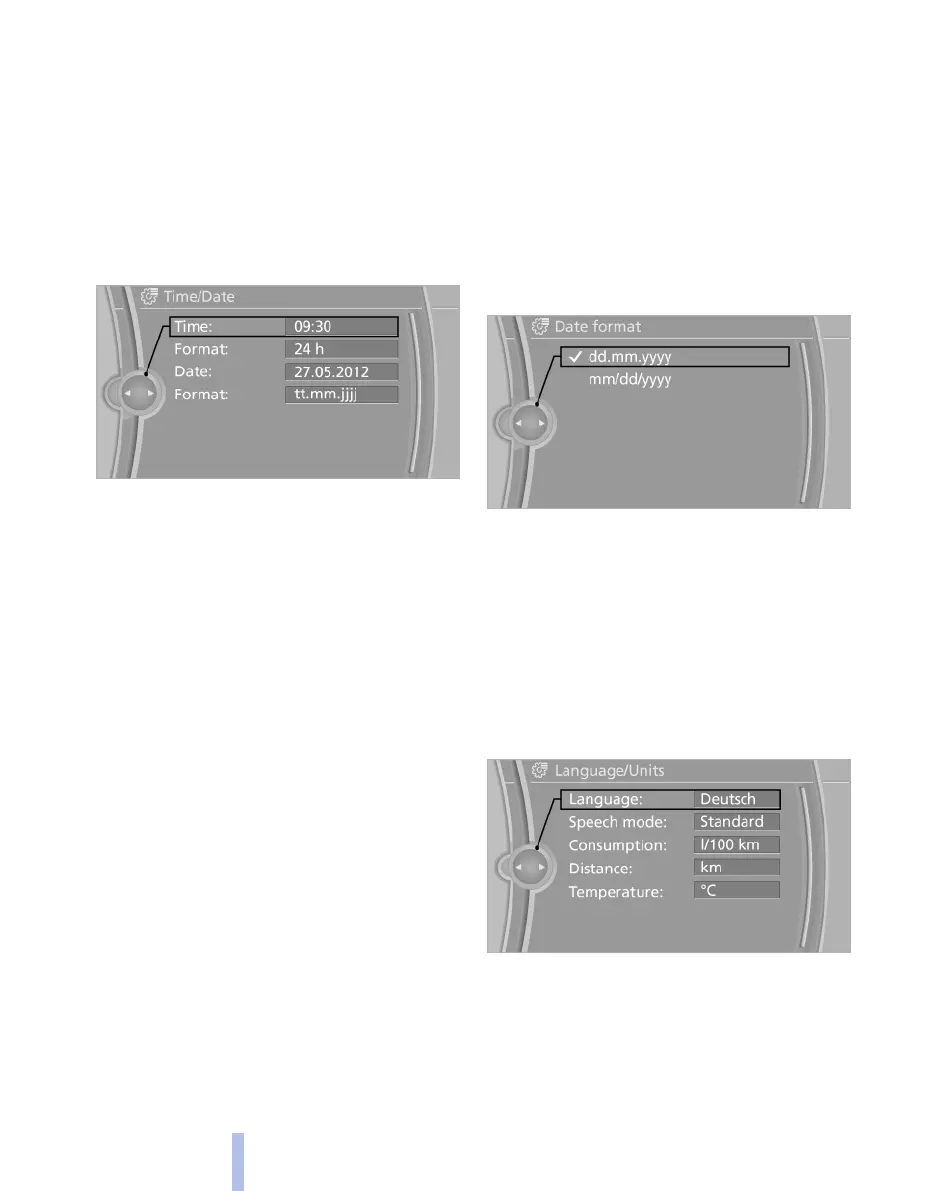
Time
Setting the time
1. "Settings"
2. "Time/Date"
3. "Time:"
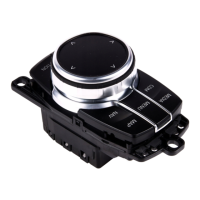
4. Turn the controller until the desired hours
are displayed.
5. Press the controller.
6. Turn the controller until the desired minutes
are displayed.
7. Press the controller.
The time is saved.
Setting the time format
1.
"Settings"
2. "Time/Date"
3. "Format:"
4. Select the desired format.
The time format is saved.
Date
Setting the date
1.
"Settings"
2. "Time/Date"
3. "Date:"
4. Turn the controller until the desired day is
displayed.
5. Press the controller.
6. Make the setting for month and year accord‐
ingly.
The date is saved.
Setting the date format
1. "Settings"
2. "Time/Date"
3. "Format:"
4. Select the desired format.
The date format is saved.
Language
Setting the language
To set the language on the control display:
1.
"Settings"
2. "Language/Units"
3. "Language:"
4. Select the desired language.
The setting is saved for the remote control cur‐
rently in use.
Seite 76
76
Online Edition for Part no. 01 40 2 607 643 - 07 11 490
Displays



 To Next Page