Sound
General
The sound settings are saved for the remote
control currently in use.
Treble, bass, balance, fader
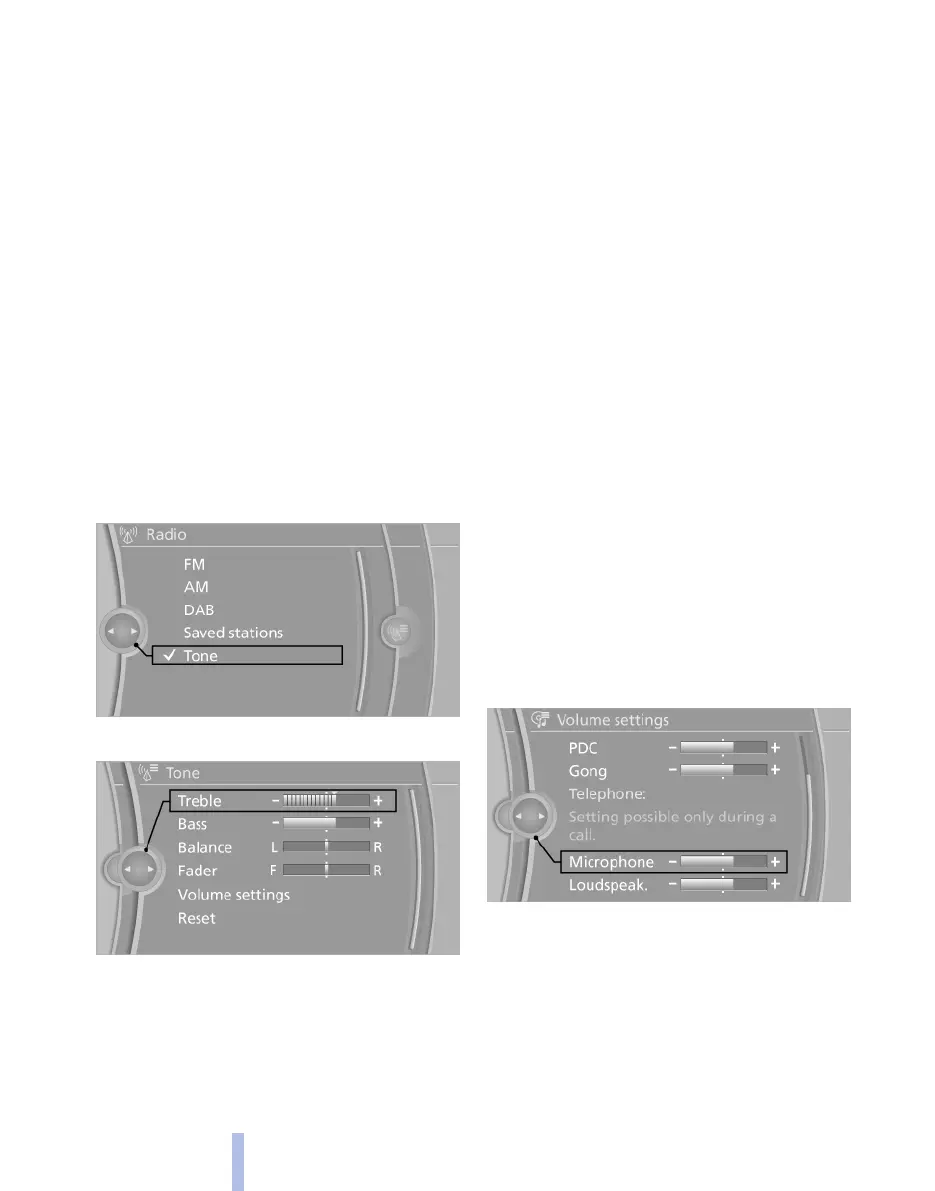
▷ "Treble": treble adjustment.
▷ "Bass": bass adjustment.
▷ "Balance": left/right volume distribution.
▷ "Fader": front/rear volume distribution.
Setting the treble, bass, balance and
fader
1.
"CD/Multimedia", "Radio" or "Settings"
2. "Tone"
3. Select the desired sound setting.
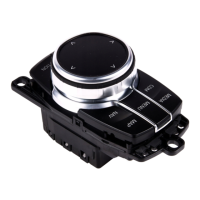
4. Adjusting: turn the controller.
5. Saving: press the controller.
Volume
▷ "Speed volume": adaptation of the volume
depending on speed*
▷ "PDC": volume of the PDC sound signal*
relative to the sound output from the enter‐
tainment system.
▷ "Gong": volume of the sound signal, for ex‐
ample for seat belt reminder, in relation to
the sound output from the entertainment
system.
▷ "Microphone": microphone* volume during
a telephone call.
▷ "Loudspeak.": loudspeaker* volume during
a telephone call.
The following volumes are stored only for the
respective connected telephone:
"Microphone", "Loudspeak.".
Adjusting volumes
1.
"CD/Multimedia", "Radio" or "Settings"
2. "Tone"
3. "Volume settings"
4. Select the desired volume setting.
5. Adjusting: turn the controller.
6. Saving: press the controller.
Resetting the sound settings
1.
"CD/Multimedia", "Radio" or "Settings"
2. "Tone"
Seite 158
158
Online Edition for Part no. 01 40 2 607 643 - 07 11 490
Sound



 To Next Page