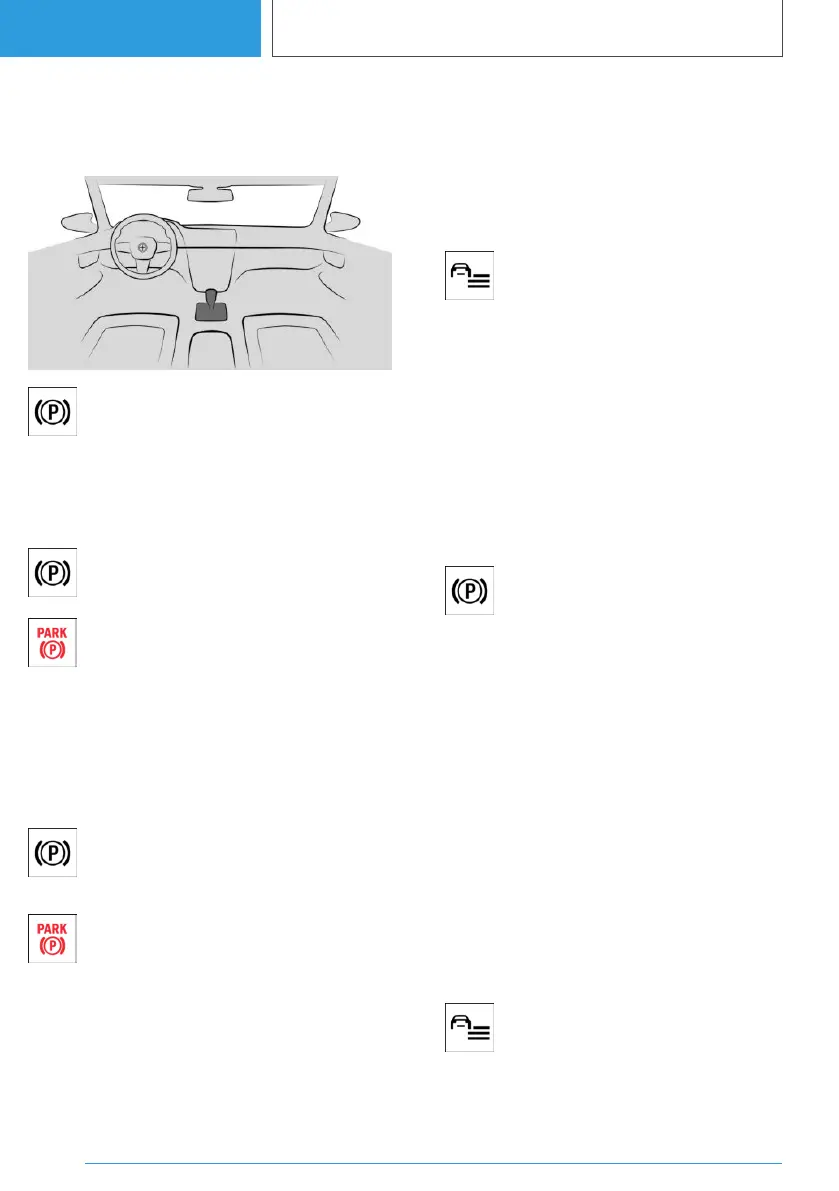
Overview
Button in the vehicle
Parking brake
Applying the parking brake
When the vehicle is stationary
Press the button.
The LED is illuminated.
The indicator light in the instrument clus‐
ter is illuminated red.
The parking brake is applied and trans‐
mission lock is engaged.
While the vehicle is moving
The parking brake can be used as an emergency
braking function while driving.
Press and hold the button. The vehicle
brakes hard as long as the button is
pressed.
The indicator light in the instrument clus‐
ter is illuminated red, a signal sounds and
the brake lights illuminate.
A Check Control message is shown.
The parking brake is engaged and the transmis‐
sion lock is set when the vehicle is stationary.
Engaging the parking brake automatically
In some situations, the parking brake is engaged
automatically, for example, Automatic Hold.
Additionally, the system can be set to automati‐
cally engaging the parking brake when the drive-
ready state is turned off.
1. Press the button.
2. "Drivetrain and chassis"
3. "Parking brake"
4. Select the desired setting.
In selector lever position N, the parking brake will
not be engaged automatically.
Release the parking brake
Releasing the parking brake manually
1.
Switch on drive-ready state.
2. Press the button while pressing on
the brake pedal.
The LED and indicator light are extinguished.
The parking brake is released.
The transmission lock remains engaged until
a drive position is selected.
Releasing the parking brake automatically
The parking brake is automatically released on
driving off.
The LED and indicator light are extinguished.
Using the parking brake via iDrive
The parking brake can also be engaged or disen‐
gaged via iDrive. Additionally, further information
is displayed.
1.
Press the button.
2. "Drivetrain and chassis"
Seite 146
CONTROLS
Driving
146
Online Edition for Part no. 01405A38CB9 - VI/21



 To Next Page