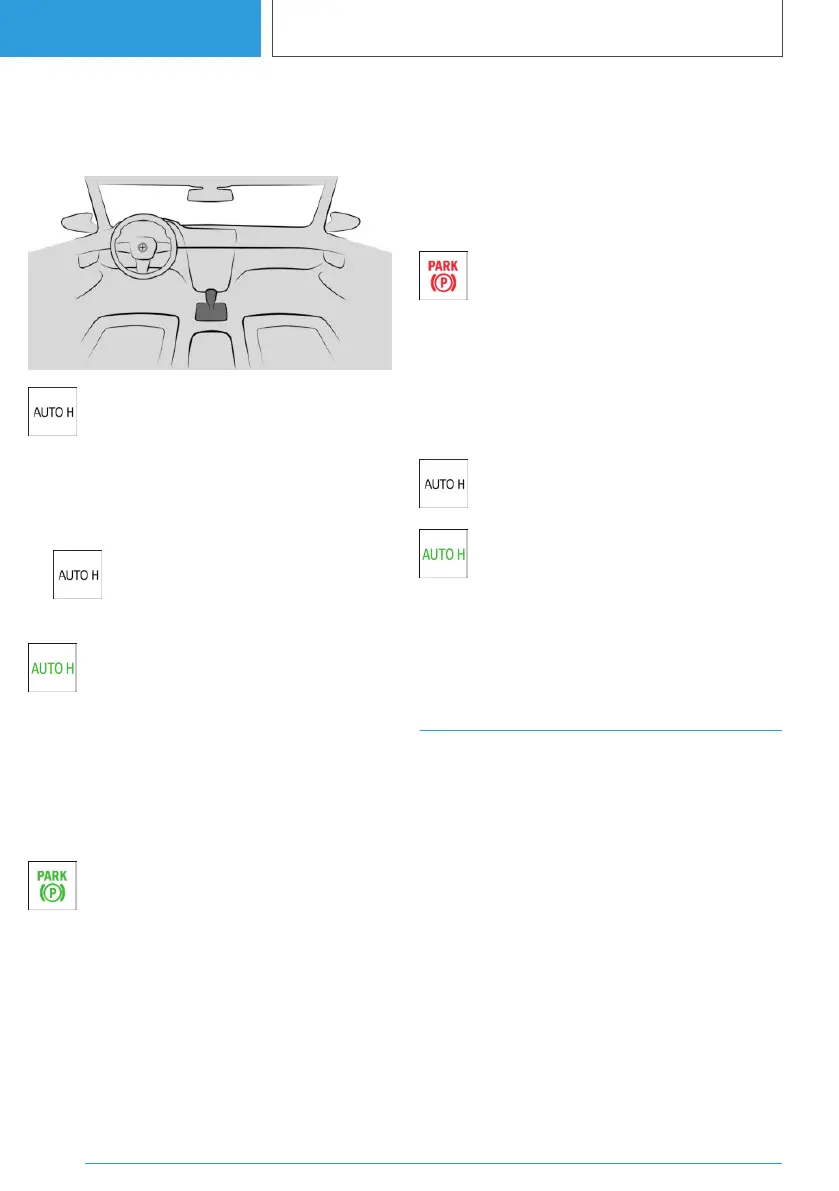
Overview
Button in the vehicle
Automatic Hold
Activating the Automatic Hold
function
1.
Switch on drive-ready state.
2. Press the button.
The LED is illuminated.
The indicator light illuminates green.
Automatic Hold is ready to operate.
When the vehicle is restarted, the last se‐
lected setting is retained.
Automatic Hold holds the vehicle
The function is activated and the driver's door is
closed.
Once the vehicle has stopped, it is auto‐
matically secured from rolling once the
indicator light illuminates green.
Driving off
To drive off, press the accelerator pedal.
The brake is released automatically and the park‐
ing brake indicator light is extinguished.
Automatic activation of the parking
brake
The parking brake is applied automatically if
drive-ready state is switched off or the vehicle is
exited while Automatic Hold is holding the vehi‐
cle.
The indicator light changes from green
to red.
The parking brake is not applied automatically if
drive-ready state was switched off while the ve‐
hicle was rolling to a stop. Automatic Hold is
switched off.
Deactivating operational readiness
Press the button.
The LED is extinguished.
The indicator light extinguishes.
Automatic Hold is deactivated.
If the vehicle is being held by Automatic Hold,
also depress the brake when deactivating.
Turn indicator
Turn indicator in exterior mirror
Do not fold in the exterior mirrors while driving or
while operating the turn indicators or hazard
warning lights to ensure that the indicator lamps
in the exterior mirrors are well recognisable.
Seite 148
CONTROLS
Driving
148
Online Edition for Part no. 01405A38CB9 - VI/21



 To Next Page