EN/17
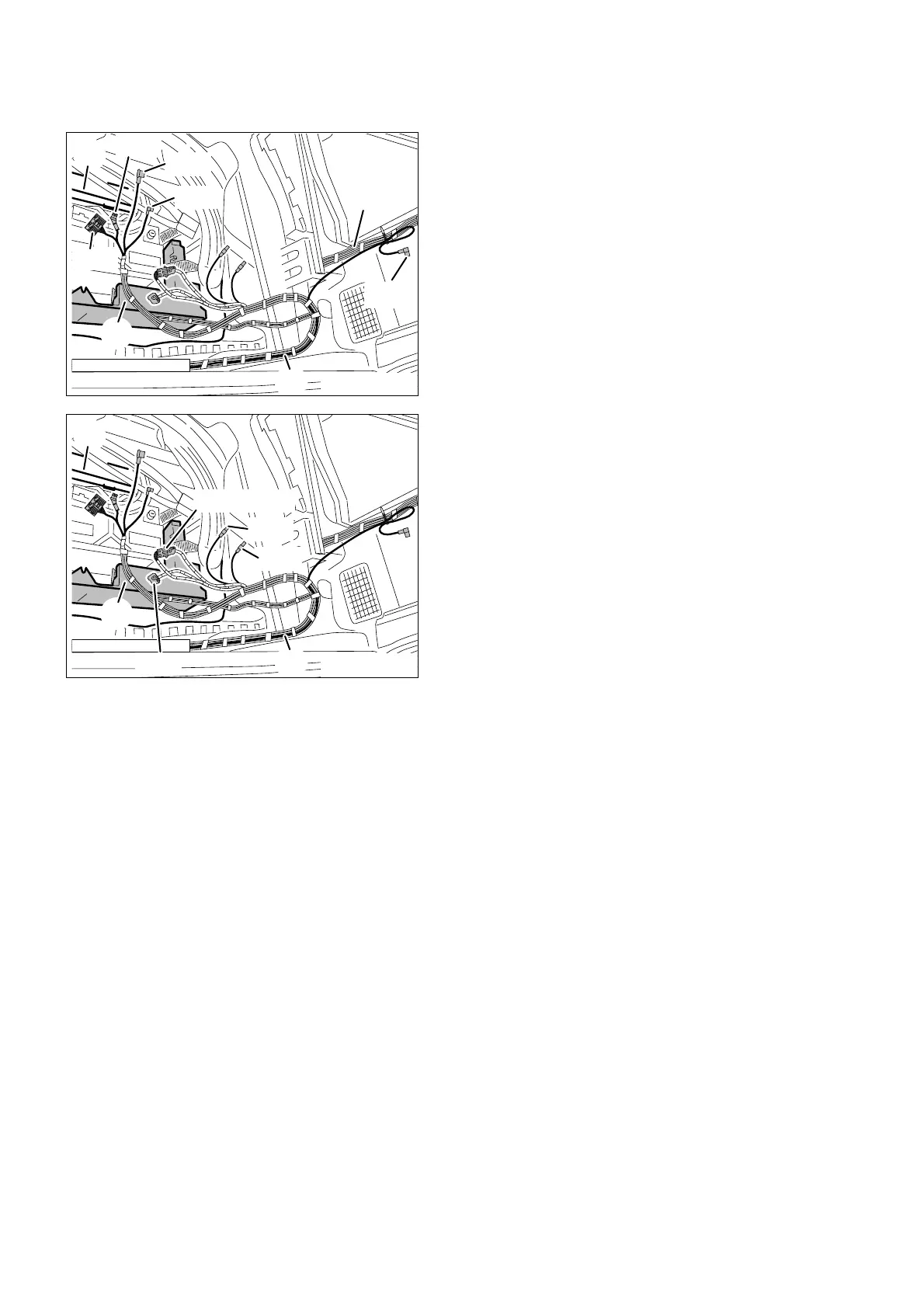
7. To install the on-board monitor wiring harness and on-board monitor
Lay branch A11, angled coaxial socket casing on
the on-board wiring harness A, along the
standard wiring harness (40) to the right wheel
arch, secure it with cable ties and tie it back
(only to be connected if you are also installing a
video module and the TV amplifier).
Lay branches A12 to A15 to the unit holder (41)
in the multi-functional tray (42) and secure them
with cable ties.
Retrofit/Installation kit No. 65 90 0 025 169 Issue date: 10.2001
Installation instructions No. 01 29 0 030 090
Lay branches A16 to A20 on the on-board
monitor wiring harness A to the unit holder (41) in
the multi-functional tray (42) and secure them
with cable ties.



 To Next Page