14 | Recording
110/148 DDU 9 Bosch Motorsport
14 Recording
14.1 Features
– Synchronized recording of DDU 9 analog and digital input channels, DDU 9 internal
measurement channels, ECU data, Data from external sensor interfaces
– Up to two independent recordings
– Measurement rate 1 ms to 1 s
– Two global start conditions (thresholds)
– Up to 16 measurement conditions (fast-slow-switches)
14.2 Configuration of recordings
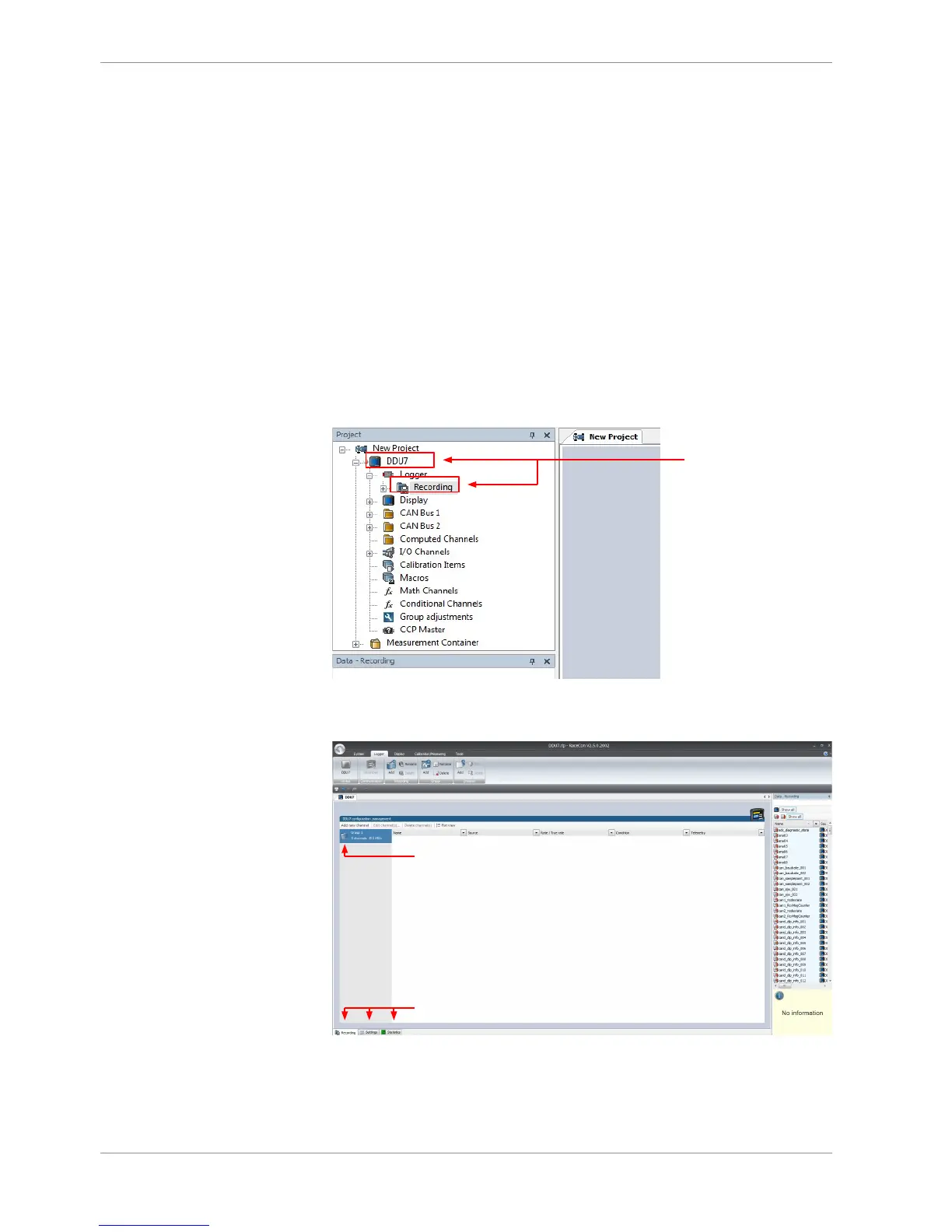
1. Expand the list of ‘Loggers’ by clicking on ‘+’ in the DDU 9 Project Tree.
3. To add measurement channels to a recording, click ‘DDU 9’ in the DDU 9 Project Tree.
In the Data Area, the measurement channels are displayed.
4. Drag and drop desired measurement channels into recording group.













 To Next Page