19 | Clone the Unit
142/148 DDU 9 Bosch Motorsport
19 Clone the Unit
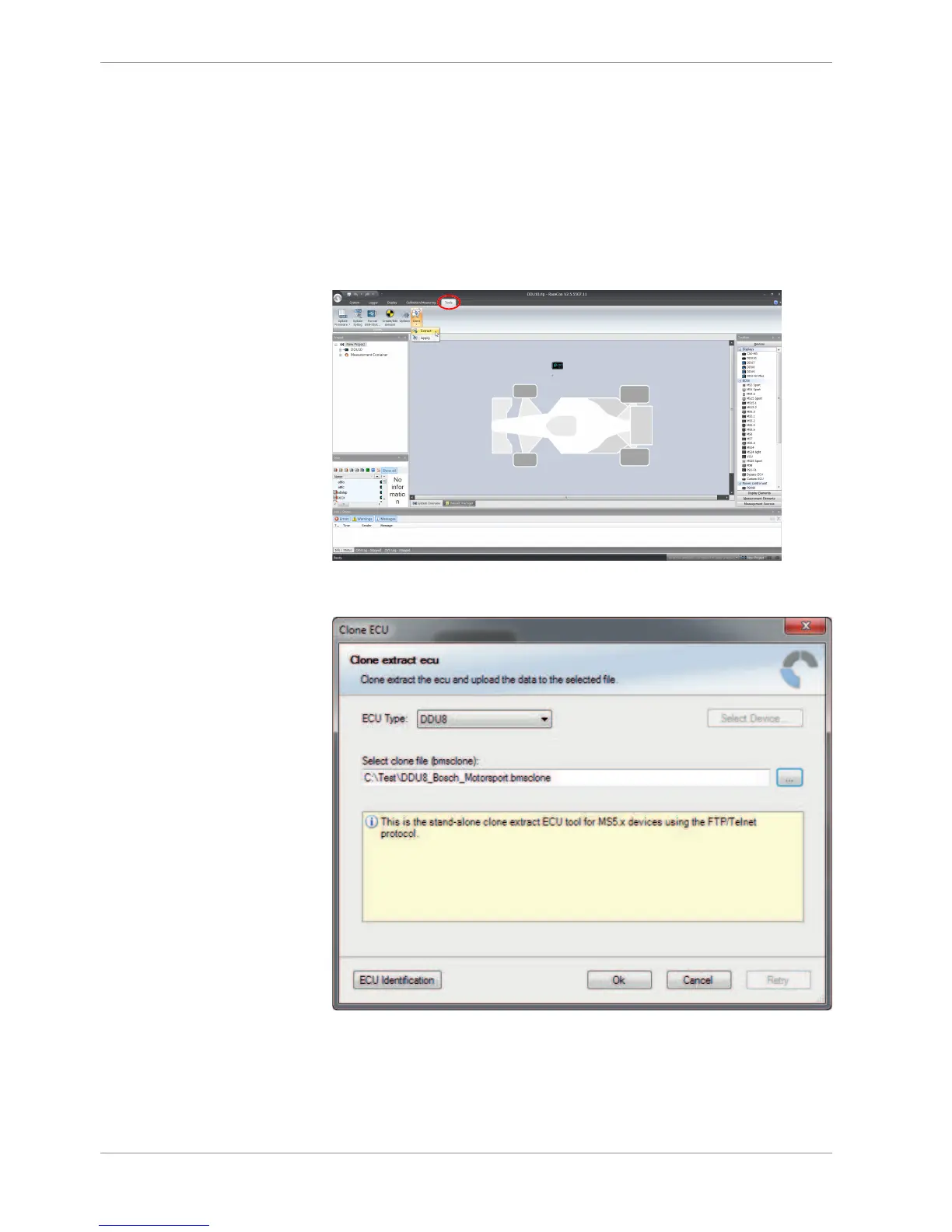
To replace a DDU 9 by another device, it is possible to clone it. A clone is a 1:1 copy of a
device. This can be useful for copying specific data, like sensor-offset calibration to a
spare unit for a specific car.
Create a clone file
1. Open the ‘Tools’ window and click on the ‘Clone’ button in the ‘Extras’ menu.
2. Select “Extract” from the dropdown menu.
3. Choose the hardware device, which should be cloned.
4. Define destination and filename.
5. Click ‘OK’ to start procedure.













 To Next Page