9 | Starting up
32/148 DDU 9 Bosch Motorsport
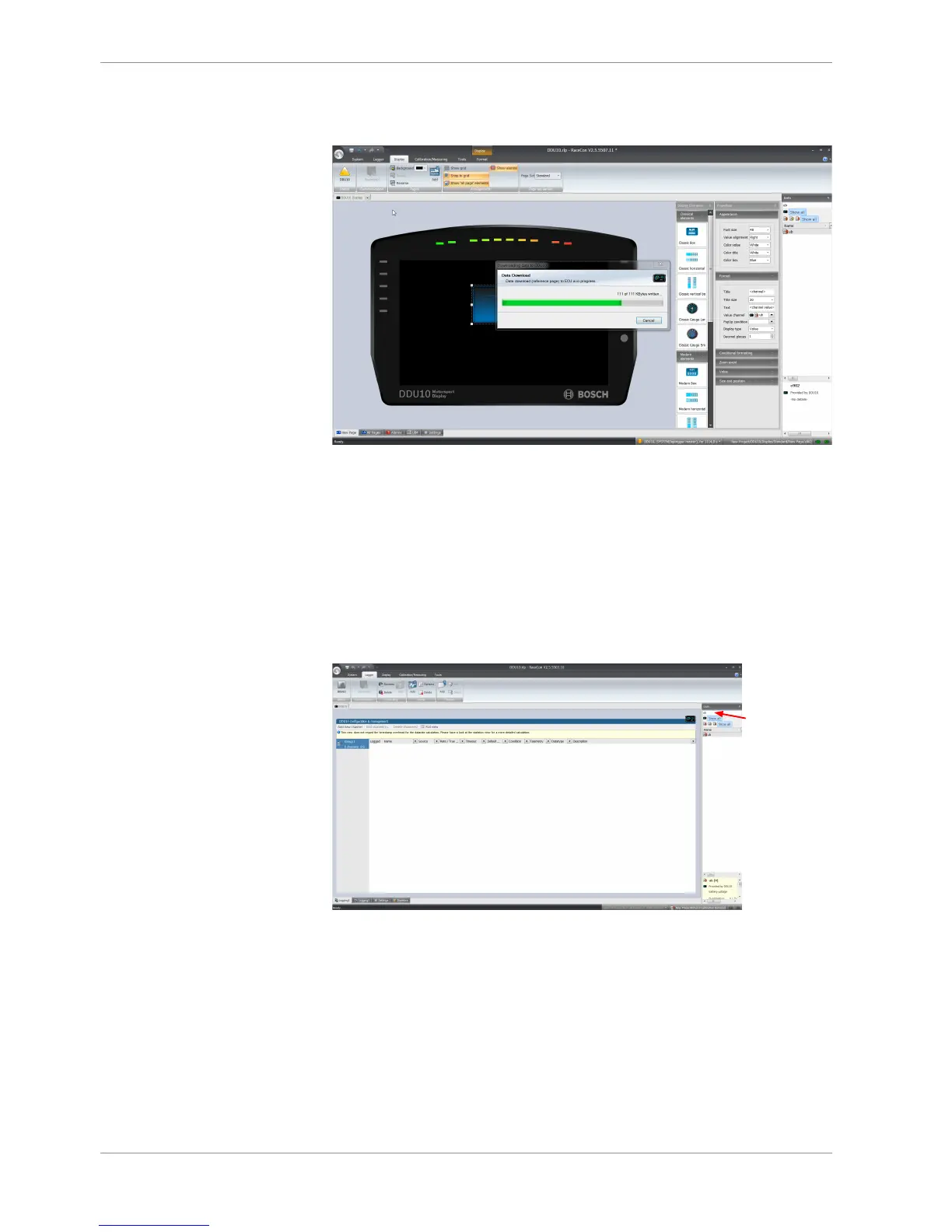
The configuration download starts and the DDU 9 carries out a reset. The status signal
in the upper left corner switches to green.
The value of the battery voltage is displayed on the DDU 9.
9.4 First recording (Quick Start)
This chapter explains the configuration of the recording of the battery voltage channel.
See chapter ‘Recording [}110]’ for a detailed instruction to configure recordings.
1. Click on the ‘Logger’ tab to go to the page ‘Logger’.
2. Use the search bar in the ‘Data’ window, to search for ‘ub’ (measurement channel for
battery voltage).













 To Next Page