13 | Online Measurement
98/148 DDU 9 Bosch Motorsport
13 Online Measurement
DDU 9 configuration
– System configuration (channel + display configuration, CAN I/O, etc.) is stored in
theDDU 9
– Use RaceCon to create and download configuration from the PC toDDU 9
– Communication interface: Ethernet
– Communication protocol: XCP
Online measurement + calibration
– System status and diagnosis
– Check and calibrate sensors in the vehicle
– Live display of sensor values on the PC
– Use RaceCon for diagnosis, online measurement and calibration
– Communication interface: Ethernet
– Communication protocol: XCP
13.1 Setting up an online measurement
DDU 9 supports online measurement of sensor values and diagnostic variables.
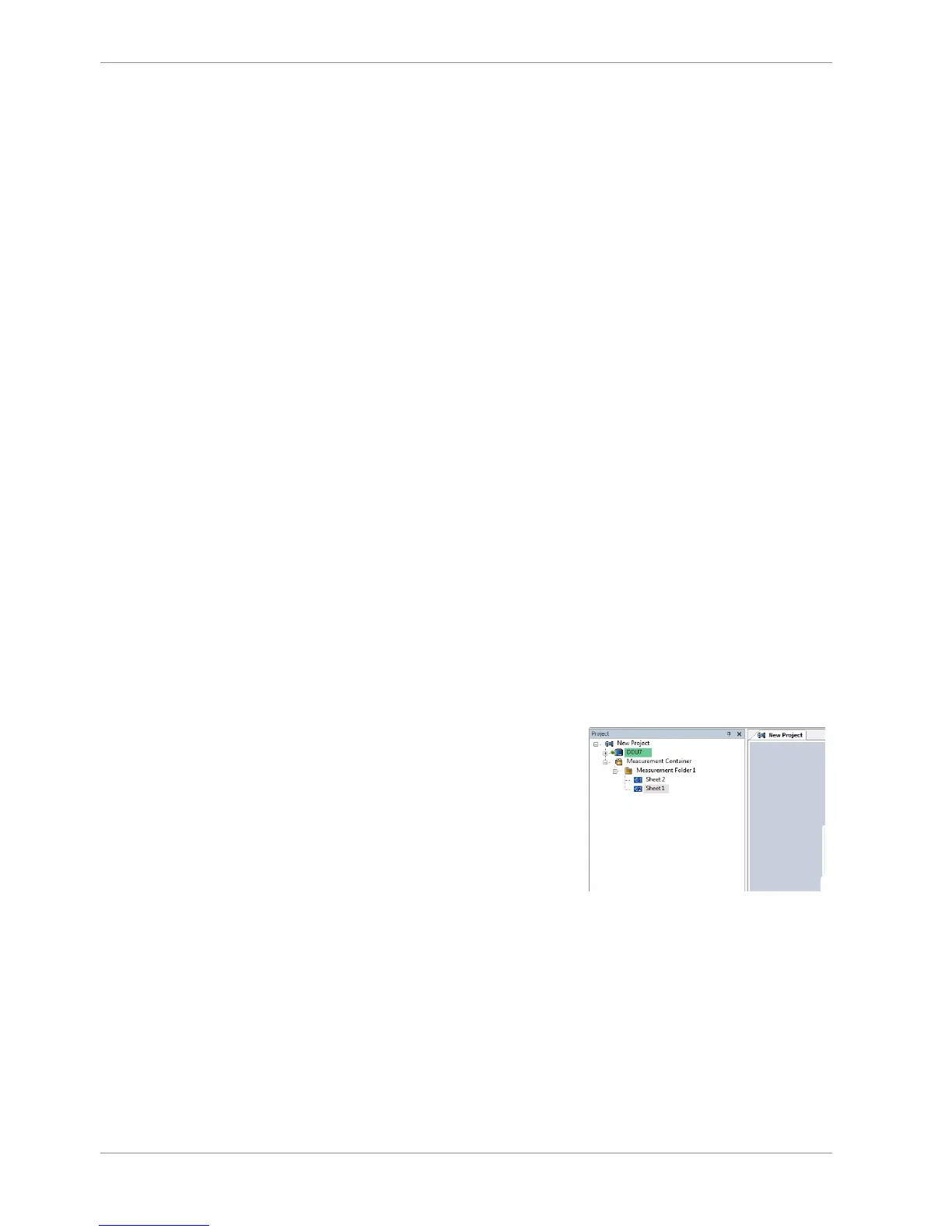
1. Expand ‘Measurement Container’ and ‘Measurement Folder 1’ in the Project Tree and
double-click on ‘Sheet1’. Alternatively, click on the ‘Calibration/Measuring’ tab to
open the window directly.
‘Sheet 1’ opens in a new ‘Calibration/Measuring’ window.













 To Next Page