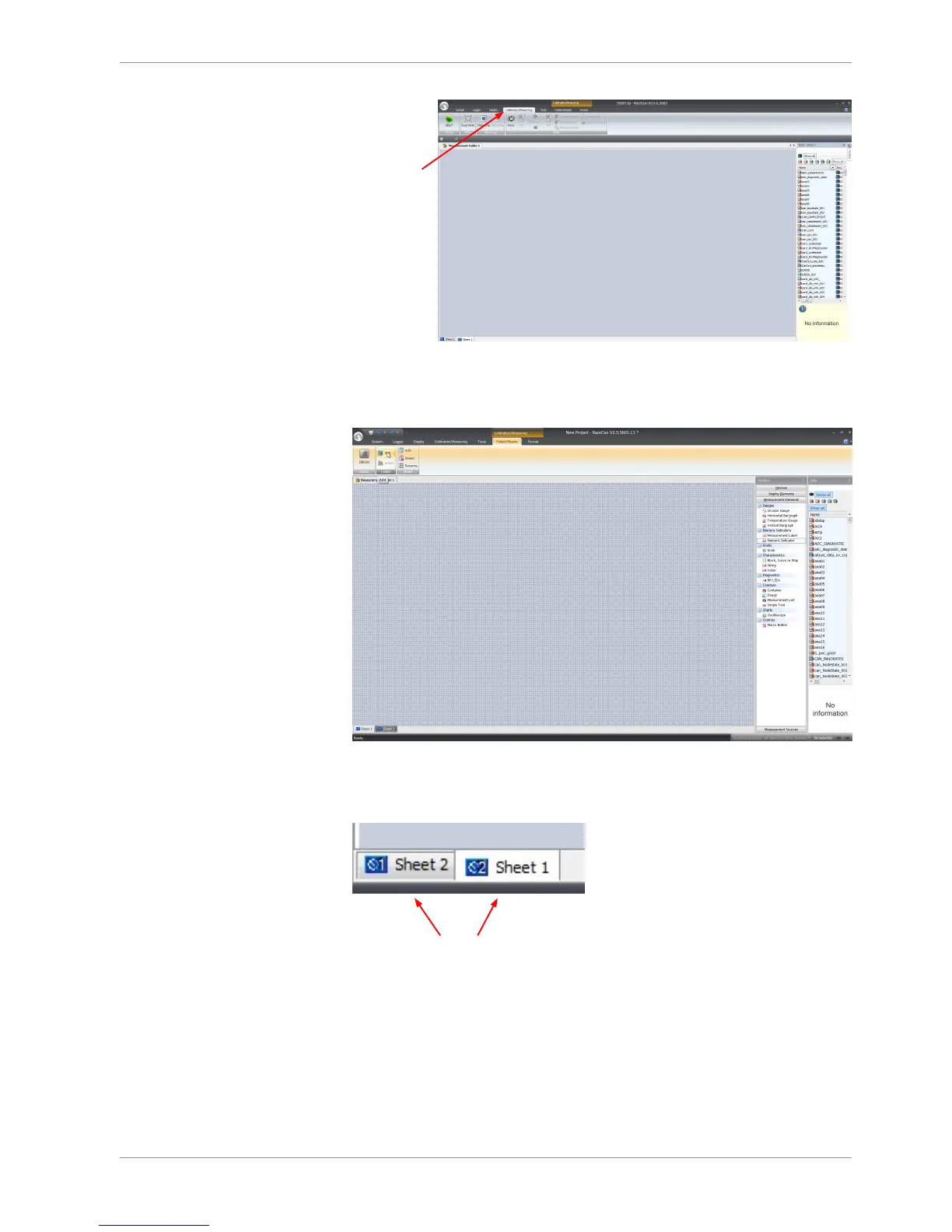
2. Click on the ‘Folder/Sheets’ tab, which appears when you are in the ‘Calibration/
Measurement’ window, to create a new measurement folder.
3. Click on the ‘Add’ button for folders in the upper left corner.
In the menu for sheets, you will find buttons to add, delete and rename new sheets
4. To change between different sheets, click on the tabs on the bottom of the ‘Calibra-
tion/Measuring’ window.
To add an element to a measurement sheet, perform the following steps:
5. Drag a measurement element from the Toolbox and drop it on the measurement
sheet.













 To Next Page