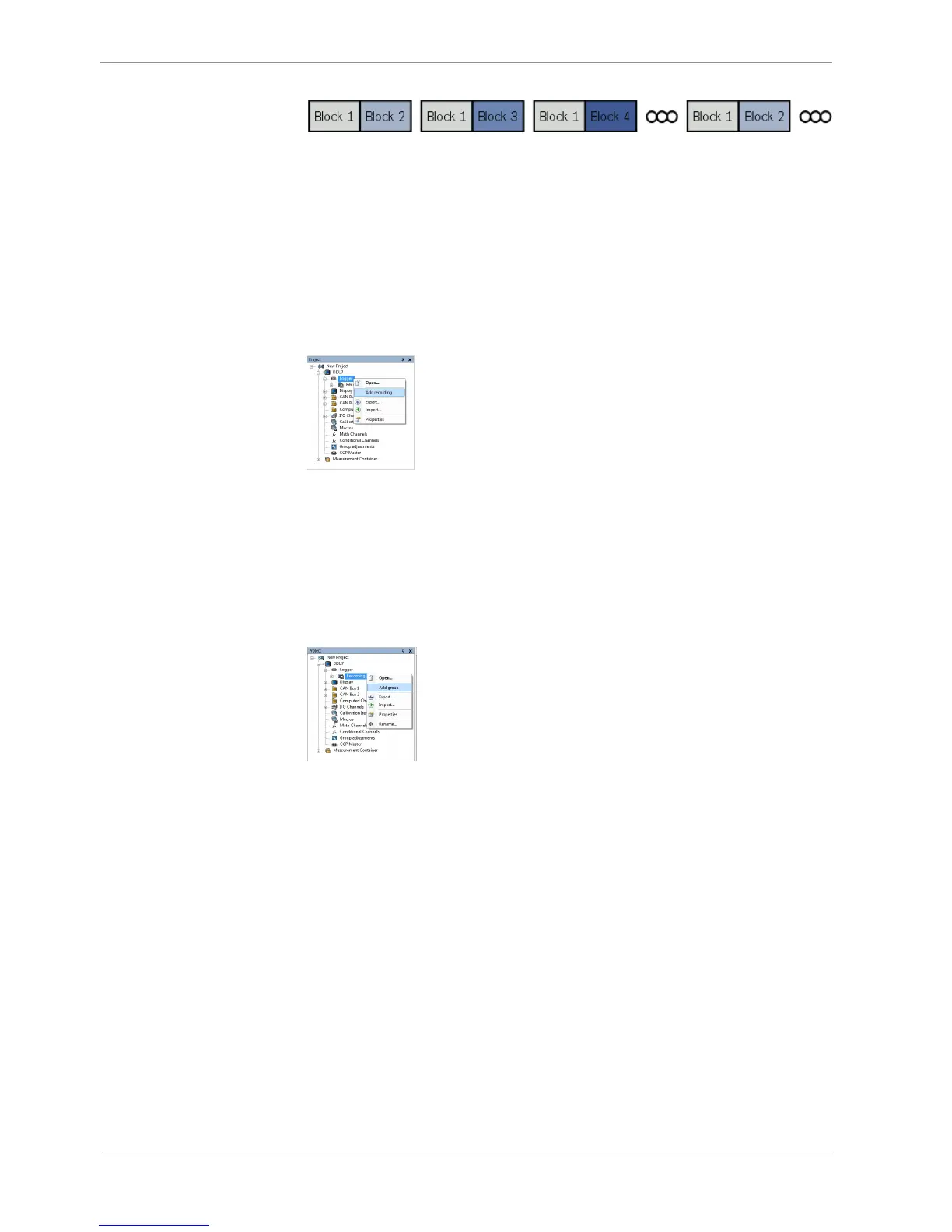
If the maximum bandwidth of a block is reached, a warning will be displayed. To fix this
problem you can view the allocation of the channels and data rate in the ‘Statistics’ tab of
the Main Area. See chapter ‘Recording statistics [}113]’ for more information.
14.2.1 Adding a recording
DDU 9 supports up to two independent recordings.
To add a recording, select ‘Add Recording’ from the context menu of the Logger in the
DDU 9 Project Tree.
Maximum two recordings are possible. In the device software the 2nd recording is re-
served for scruteneering data. This recording is invisible (protected).
14.2.2 Adding a recording group
Recording channels can be grouped.
To add a new group, select ‘Add group’ in the context menu of the recording. The groups
can be renamed to ‘Gearbox’, ‘Aero’, ‘Engine’, etc.
14.2.3 Global settings
To display the global DDU 9 settings, select the ‘Settings’ Tab.













 To Next Page