Display Configuration | 10
Bosch Motorsport DDU 9 49/148
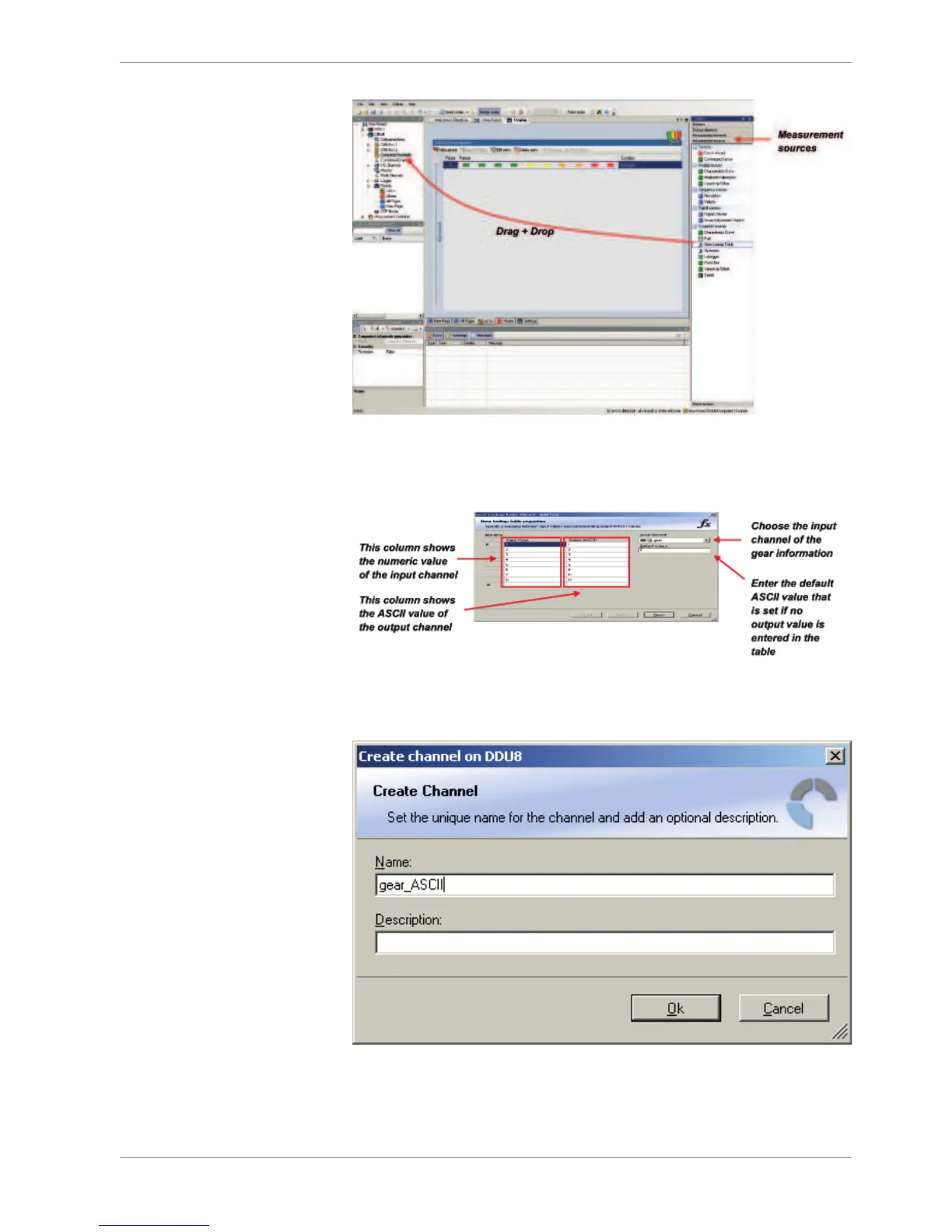
The Gear Lookup Table Wizard appears.
Gear Lookup Table Wizard
1. Set up the settings as shown in the screenshot.
2. Click ‘OK’ when done. The ‘Create channel on DDU 8’ window appears.
Enter the name and an optional description of the translated ASCII measurement
channel.
3. Click ‘Ok’ when done.
A graphic shows the connection between the input and output channels. The measure-
ment channel can now be used in the shift LED configuration.













 To Next Page