CAN Bus | 11
Bosch Motorsport DDU 9 77/148
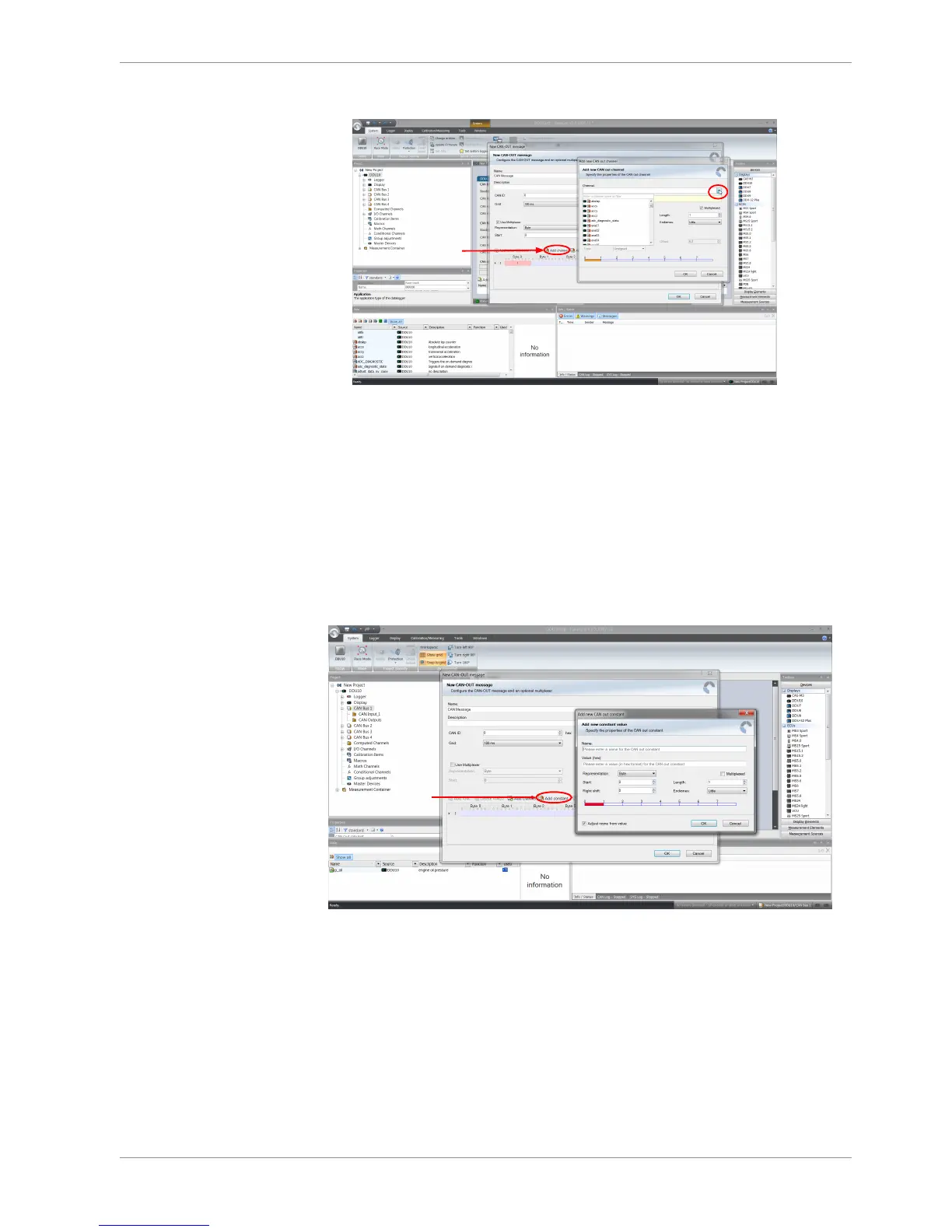
4. Select the desired measurement channel and specify the message settings.
The measurement channel is now assigned to the CAN message.
11.3.2 Add CAN out constant
To send a constant value on the CAN, perform the following steps:
1. Create a new CAN output message or edit an existing message.
2. Click ‘Add constant’. The ‘Add new CAN Out constant’ window appears.
3. Define the name of the constant, the required value in hex and define the CAN chan-
nel settings.
4. Click ‘OK’ when done.













 To Next Page