en-us Basic settings
36
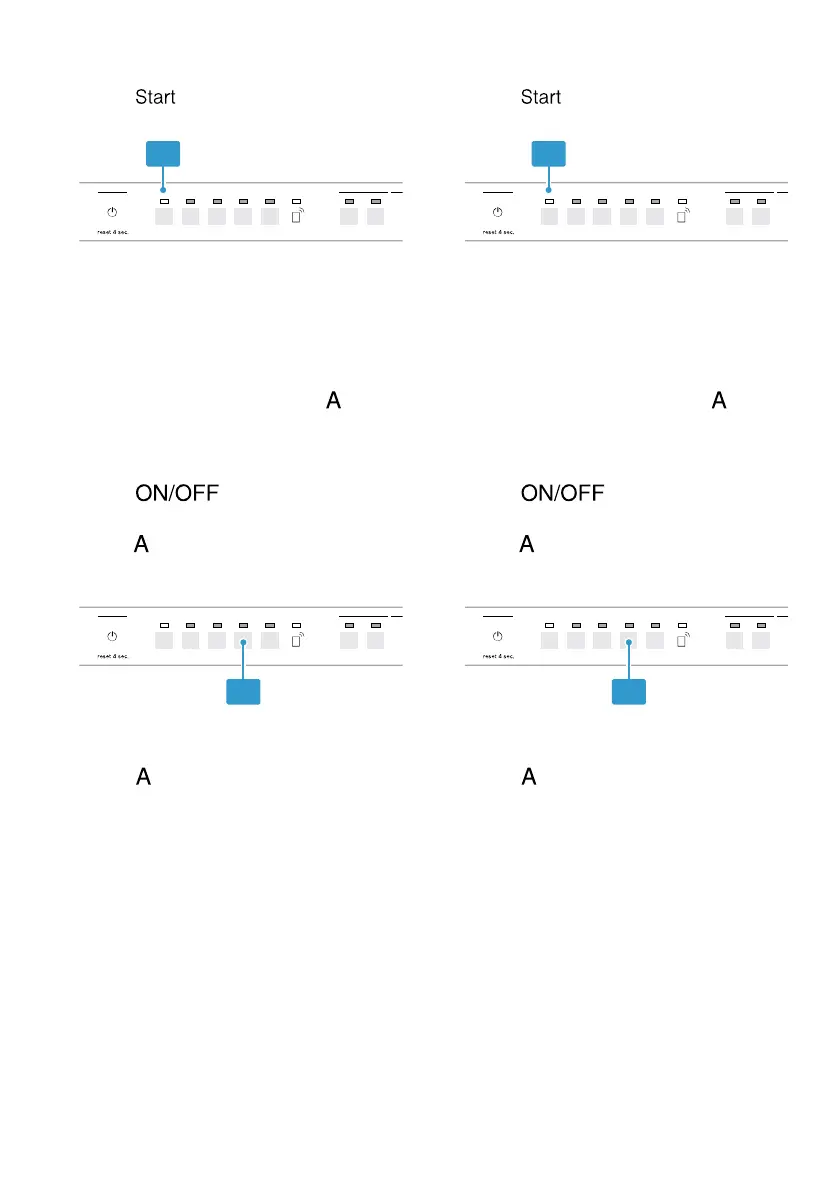
4. Press button repeatedly until
the LED (1) lights up.
If the LED is not lit up, intensive
drying is switched off.
If the LED is lit up, intensive drying
is switched on.
5. To store the settings, press button
for 3 seconds.
Setting Wi-Fi
1. Press .
2. To open the appliance settings,
press button for 3 seconds.
a The special salt refill indicator lights
up.
3. Press button repeatedly until the
Rinse Aid and Sanitize LEDs flash.
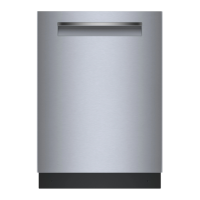
4. Press button repeatedly until
the LED (1) lights up.
If the LED is not lit up, Wi-Fi is
switched off.
If the LED is lit up, Wi-Fi is switched
on.
5. To store the settings, press button
for 3 seconds.
Setting the signal volume
1. Press .
2. To open the appliance settings,
press button for 3 seconds.
a The special salt refill indicator lights
up.
3. Press button repeatedly until the
Clean and Rinse Aid LEDs flash.



 To Next Page