54 en | Operation VIP XD
DOC | V4.0 | 2009.06 Installation and Operating Manual Bosch Security Systems
Establishing the Connection
The VIP XD must be assigned a valid IP address to operate on your network.
The following default address is preset at the factory: 192.168.0.1
1. Start the Web browser.
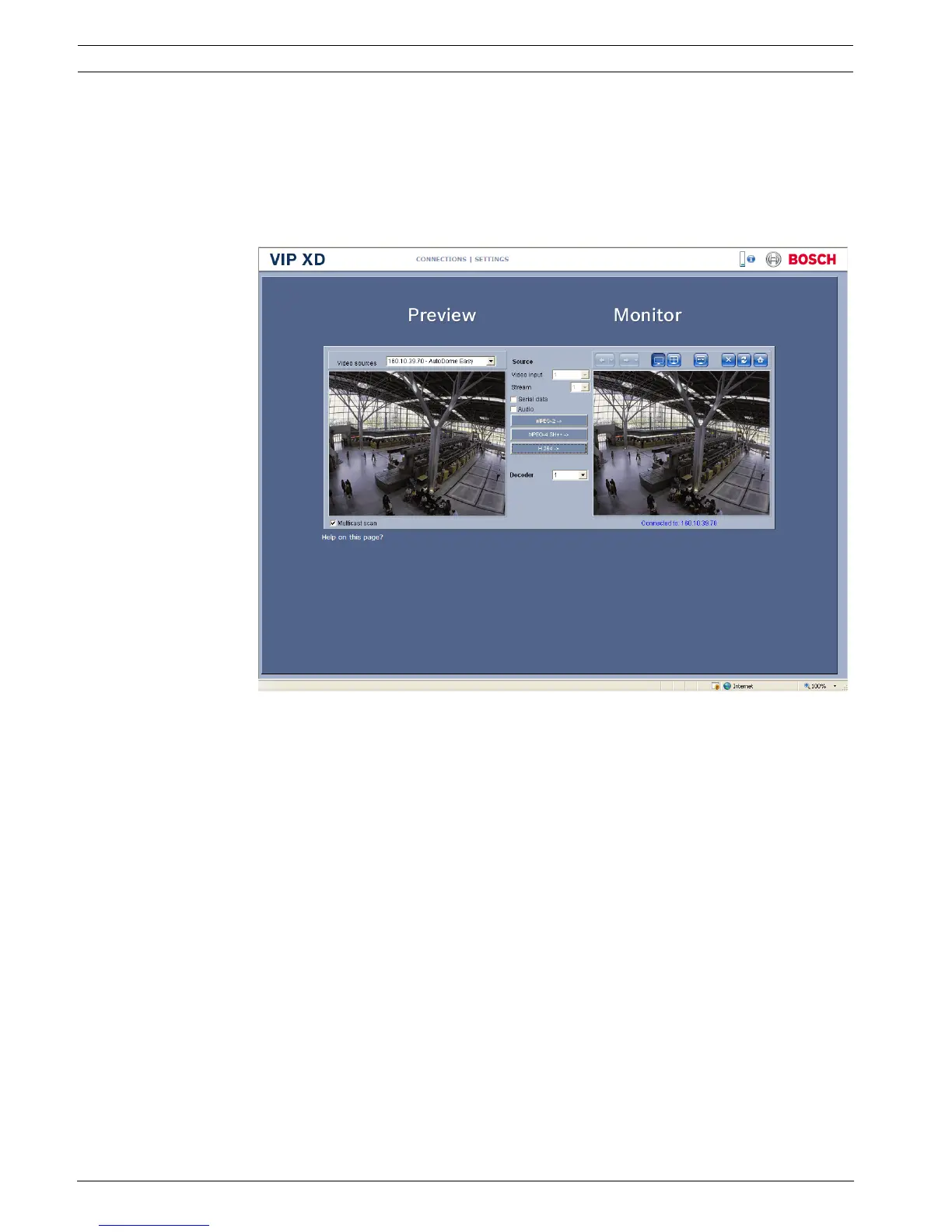
2. Enter the IP address of the VIP XD as the URL. The connection is established and after a
short time you will see the CONNECTIONS page.
Maximum Number of Connections
If you do not connect, the unit may have reached its maximum number of connections.
Depending on the unit and network configuration, each VIP XD can have up to 25 Web
browser connections or up to 50 connections via VIDOS or Bosch Video Management System.




 To Next Page