BLUETOOTH CONNECTIONS
21
|
ENG
CONNECT A MOBILE DEVICE
1. On the remote, press the Bluetooth button l.
The light bar pulses blue.
2. On your mobile device, turn on the Bluetooth feature.
NOTE: The Bluetooth menu is usually found in the Settings menu.
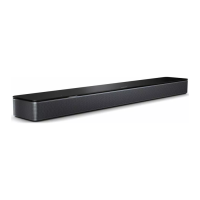
3. Select your soundbar from the device list.
NOTE:
Look for the name you entered for your soundbar in the Bose8 app.
If you didn’t name your soundbar, the default name appears.
Bose Soundbar 850
Once connected, you hear a tone, and the light bar glows solid white then fades to
black. The soundbar’s name appears in the mobile device list.
BLUETOOTH CONNECTIONS





 To Next Page