16
Using the DS-30A speaker modeling
Ver. 2 now adds the Roland DS-30A Bi-Amp Monitor to the
BR-1180’s speaker modeling.
Along with the new DS-30A speaker modeling algorithm,
DS-30A-exclusive patches have been added to preset Patches
P23–P33.
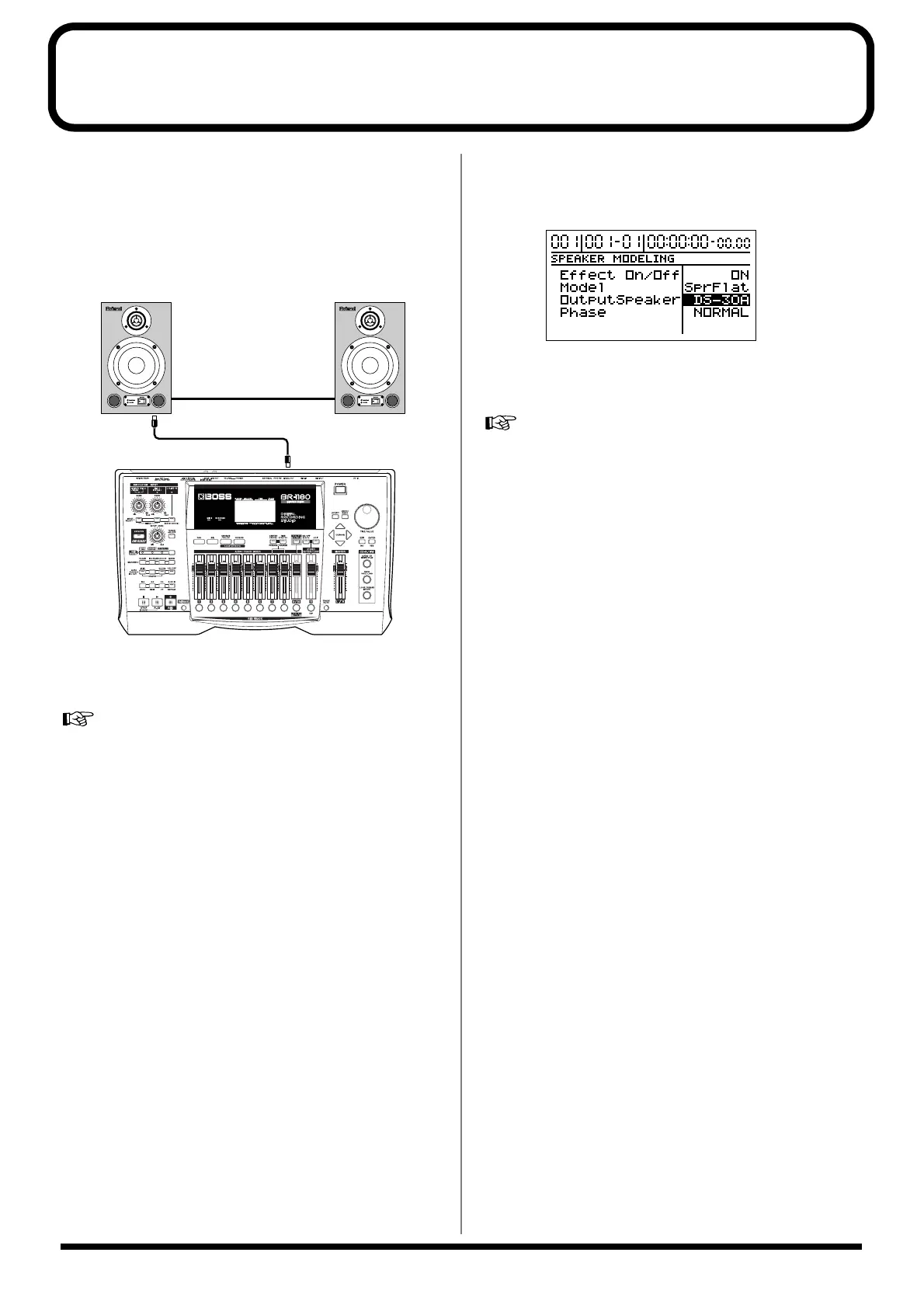
Connect the BR-1180 and the DS-30As as shown in the figure.
fig. 22_e
Use speaker modeling Patches P23–P33 when using this
algorithm.
For more detailed instructions on using speaker modeling,
refer to “Using speaker modeling” on p. 58 in the Owner’s
Manual.
You can use the following procedure to change the speaker
modeling patches already created for the DS-90A/50A and
use them with the DS-30A.
1. Select the speaker modeling patch you want to change.
2. Press [CURSOR] to move the cursor to “EDIT,” then
press [ENTER].
3. Press [CURSOR] to move the cursor to “SP.M” (SP.
Modeling), then press [ENTER].
4. Press [CURSOR] to move the cursor to
“OutputSpeaker,” then rotate the TIME/VALUE dial to
select “DS-30A.”
fig.23
This applies the patch to the DS-30As.
5. To save the changes, proceed by writing the patch.
Refer to “Saving speaker modeling settings” on p. 60 in the
Owner’s Manual.
* Due to the DS-30A’s physical structure and acoustic
characteristics, ultimately this modeling can only approximate
the sound of these speakers. Please remember that exact
reproduction of these characteristics cannot be guaranteed.
DIGITAL OUT
DIGITAL
IN
Optical cable



 To Next Page