11
Altering a loop phrase’s tempo to create a new
loop phrase (Time Modify/Arrange Modify)
With Ver. 2, you are now able to change the playback tempo
of an existing loop phrase and create a new loop phrase from
that data.
Specifying and modifying
the source loop phrase
(Time Modify)
1. Press [LOOP PHRASE IMPORT], then press
[CURSOR] to move the cursor to “TIME MODIFY,”
then press [ENTER].
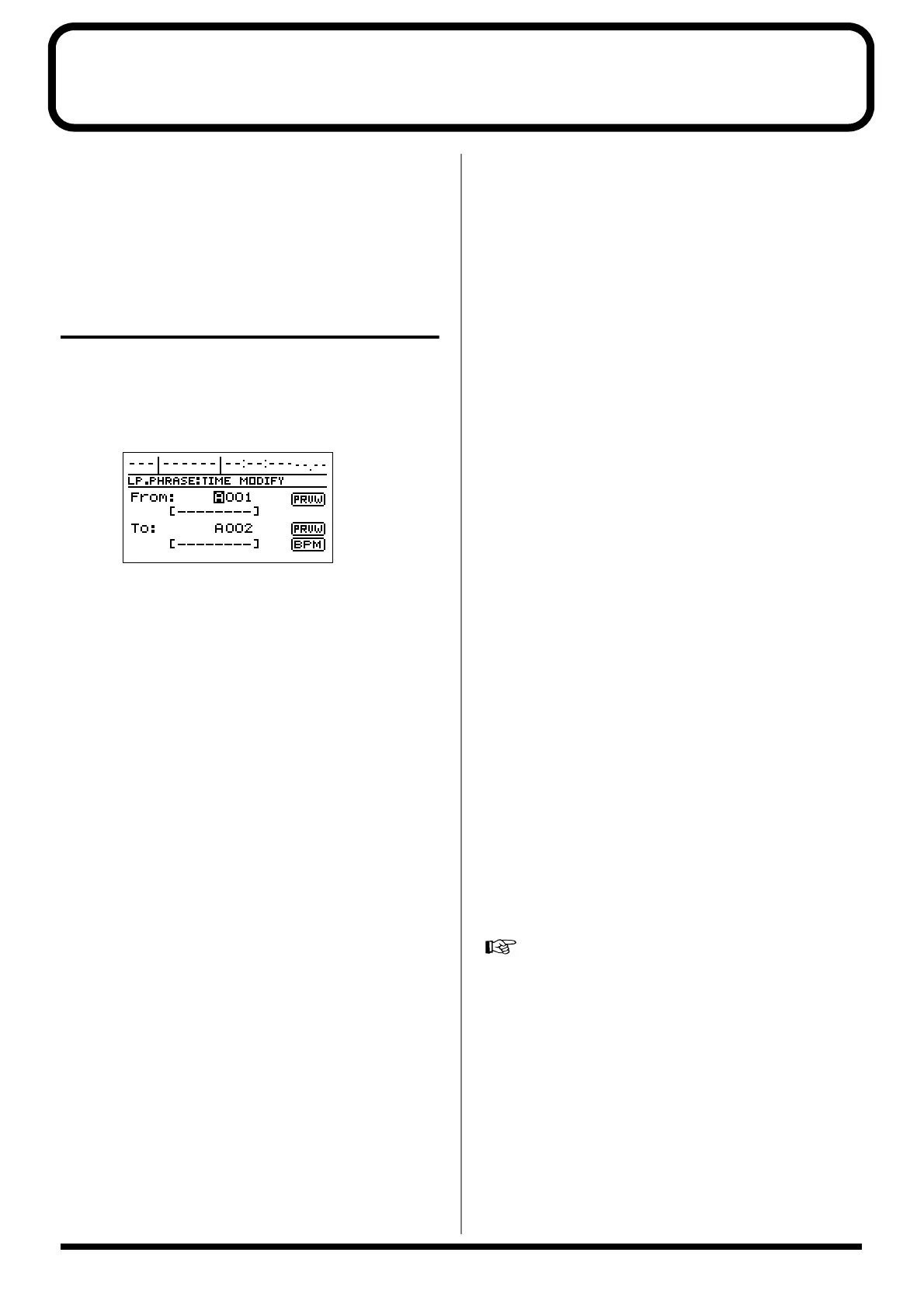
This brings up the Loop Phrase Time Modify screen.
fig.15
2. Select the original loop phrase with the TIME/VALUE
dial. To modify all of the loop phrases in a bank at
once, select the “ALL” indication.
At this point, if you press [CURSOR] to move the cursor
to “PRVW” and then press [ENTER], the loop phrase is
played back. Press [ENTER] to stop the playback.
3. Use [CURSOR] to move the cursor to “To:,” then with
the TIME/VALUE dial select the destination for the
new loop phrase to be created after the tempo is
modified.
4. Use [CURSOR] to move the cursor to “BPM,” then
press [ENTER].
The Tempo Setting screen appears, and the loop phrase’s
original BPM and the BPM after modification are
indicated.
* The modified tempo range is 0.75 to 1.5 times that of the
original.
* If you had the “ALL” indicated in Step 2, then the original
BPM is not given.
You can set tempos in a range of 0.75 to 1.5 times the tempos
of the loop phrase in the selected bank. If different loop phrases
in the bank have different tempos, you can make settings
ranging from 0.75 times the fastest of the tempos in the bank to
1.5 times the slowest tempo. If the desired tempo cannot be set
in the given range, “---” is indicated for the “New BPM”
setting, meaning you cannot modify the tempo of any of the
loop phrases in the bank.
Example 1) The bank only contains loop phrases with a BPM
setting of 100.
100 x 0.75 = 75
100 x 1.5 = 150
→ The allowed settings fall in the range from 75 and above and
150 and under (i.e., from 75 to 150).
Example 2) The bank contains loop phrases with varying tempos,
with BPM settings of 100, 120, and 140.
The fastest of these tempos is the BPM setting of 140.
140 x 0.75 = 105
The slowest of these tempos is the BPM setting of 100.
100 x 1.5 = 150
→ The allowed settings fall in the range from 105 and above
and 150 and under (i.e., from 105 to 150).
Example 3) The bank contains loop phrases with varying tempos,
with BPM settings of 50, 100, and 200.
The fastest of these tempos is the BPM setting of 200.
200 x 0.75 = 150
The slowest of these tempos is the BPM setting of 50.
50 x 1.5 = 75
→ The allowed settings fall in ranges of 150 and above, and 75
and under; no tempo settings can be made in these ranges. "---"
is indicated for the "New BPM" setting, and you cannot go on
to make any tempo modifications.
5. Rotate the TIME/VALUE dial to set the modified
tempo you want, use [CURSOR] to move the cursor to
“GO,” then press [ENTER].
“Now Converting...” appears in the screen, and creation
of the new loop phrase with the modified tempo begins.
The process is finished when “Complete!” is displayed.
6. Just as with other loop phrases, you can arrange and
use newly created loop phrases in Rhythm
Arrangements.
“Using loop phrases”; p. 92 in the Owner’s Manual
* You cannot select the original loop phrase as the destination
for the loop phrase created after modification.
* If additional recordings or edits have been made with respect to
the currently selected song, the message “Save Current?” may
appear. If you want to modify the loop phrase’s tempo after the
results of such recording and/or editing have been saved, press
[YES/ENTER]. If you press [NO/EXIT], the recording/editing
is lost.



 To Next Page