17
Using MIDI to control switching of the
Insert Effects (Effects Program Change)
You can now switch Insert Effects patches with Program
Change messages received through MIDI IN. Furthermore,
when you use the BR-1180’s panel to select Insert Effects
patches, you can transmit these selections as Program
Change messages output from MIDI OUT.
1. Press [UTILITY], press [CURSOR] to move the cursor
to “MIDI,” then press [ENTER].
This brings up the MIDI screen.
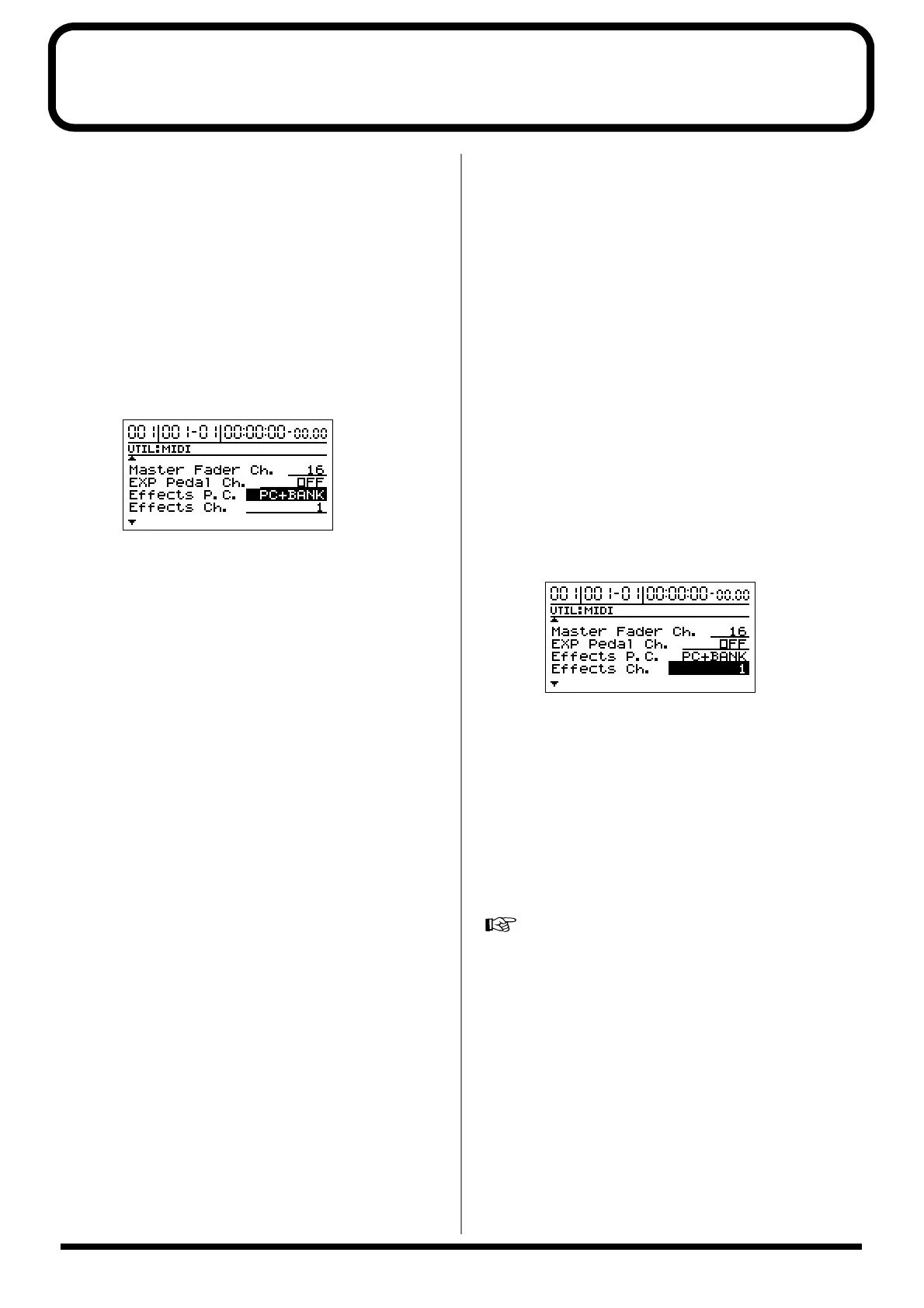
2. Use [CURSOR] to move the cursor to “Effects P.C.,”
and use the TIME/VALUE dial to set whether or not
program changes are to be transmitted.
fig.24
OFF:
Program changes are not transmitted.
PC ONLY:
Insert Effects patches are switched when program
changes are received from MIDI IN. Additionally, when
an Insert Effects patch is selected with the BR-1180’s
panel controls, the corresponding patch number is
transmitted as a Program Change message from MIDI
OUT.
PC+BANK:
Program Change and Bank Select messages are received
through MIDI IN. Insert Effects patches are switched
when a program change is received. The Insert Effects
patch banks are also switched simultaneously in
accordance with the Bank Select message received
immediately before. Additionally, when an Insert Effects
patch is selected with the BR-1180’s panel controls, the
corresponding bank and patch number are transmitted
as Bank Select and Program Change messages from
MIDI OUT.
The following shows the correspondence between the
Bank Select messages and the Insert Effects patch banks
and numbers.
...............................................................................................................
Bank Select Program Change Patch
MSB / LSB Number Bank / Number
...............................................................................................................
00H 00H 00H - 63H GUITAR P001-100
01H 00H - 31H MIC P001-50
02H 00H - 31H LINE P001-50
03H 00H - 31H SIMUL P001-50
...............................................................................................................
01H 00H 00H - 63H GUITAR U001-100
01H 00H - 31H MIC U001-50
02H 00H - 31H LINE U001-50
03H 00H - 31H SIMUL U001-50
...............................................................................................................
02H 00H 00H - 63H GUITAR S001-100
01H 00H - 31H MIC S001-50
02H 00H - 31H LINE S001-50
03H 00H - 31H SIMUL S001-50
...............................................................................................................
3. Use [CURSOR] to move the cursor to “Effects Ch.” and
use the TIME/VALUE dial to select the MIDI channel
for transmitting the program changes.
fig.25
1–16:
Bank Select and Program Change messages are
transmitted and received over the selected MIDI
channel.
OFF:
Bank Select and Program Change messages are not
transmitted and received.
4. To have these settings be remembered, you must save
the song.
“Saving a song (Song Store)”; p. 80 in the Owner’s Manual



 To Next Page