20
Troubleshooting
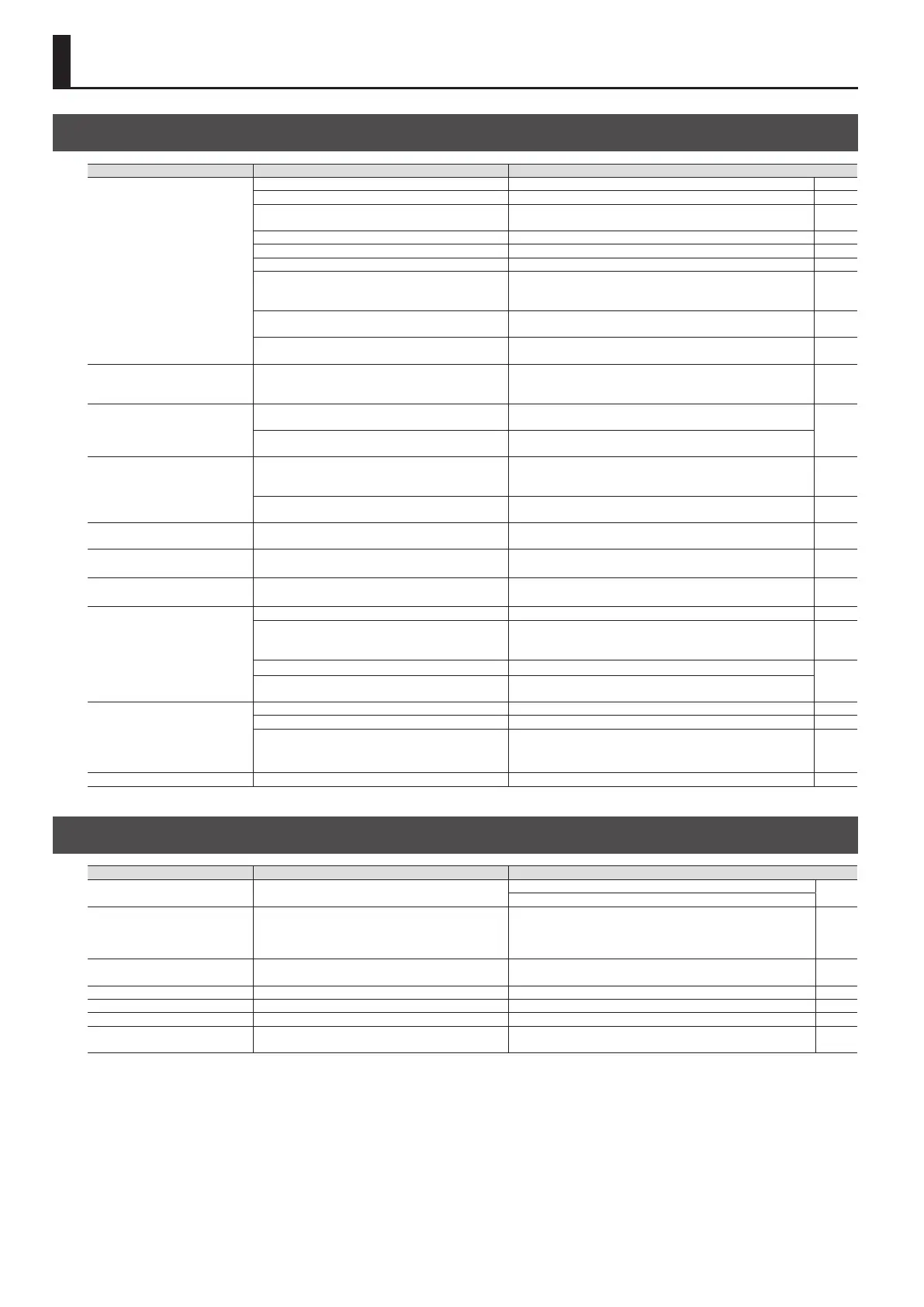
Problem Items to check Action
No sound / volume too low
Are the connection cables broken? Try using a dierent set of connection cables. –
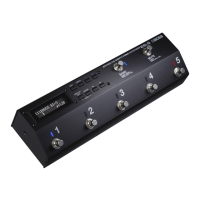
Is the ES-5 correctly connected to the other devices? Check connections with the other devices. p. 2
Is the connected amp turned o, or the volume
lowered?
Check the settings of your amp/mixer system. –
Could the volume pedal have lowered the level? Advance the volume pedal. –
Could mute be turned on? Press the [MUTE] switch to turn mute o. p. 4
Is each eects set correctly? Check the settings of each eects. –
Is the power to the external device connected to the
SEND 1–5 and RETURN 1–5 jacks o, or is the volume of
the device turned down?
Check the settings for the connected device. –
Could you be using a connection cable that contains
a resistor?
Use a connection cable that does not contain a resistor. –
Could you have turned Input Buer o and connected
an eect loop in parallel, or specied Carryover?
Depending on the impedance of the signal, the volume may
diminish. Turn on Input Buer.
p. 9
Oscillating sound occurs
Could the gain value or the value of a volume-related
parameter be too high due to the settings of a
connected amp or eect unit?
Lower these values. –
Sound switches on its own
Could an external MIDI device be set to modify the
parameters?
Check the assignment settings.
p. 10
Is “INT” or “WAV” set as the Src in Assign?
When the Src is set to “INT” or “WAV,” the eect parameter set as
the Assign Target changes automatically.
Patch does not change
Is something other than the Play screen shown in the
display?
On the ES-5, patches can be selected only when the Play screen is
displayed. Press the [DISPLAY/EXIT] button several times to return
to the Play screen.
p. 5
Could you have changed the function of the [BANK]
switch or the number switches [1]–[5]?
If the Func setting is set to OFF, change it to Bank, or Num1–5. p. 10
Sound does not change when you
switch patches
Are the loop settings of each patch correct? Check the loop settings. p. 9
Can’t change the settings of a
connected eect unit
Is the EXT CTL jack connected?
Is the cable the correct type (mono, TRS)?
Check the cable type and connection. p. 3
Can’t specify Carryover / Can’t
specify parallel connection
Could you already be using the mixer?
There is only one internal mixer.
Turn o the mixer that you’re already using.
p. 7
p. 9
Can’t use a controller to modify a
parameter
Could the loop be turned o? Turn the loop on. p. 6
Is the Preference setting set to anything other than
PAT?
To change the settings for an individual patch, set the Preference
setting to PAT. To change a specic setting for all patches in
common, select a setting other than PAT.
p. 12
Do the MIDI channel settings of both devices match? Make sure that the MIDI channels of both devices match.
p. 10
p. 12
Do the controller number settings of both devices
match?
Make sure that the controller number of both devices match.
MIDI messages are not
transmitted/received
Are the MIDI cables broken? Try another set of MIDI cables. –
Are the MIDI cables connected correctly? Connect MIDI IN and MIDI OUT. –
Do the MIDI channel settings match?
Match the MIDI channel settings.
Receive channel of the ES-5: MIDI Setting
0
Rx Ch
Transmit channel of the ES-5: Patch MIDI 1–8
0
Ch
p. 12
p. 10
Eect not applied Could the eect switch be o? Check the on/o setting of each eect. –
Error Messages
Display Problem Action
MIDI BUFFER FULL!
The data cannot be processed correctly due to the high
volume of MIDI messages.
Reduce the volume of MIDI messages transmitted to the ES-5.
–
Reduce the tempo of the transmitting MIDI device.
MIDI OFFLINE!
Transmissions from the connected device have been
interrupted. This message also appears when the
power to the connected device has been turned o. It
does not indicate damage.
Check to make sure no cable is disconnected and that there are
no shorts.
–
DATA WRITE ERROR! Writing to the memory for storage of user data failed.
The unit may be damaged. Consult the nearest Roland service
center.
–
LOCKED! The buttons are locked. Turn “Lock function” o. p. 4
NO MORE MIXER IS AVAILABLE! The internal mixer is already being used. Check the Loop Structure settings. p. 7, p. 9
SYSTEM ERROR! A problem has occurred in the system. Contact your dealer or a nearby Roland service center. –
MEMORY DAMAGED!
It is possible that the contents of memory have been
damaged.
Please execute a Factory Reset. If this does not resolve the
problem, contact your dealer or a nearby Roland service center.
–
Appendix











 To Next Page