15
To lower the projector
1. Press and hold the Adjustor-foot release button.
2. Lower the projector to the height you want, then release the button to lock the
foot into position.
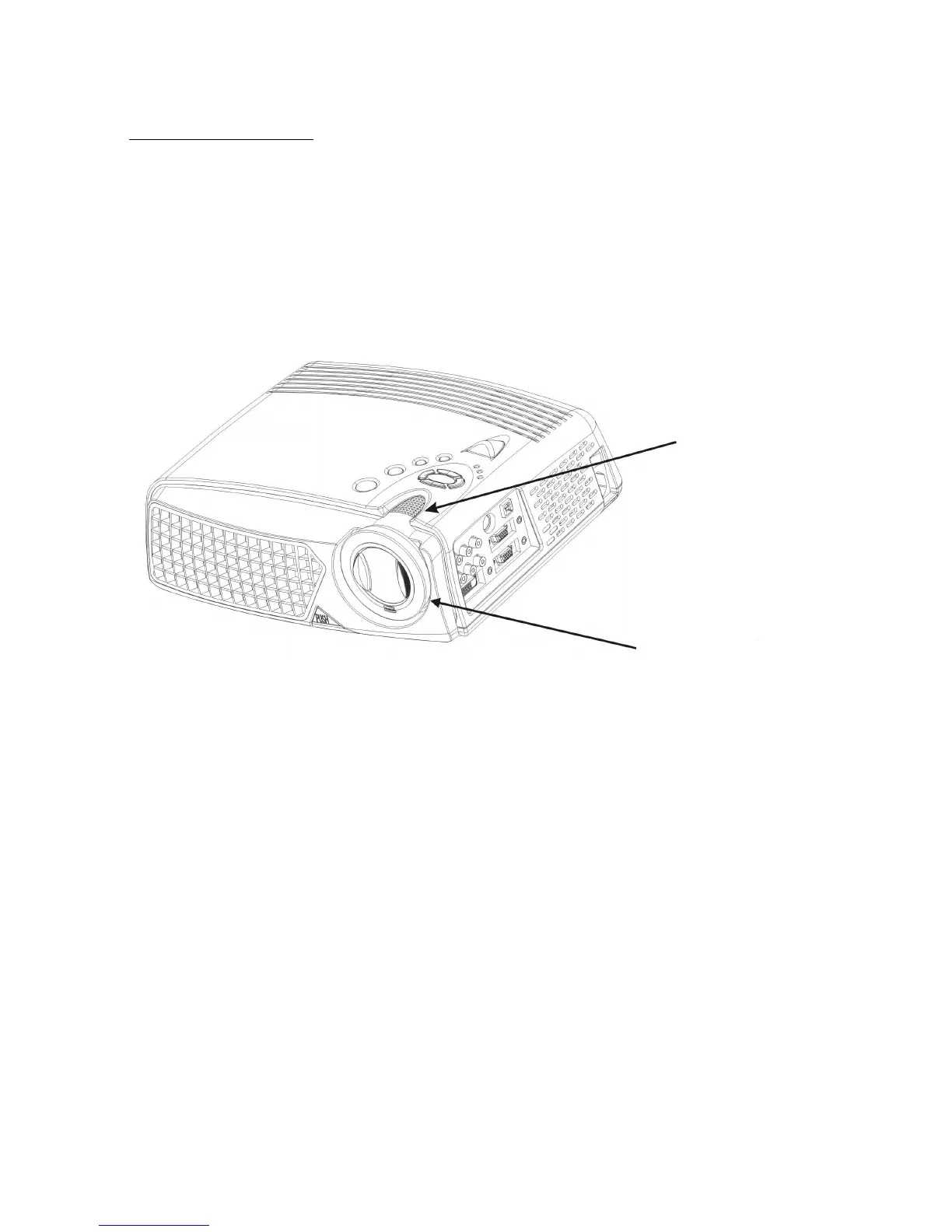
6.8 Adjusting the image focus and zoom
Adjust the zoom ring to enlarge or reduce the image size. Rotate counterclockwise
to enlarge the image. Rotate clockwise to reduce the image. To adjust the focus,
rotate the focus ring to obtain the best focus. The focus distance of this projector is
1.4~12 meter(3.9~39ft).
Zoom Wheel
Focus rin



 To Next Page