20
7.4 Display (Video mode)
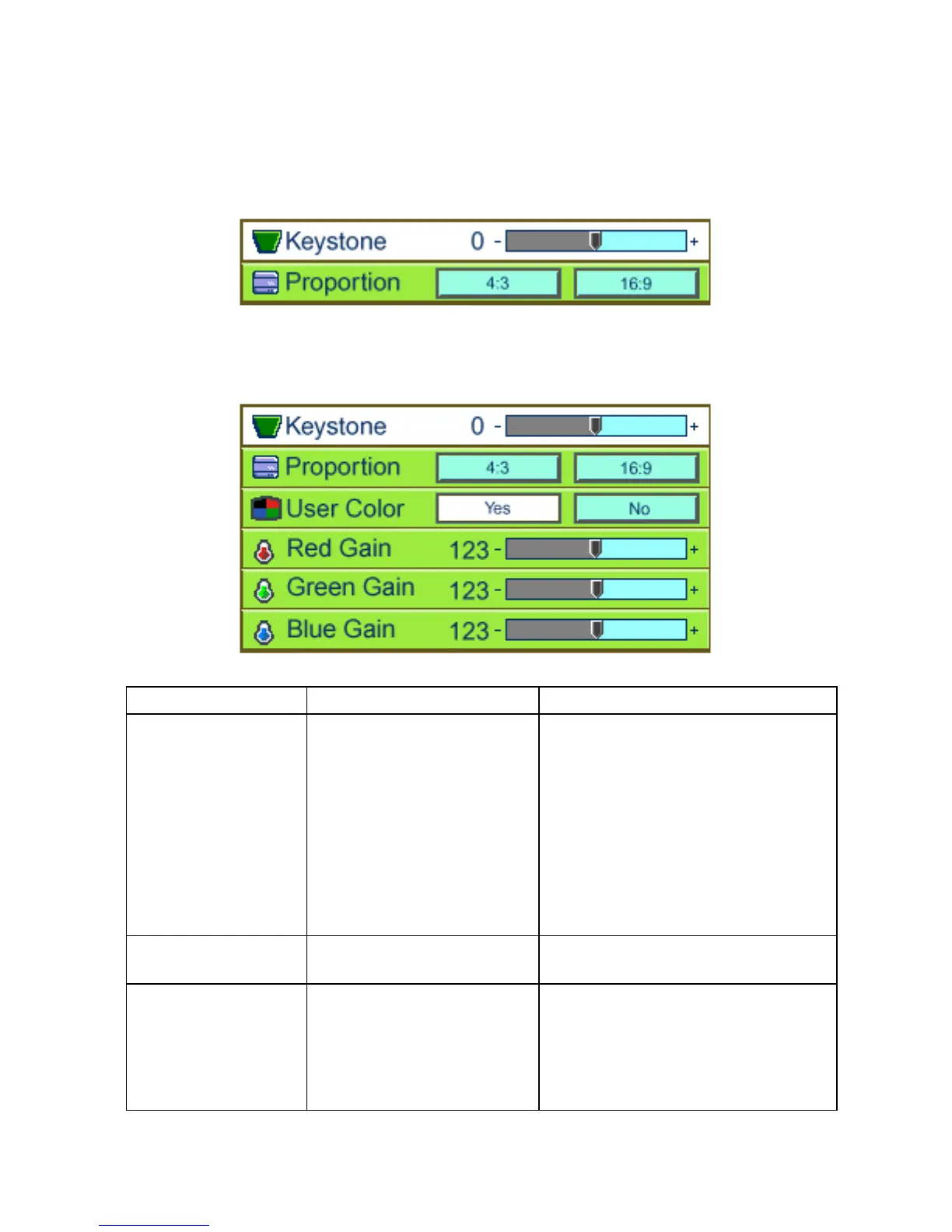
User Menu – Normal
User Menu –Advanced
Submenu options Description Operation method
Keystone
Corrects an image that is
wider at the top or at the
bottom.
•PressÅ to correct an image that
is wider at the bottom than the
top.
•PressÆ to correct an image that
is wider at the top than the
bottom.
(*)
Proportion
Switches between 4:3 and
16:9 screen ratios.
•Press Å Æ to change.
User Color
Activates individual red,
green, or blue color
correction controls.
•Choose Yes, and the user red,
user green, and user blue
adjustments are displayed.
•Choose No, the user adjustments
are hidden.



 To Next Page