23
7.6 Management
Submenu
options
Description Operation method
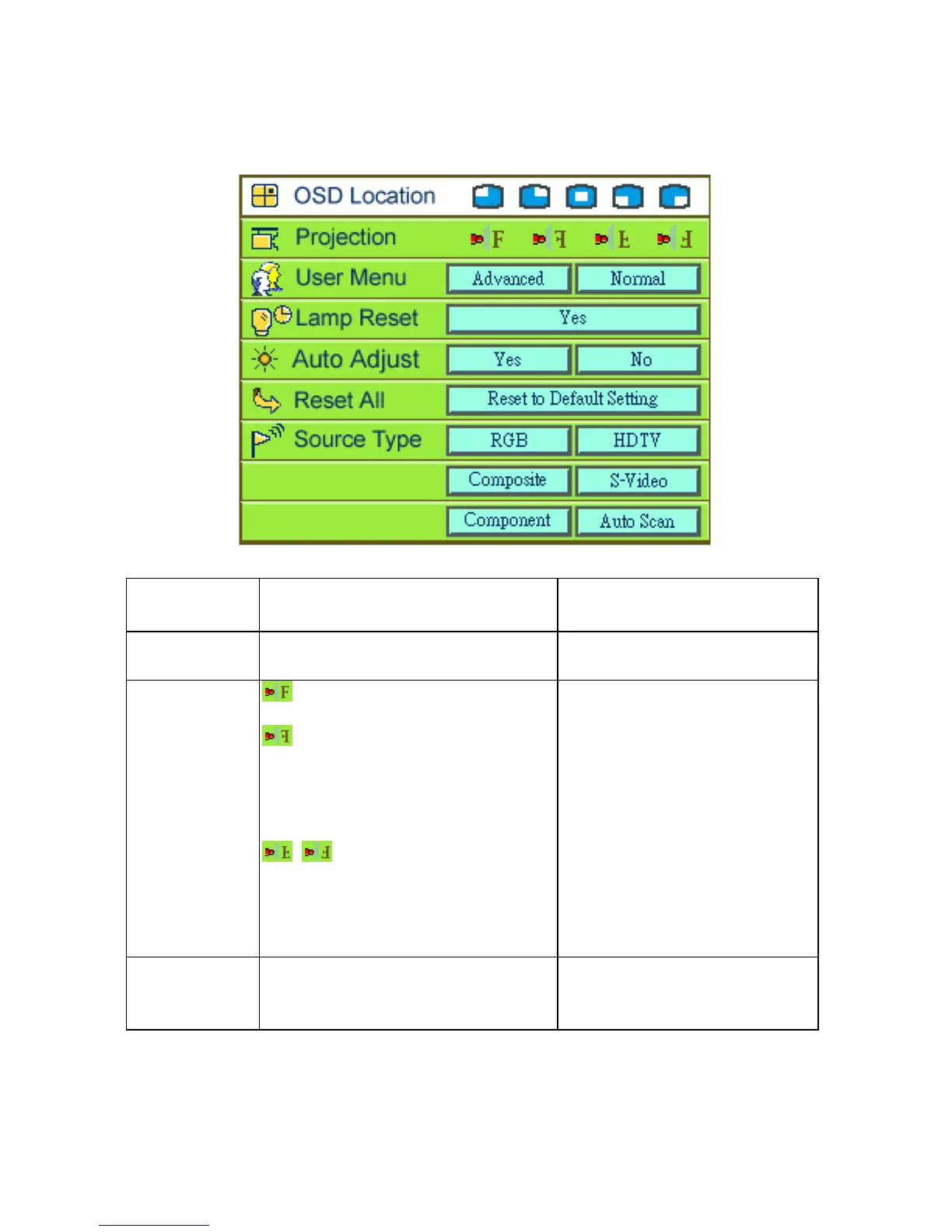
OSD location
Adjusts the position of the OSD
within the image.
•PressÅ Æ to select (*).
Projection
(Projector in front of the screen)
Default
(Projector behind the screen)
Flips the display image so it
can be viewed correctly when
the projector is set up for rear
screen projection.
(Projector ceiling-mounted)
Flips the display image so it
can be viewed correctly when
the projector is
ceiling-mounted.
•PressÅ Æ to select (*).
User Menu
There are two types of functions ,
Advanced and Normal, for users to
choose.
•PressÅ Æ to select (*).



 To Next Page