18
7.3 Display (Computer mode)
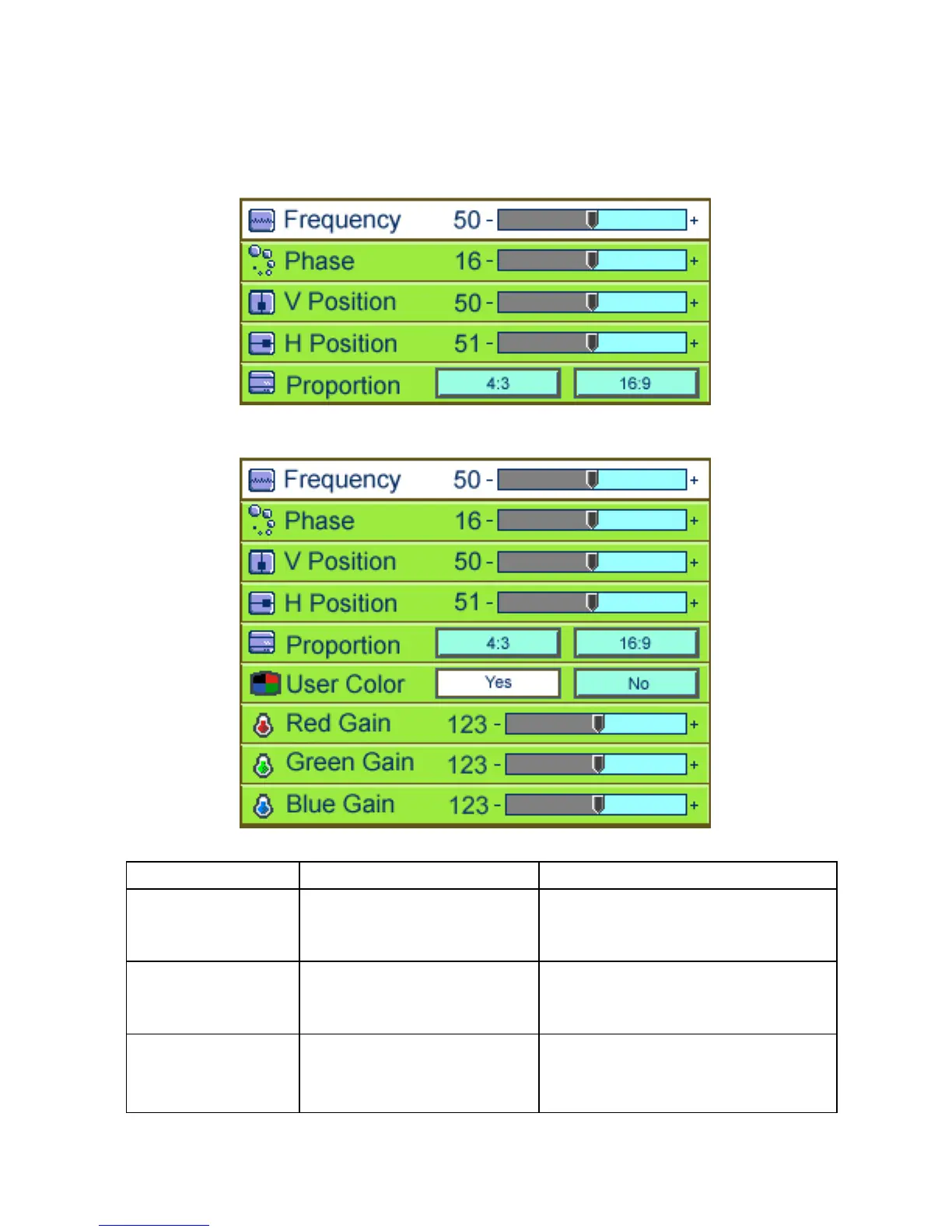
User Menu – Normal
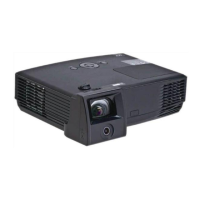
User Menu – Advanced
Submenu options Description Operation method
Frequency
Minimizes vertical bars or
stripes visible on the screen
background.
•PressÅ Æ to adjust (*).
Phase
Removes horizontal
distortion and clears or
sharpens characters.
•Press Å Æ to adjust(*).
V position
Adjusts the display image
position up and down.
•PressÅ to move the image down.
•PressÆ to move the image up.
(*)



 To Next Page