22
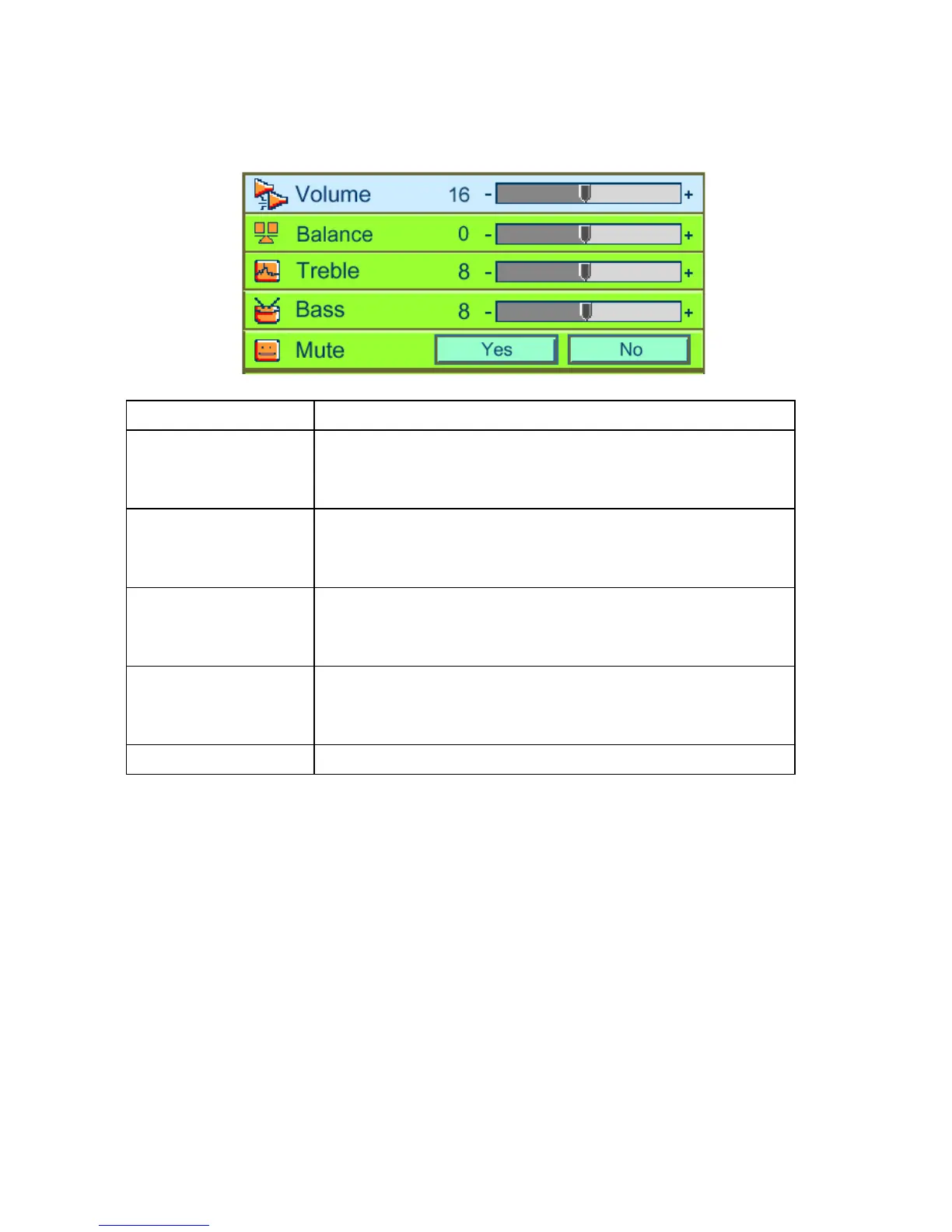
7.5 Audio
Submenu options Description or operation method
Volume
•PressÅ to decrease the volume.
•PressÆ to increase the volume.
(*)
Balance
•PressÅ to decrease the volume of the left speaker.
•PressÆ to increase the volume of the right speaker.
(*)
Treble
•PressÅ to decrease the treble
•PressÆ to increase the treble.
(*)
Bass
•PressÅ to weaken the bass.
•PressÆ to enhance the bass.
(*)
Mute
•Choose “Yes” to mute.
* Press “Auto” button to return to previous setting.



 To Next Page