17
7.2 Image (Video mode)
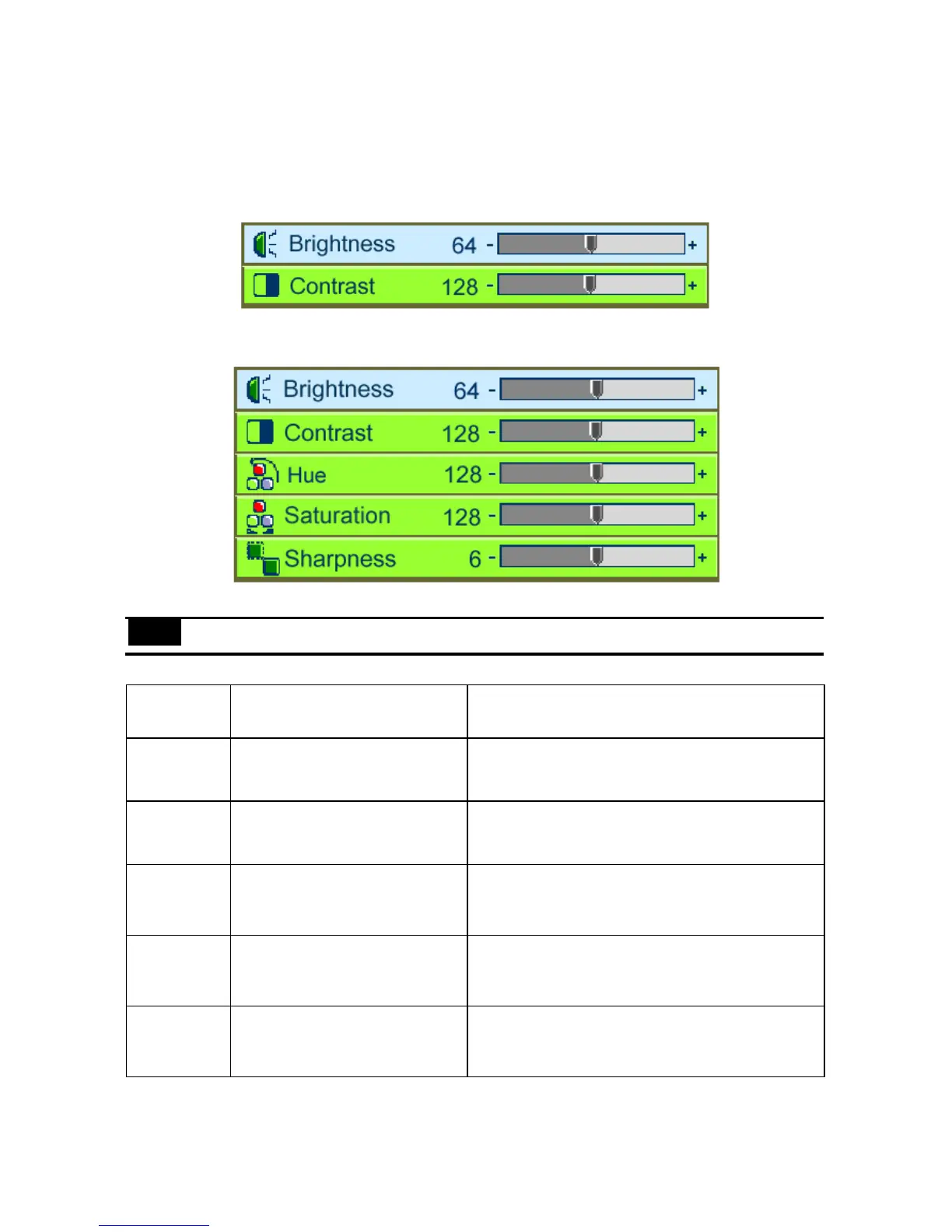
User Menu – Normal
User Menu –Advanced
Note: Advanced and Normal functions are set up in Management/User Menu (p.23).
Submenu
options
Description Operation method
Brightness
Adjusts the overall brightness of
the image
•PressÅto reduce the brightness of the image.
•PressÆ to increase the brightness of the image.
(*)
Contrast
Adjusts the contrast of the image.
•PressÅto reduce the contrast of the image.
•PressÆ to increase the contrast of the image.
(*)
Hue
Adjusts the balance between
red and green in the image.
•PressÅ to increase the amount of green.
•PressÆ to increase the amount of red.
(*)
Saturation
Changes the image from black
and white to color.
•PressÅ to reduce the color saturation.
•PressÆ to increase the color saturation level.
(*)
Sharpness
Adjusts the sharpness of the
image.
•PressÅto make the image softer.
•PressÆto make the image sharper.
(*)
* Press “Auto” to return the setting to the previous value.



 To Next Page