9
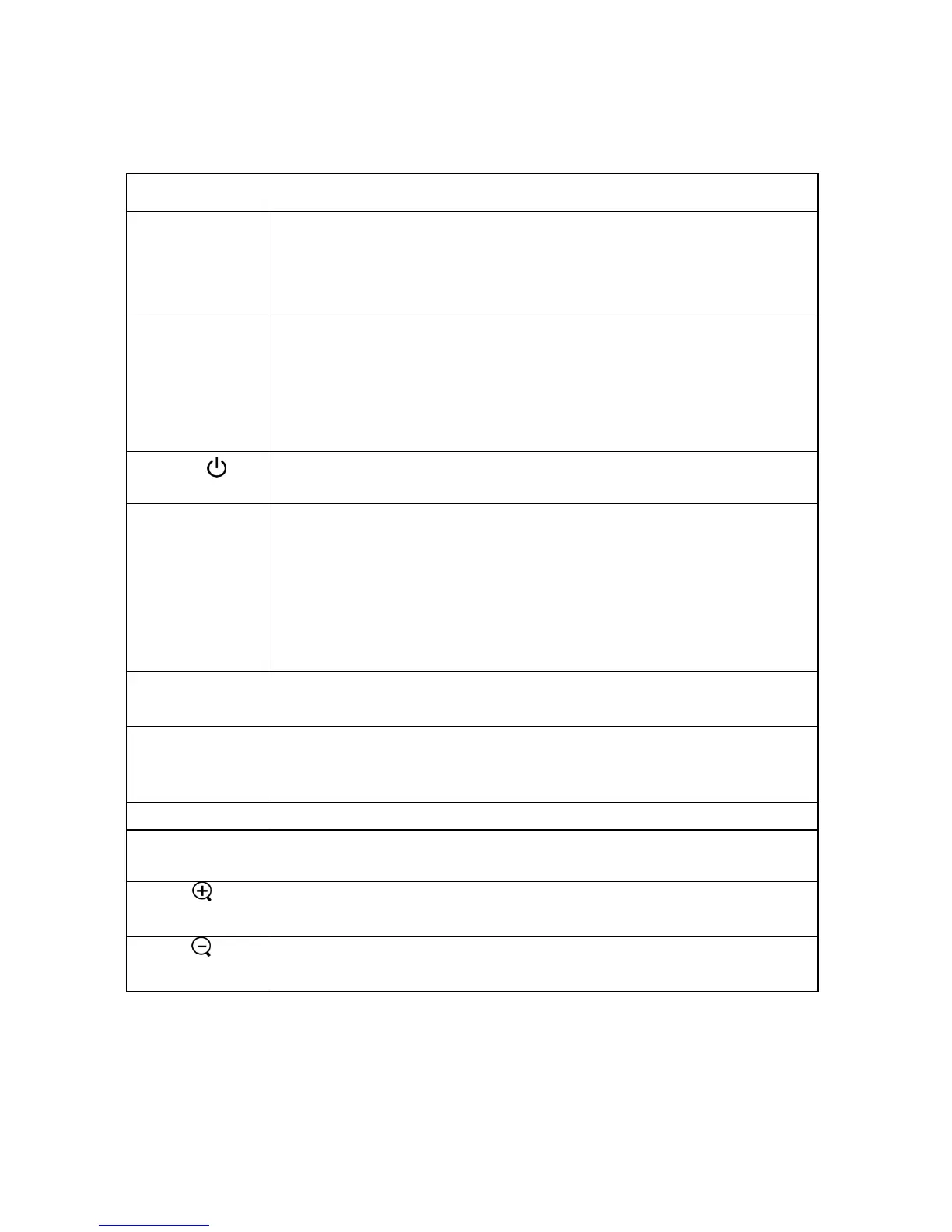
5.2 Remote Control Functions:
Function key Function description
Freeze/Esc/L
•OSD inactive: freezes the image. Press again to exit freeze
mode.
•OSD active: exits the selected function.
•Mouse mode: Use as the left mouse button.
Enter/R
•When using the OSD menu, this button is used to select menu
functions.
•When the OSD menu is not displayed, this button activates the
Sync function.
•Mouse mode: Use as the right mouse button.
Power
•Turns the projector on and off. Refer to “Turning on and turning
off the projector” on page 13.
Mode
• Toggles the remote between mouse and normal modes.
When the Mode LED is green, the remote control is in
mouse mode and will control the computer mouse functions.
• If no buttons are pressed for 15 sec, the remote control will
return to normal mode automatically.
" You must have a USB cable connected between your
computer and the projector to use this option.
Menu
••Displays or hides the OSD menu.
•The OSD menu closes automatically after 20 sec of inactivity.
Source
•Steps through the input sources in the following order: Analog
RGB, Analog Y Pb Pr, Digital RGB, Composite Video,
S-Video and Component Video.
Blank
•Displays a blank, blue screen.
Auto
•Automatically adjusts the picture position and frequency
settings to match the current input.
Pg.Up
•Enlarge the current image (zoom in)*.
•Mouse mode: Sends a Page Up command to the computer.
Pg.Dn
•Reduce the current image (zoom out)*.
•Mouse active: Sends a Page Down command to the computer.



 To Next Page