18
GB
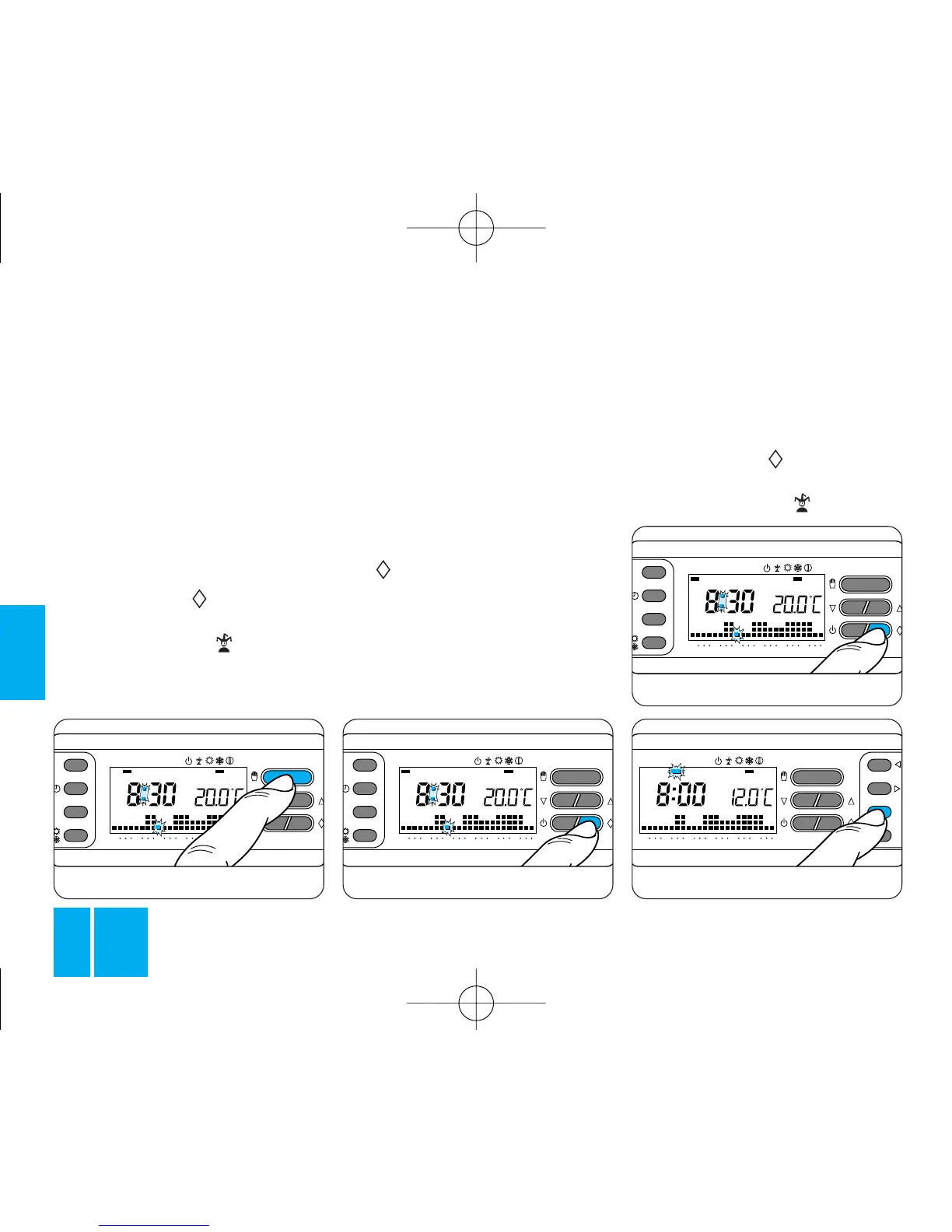
9.6 - Make sure that the thermo-
stat is in AUTOMATIC mode.
9.7 - Using the 1÷7 button, bring
the indicator into line with the day
you need, figure 47.
9.8 - Press the button, figure
48.
The bar under the symbol is
T3
T2
T1
ON
048121620
0
23
1
7
C
12
3
4
56
7
Fig. 45
the rest of the day, or it can be boo-
ked in advance for any day of the
week.
The program stored in the thermo-
stat’s permanent memory is the
same as the Sunday (7) program,
but it can be personalized.
To access this program for the cur-
rent day, proceed as follows:
9.1 - Make sure that the thermo-
stat is in AUTOMATIC mode.
9.2 - Press the button, figure
45.
The bar under the symbol is
enabled to confirm that the WILD
CARD program has been selected.
Fig. 44
9.3 - Proceed with personalizing
the program as required as descri-
bed in paragraphs 6, 7 and 8
(steps 8.2, 8.5 and 8.6 do not
apply in this case).
At midnight, THERMOPROGRAM
returns to automatic mode.
9.4 - To abandon the WILD CARD
program and restore the thermo-
stat to AUTOMATIC mode, press
the button again, figure 46.
If you want to book the WILD
CARD program for another day,
proceed as follows:
9.5 - Open the front panel on the
thermostat.
TH/400.01 ITF 2407-9122 04.06 3-05-2006 15:56 Pagina 18



 To Next Page