22
GB
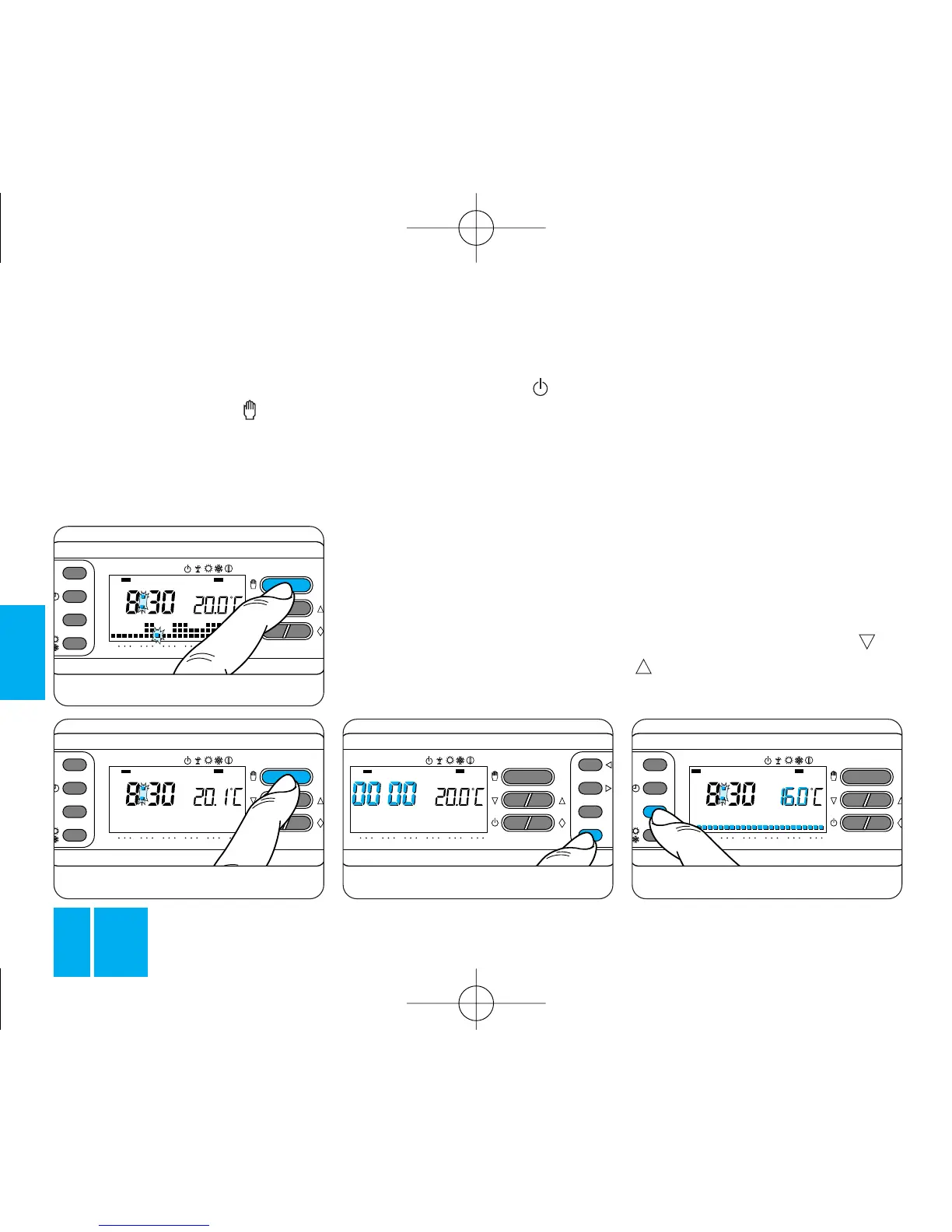
assigned to T1 is indicated instead
of the room temperature.
12.3 - Press button T again, figure
64, to view the value of the next
temperature level.
12.4 - After viewing the tempera-
ture level assigned to T3, press
button T to end the procedure.
12.5 - Close the front panel on the
thermostat.
NOTE. The same result can be
achieved as follows: first make sure
that the thermostat is in AUTOMA-
TIC mode. If you press the or
button, the display shows the
temperature values assigned to the
count of the plant running times.
11.1 - To check this value, bring
the thermostat into MANUAL
mode by pressing the button,
figure 61, open the front panel on
the thermostat and then press the
C button, figure 62.
For 5 s, the display indicates the
Fig. 63
number of plant running hours.
To zero the counter and begin a
new count, press the button
while the digits are visible.
11.2 - Close the front panel on the
thermostat.
12 - VIEWING THE
TEMPERATURE
LEVEL VALUES
12.1 - Open the front panel on the
thermostat.
12.2 - Press button T, figure 63.
The display shows the temperature
band for T1 and the temperature



 To Next Page