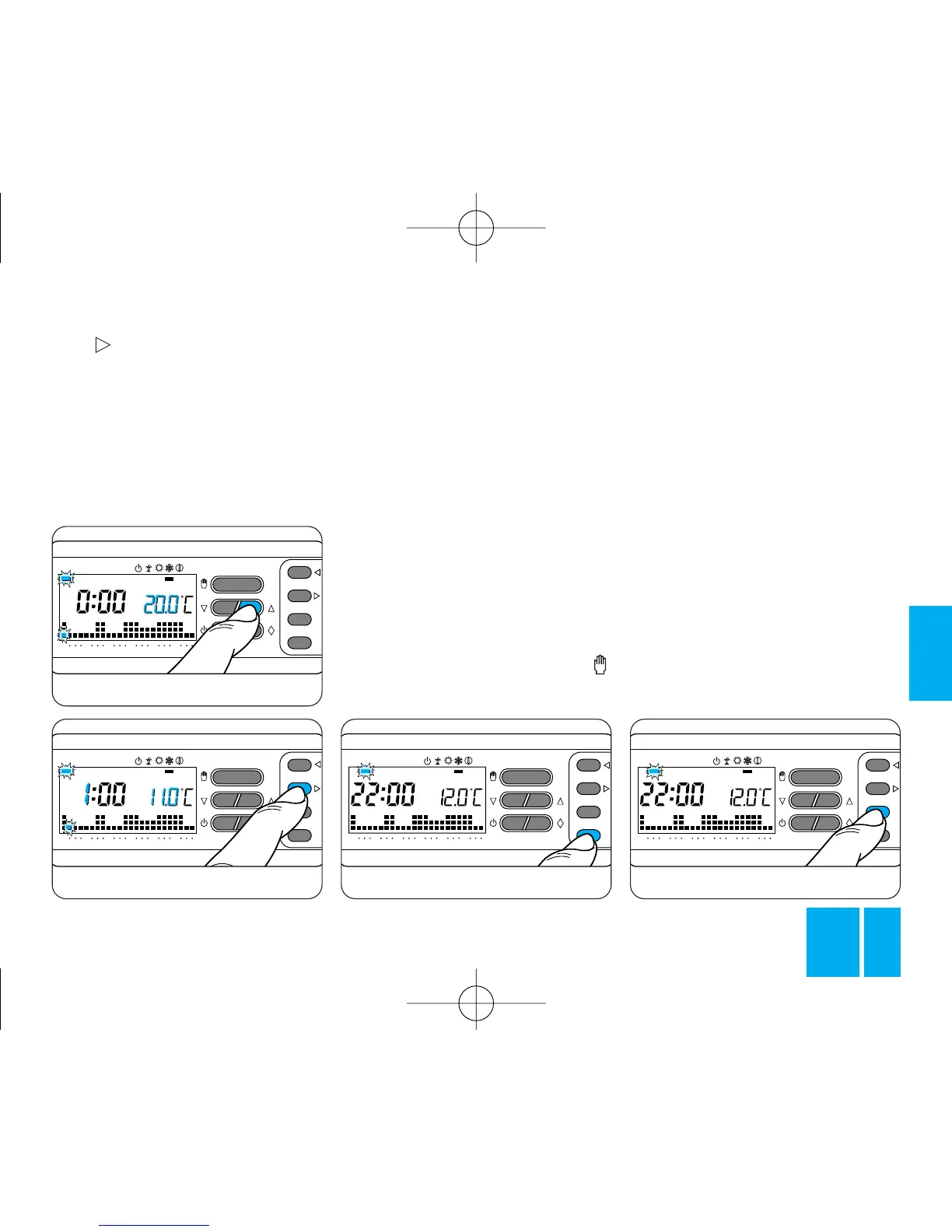
Fig. 40
Fig. 41
remainder of the week, you want to
maintain the same program, press
the C button, figure 42, to automa-
tically copy the program for the
days progressively indicated by the
corresponding bar.
8.6 - To program the subsequent
days differently, move to the next
day by means of the 1÷7 button
and repeat the same procedure as
described in step 8.4, figure 43.
8.7 - Having completed the pro-
gramming sequence, you can
return immediately to the current
day and time by pressing the
button; otherwise, the thermostat
0÷23 button to move on to the
next hour and select the required
temperature, figure 41. Proceed in
this way until you reach 23.00
hours. This completes the pro-
gram for Monday.
8.5 - If, for the next day or for the
returns automatically to normal
after an interval of 10 s from the
last action you take, figure 44.
All programming operations can
be performed at any time, at will.
8.8 - Close the front panel on the
thermostat.
9 - WILD CARD PROGRAM
The thermostat is also provided
with a WILD CARD program (for
use, for instance, during mid-week
breaks, holidays, plant repairs,
etc.) which can be enabled at any
time of day and remain enabled for



 To Next Page