GB
19
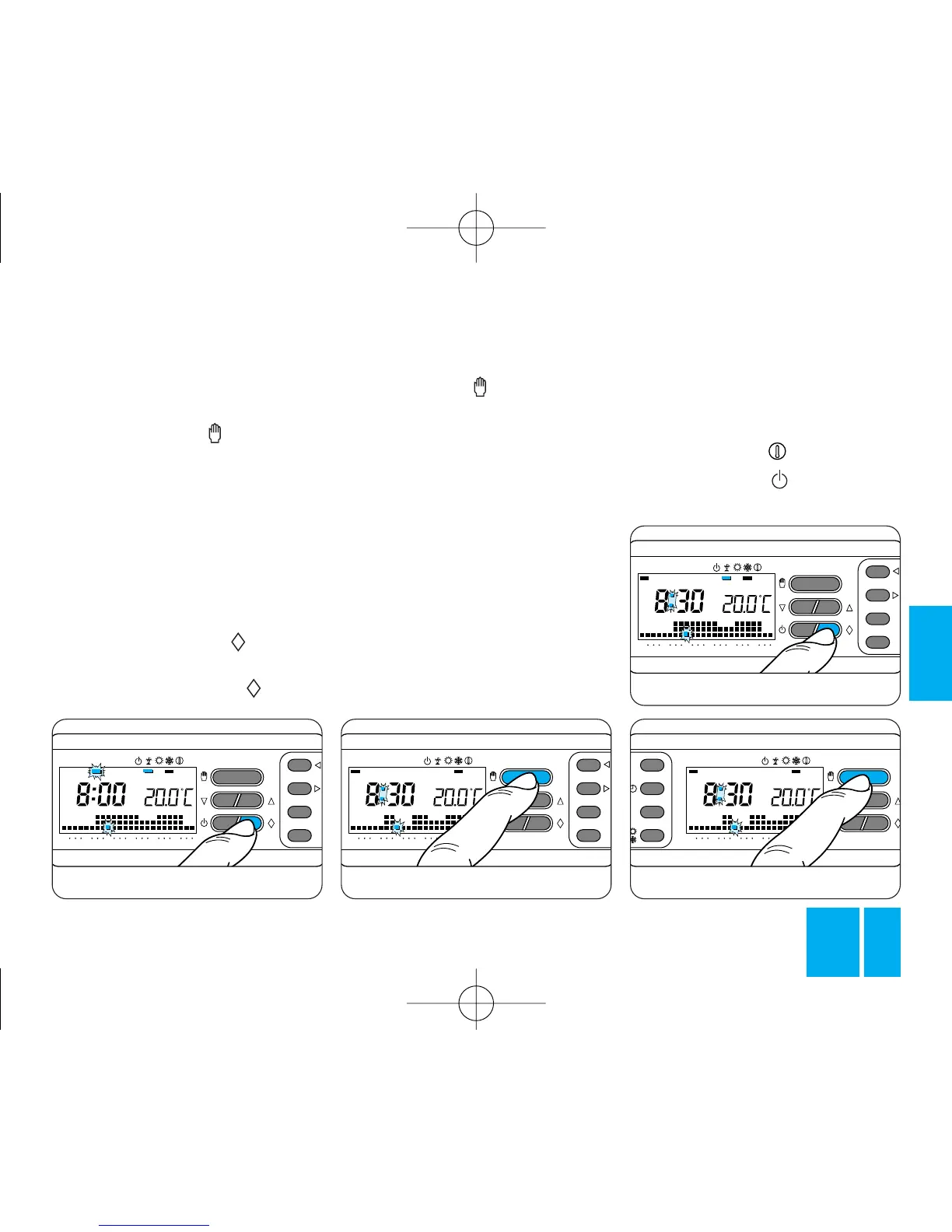
twice, figure 50. To return to
AUTOMATIC mode and the current
day, press the button, figure
51.
However, the thermostat returns
automatically to normal after an
interval of 10 s from the last action
you take.
The WILD CARD program cuts out
at the end of the day.
9.11 - Close the front panel on the
thermostat.
T3
T2
T1
ON
048121620
0
23
1
7
C
12
3
4
56
7
T3
T2
T1
ON
048121620
0
23
1
7
C
12
3
4
56
7
T3
T2
T1
ON
048121620
0
23
1
7
C
12
3
4
56
7
Fig. 49
enabled to confirm that the pro-
gram concerns this particular day.
9.9 - Proceed with personalizing
the program as required.
9.10 - Press the button to
restore the thermostat to AUTO-
MATIC mode, figure 49.
The program will automatically
come on at 0.00 hours of the
selected day.
You can cancel a booking by retur-
ning the indicator to the day con-
cerned by means of the 1÷7 button
and then pressing the button.
Alternatively, you can cancel the
setting by pressing the button
T3
T2
T1
ON
048121620
R
T
12
3
4
56
7
Fig. 51
10 - ANTIFREEZE FUNCTION
If it proves necessary in winter to
maintain a safe minimum tempera-
ture while away, use the ANTI-
FREEZE function .
10.1 - Press the button once,
figure 52.
TH/400.01 ITF 2407-9122 04.06 3-05-2006 15:56 Pagina 19



 To Next Page