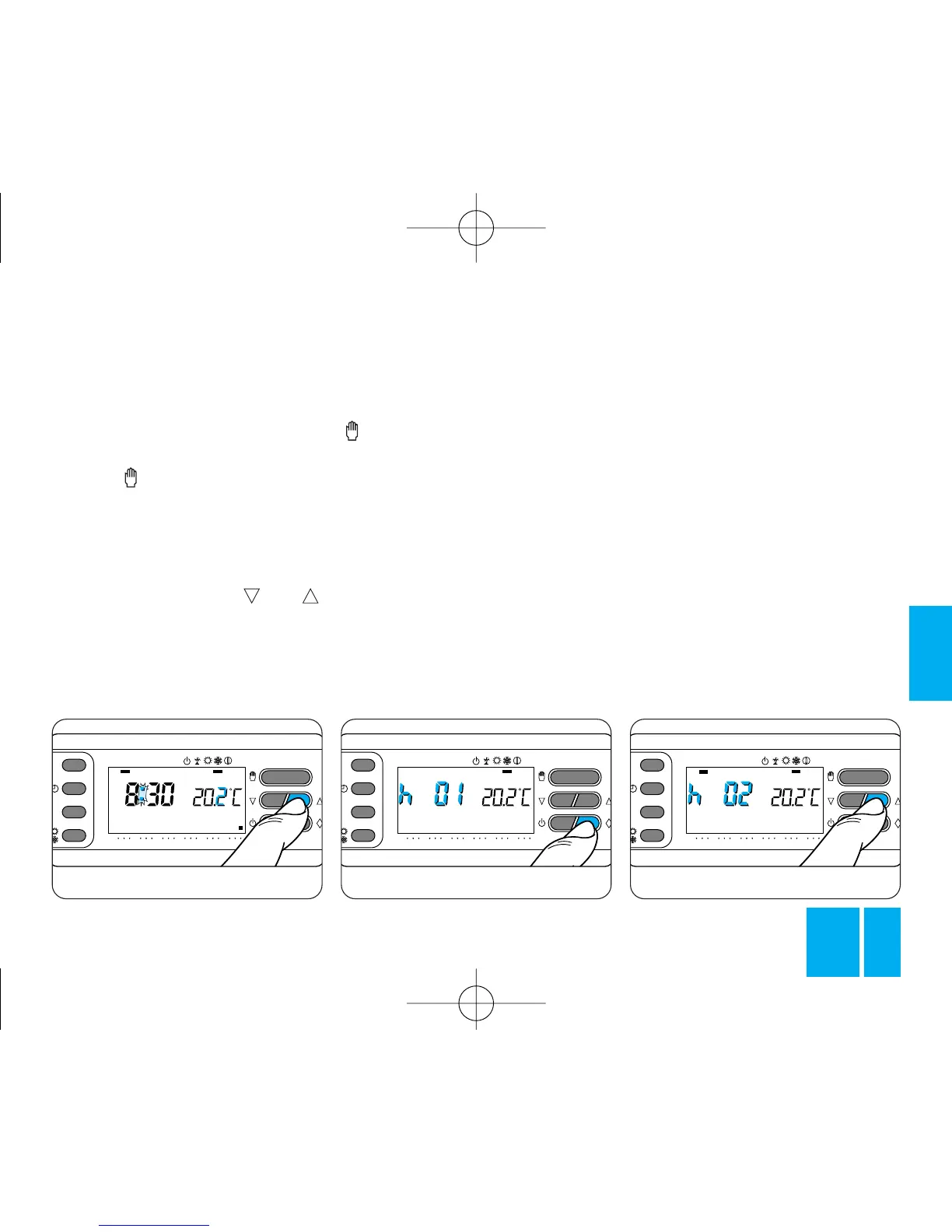
Fig. 27
ral hours or days (e.g., to keep a
comfortable temperature for lon-
ger when visitors arrive, or to eco-
nomize while away for lengthy
periods).
Once you have set the required
time, the counter begins a count-
down, at the end of which the ther-
mostat switches from MANUAL to
AUTOMATIC mode, running the
system according to the pre-set
program.
Programming in hours
5.1 - Make sure that you are in
MANUAL mode.
5 - MANUAL OPERATION
If you temporarily want a different
temperature without interfering
with the program settings, you can
switch to MANUAL mode by pres-
sing the button, figure 26.
The program graph on the display
is canceled and the temperature
reading refers to the previously-set
temperature, which can be varied
at will by means of the or
button (the thermostat is despat-
ched with a default temperature
value of 20 °C), figure 27.
After about 5 s since the last ope-
ration, the display returns to indi-
cating the room temperature.
You can check the temperature
setting at any time by pressing the
button twice.
In MANUAL mode, you can select
any temperature between 2 °C and
35 °C and this will be kept constant
until you input a new setting or
change to another operating mode.
TIMER-CONTROLLED
MANUAL OPERATION
The TIMER-CONTROLLED MANU-
AL mode is suitable for use if you
want to set a temperature for seve-



 To Next Page