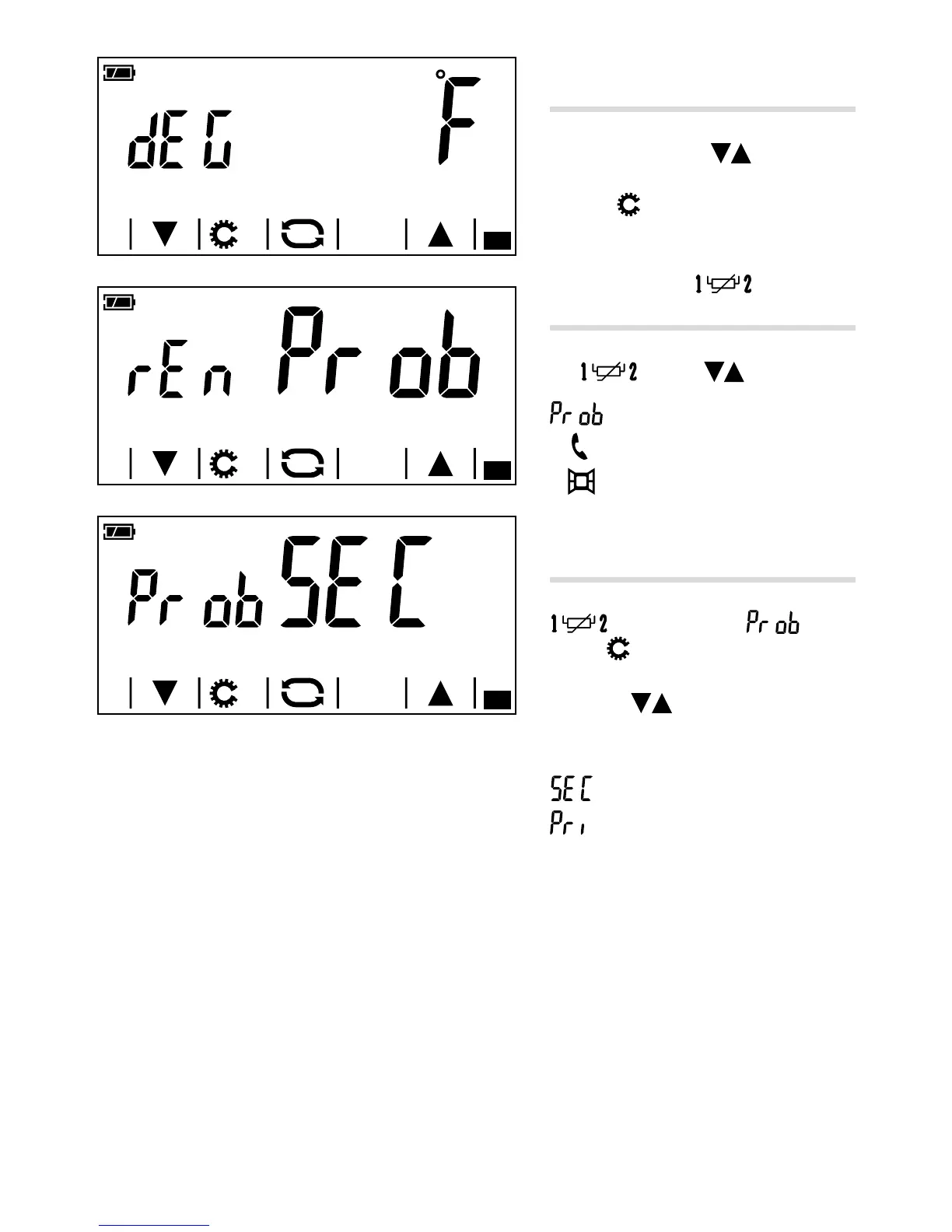
Setting the unit of measurement
for the temperature
Choose the unit of measurement for the
temperature using the
arrows A.
Press the
button to move on to the next
parameter to be congured.
Use of terminals
(only on battery-powered model)
Choose the function associated with the termi-
nals using the arrows B from:
= compatible remote probe
= telephone contact
= window contact
Choice of main probe
(only on battery-powered model)
If you have chosen to connect to the terminals
an external probe ( ), press-
ing the button will make the screen in
gure C appear.
Using the
arrows you can choose
the function that the external probe must
carry out:
= Secondary probe
= Main probe
Note. If the external probe is set as the main probe, the temperature it detects is shown on the display and
used as a reference for the operation of the heating/cooling system. The temperature detected by the device's
internal probe cannot be seen on the display.



 To Next Page