Manual for BL-819, BL-830, BL-875
V6.1
© Copyright Brainboxes Ltd Page 5 of 40
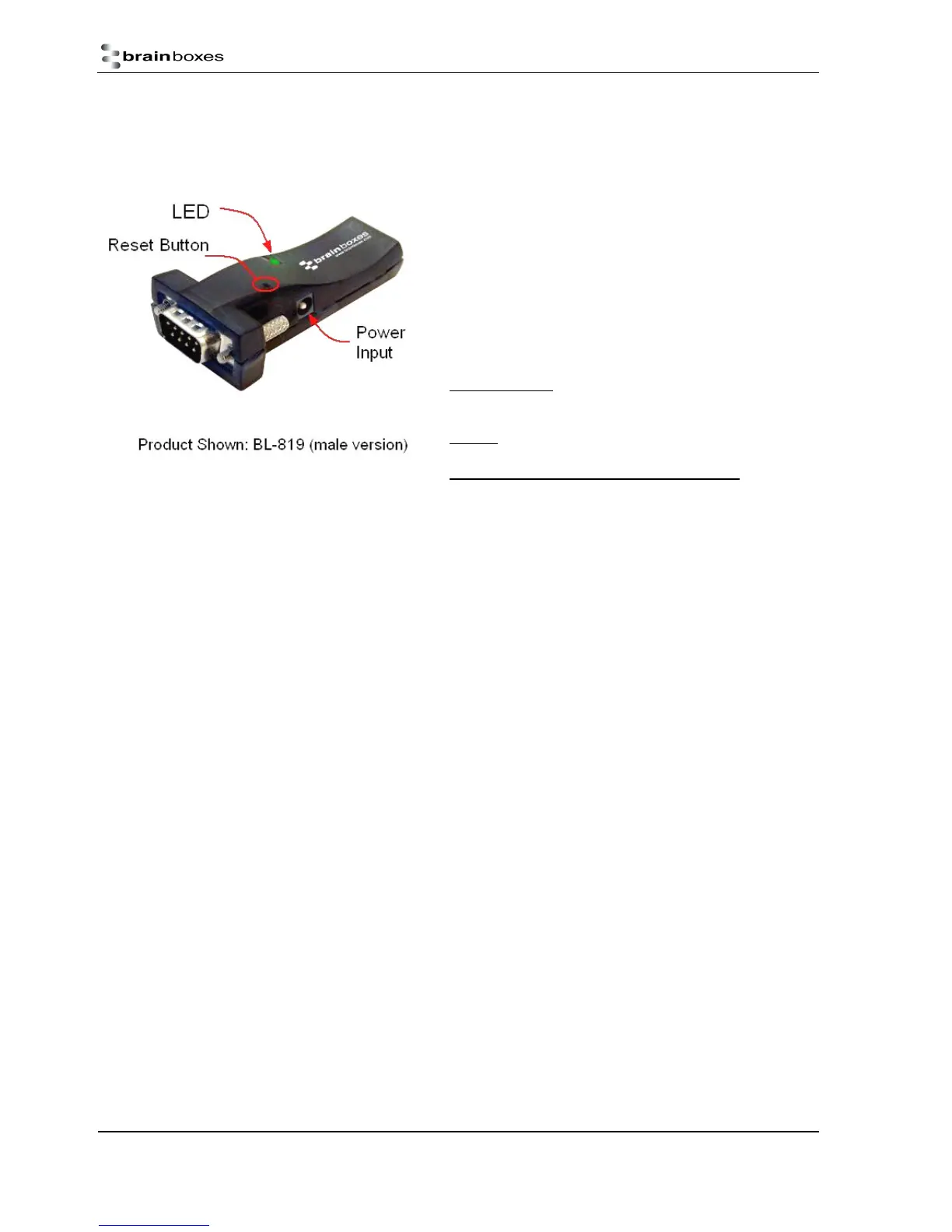
Physical Product Features
1.3. BL-819 / 830
Reset button
See section 6 for more details on how to use the reset button.
LED
The Green LED on the top of the device indicates the current device
status. There are 2 states that the light will indicate;
Permanently On – The device has power but no Bluetooth
Connection
Flashing – The device has power and has a Bluetooth Connection
On when power is applied, then permanently off – This occurs when
the device is in Upgrade mode.
1.4. Comparison of BL-819 and BL-830 Features
The BL-819 and BL-830 adapters share almost identical features, with the only difference being the gender of the adapter. The
BL-819 is 9-pin male (DTE) with the BL-830 being female (DCE).
The main anticipated use of BL-819 is to be connected to a DCE device that would normally plug into the back of a PC. If you
wish to use BL-819 as a DCE device (e.g. to plug into the back of a PC or similar for configuration) you will need to use the
provided gender changer.
The BL-830 is supplied with a DCE connector (female). This device will plug into any serial port on a PC or Laptop.
1.5. BL- 819 / 830 Power Options
The BL-819 & BL-830 also carry the ability to be powered through Pin 9 by a suitable serial port. This negates the need for an
external power source. Brainboxes offer two serial cards, which can perform this function for the BL-830, UP-189 and UP-200.
For information of the power requirements of your RS-232 Bluetooth Adapter, please see the Input Voltage Requirements in
the Technical Specification Section.



 To Next Page