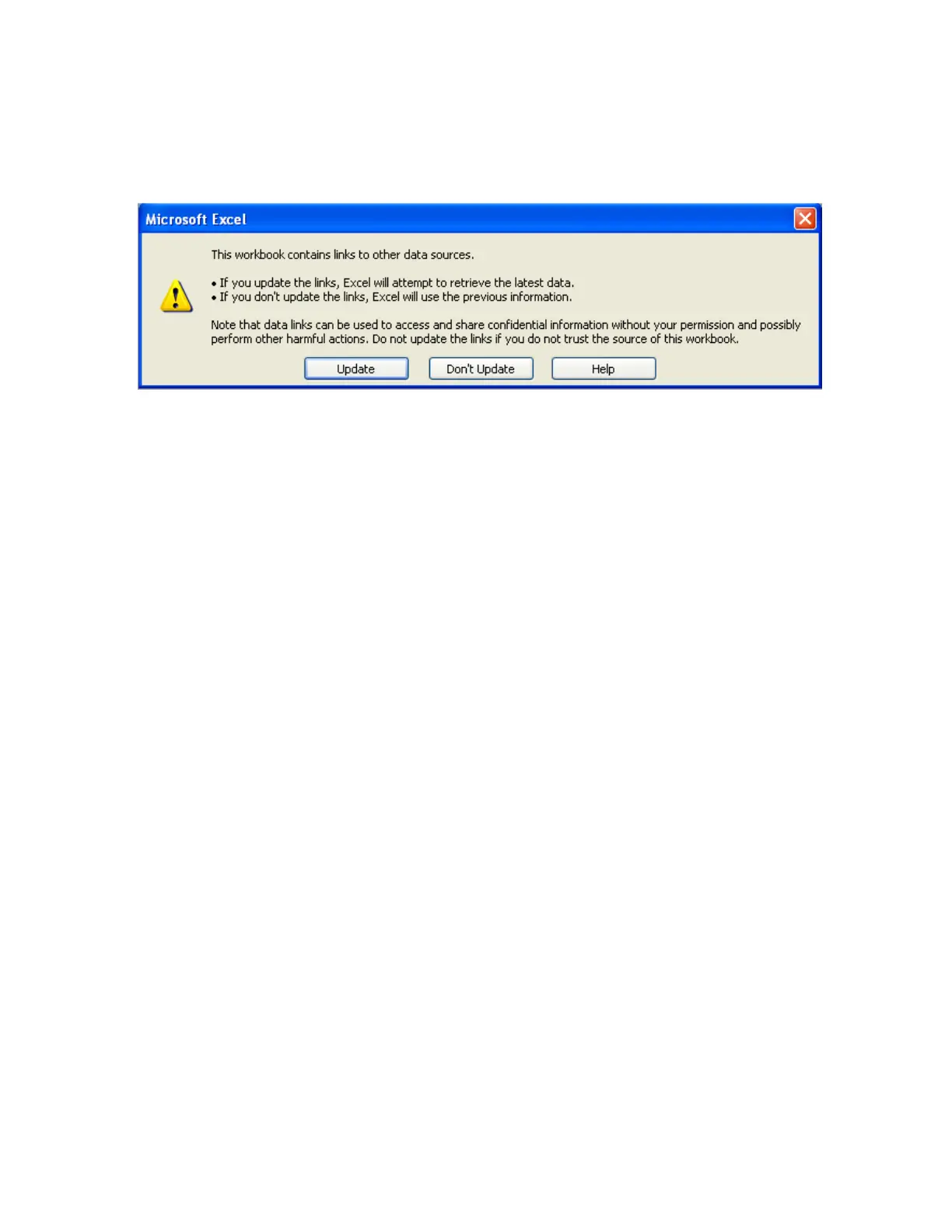
If the MS Office is not installed in the PC, then you cannot open the excel file created as above procedure.
Please contact your system administrator to install MS office software in the PC.
Now try to open the file from the desktop created for using DDE application with the recorder through
Observer software.
Click on update to activate DDE between Observer software and Excel application. If the DDE is
successful, then real time data of the pens should be updated in excel file as shown in sample screen.
DDE expression format to get real time data from the Observer software is as follows.
=RealTime_Viewer|TagService!_AI1
Application = RealTime_Viewer
Topic = TagService
Tag name = AI1
Please note that every tag name will have underscore after “!” character. It is possible to exchange data
related to AI, DI, DO, Counters and Totalizers between Observer software and third party applications
running under windows operating systems visa DDE.



 To Next Page