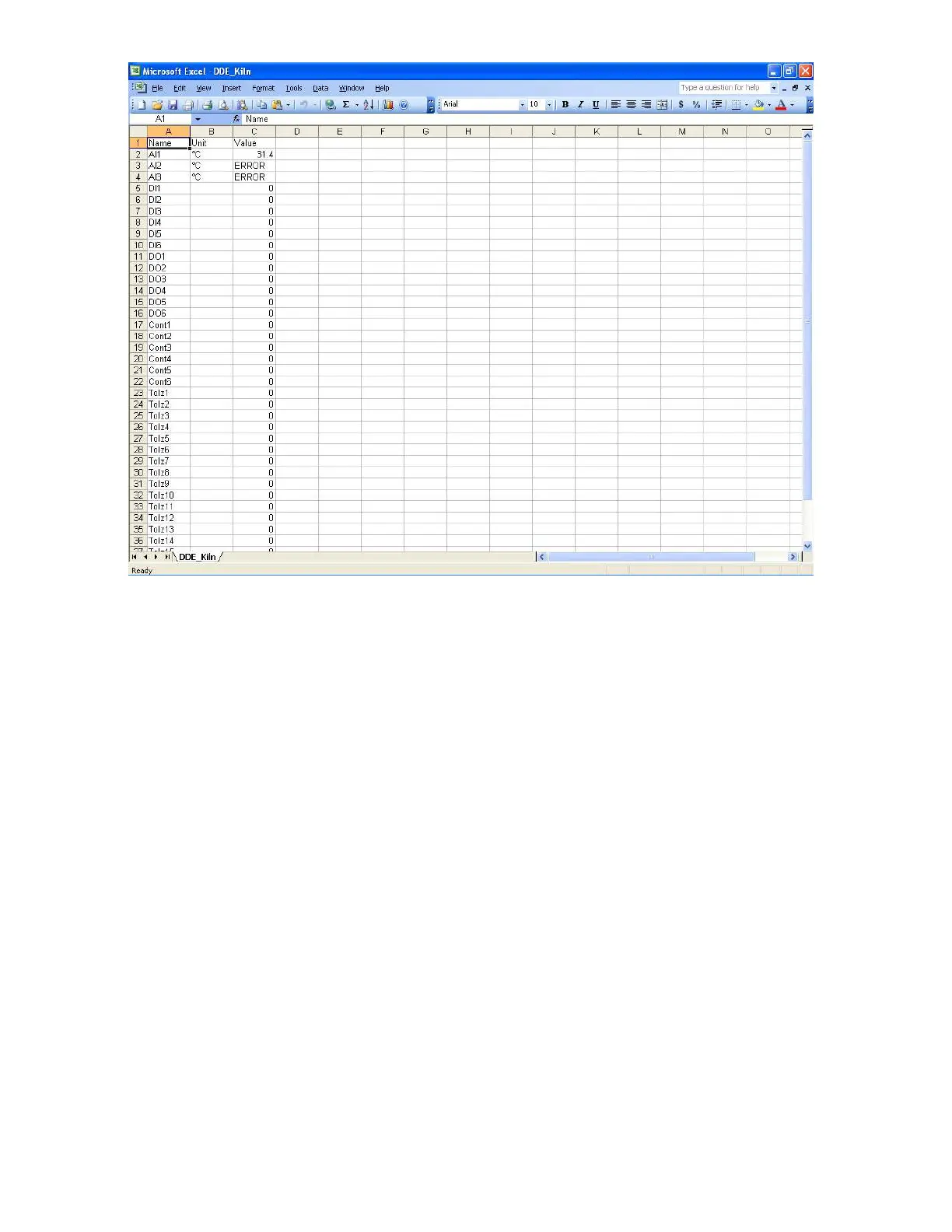
If any “Error” test appears in any cell of Excel, possible reasons is no data available at selected tag. Check
the data availability at the recorder and Observer software for a particular tag.
If any “NAME” text appears in the Excel file, it indicates that particular tag is not configured properly.
Tag name may not available in Observer software. If this happens, check the valid tag names in Observer
software at the following link
Real time viewer - Display – configuration data
Note: If Excel file is not opening from the selected path, then check the following
1. RAM size in the PC is very little. Restart the computer and then create the DDE link
once again and open the Excel file.
2. Increase virtual memory in the PC. Please contact system administrator to check the
virtual memory settings in the PC in following steps.
My computer-properties-advanced-performance settings –advanced-virtual memory.



 To Next Page